 Niverly Team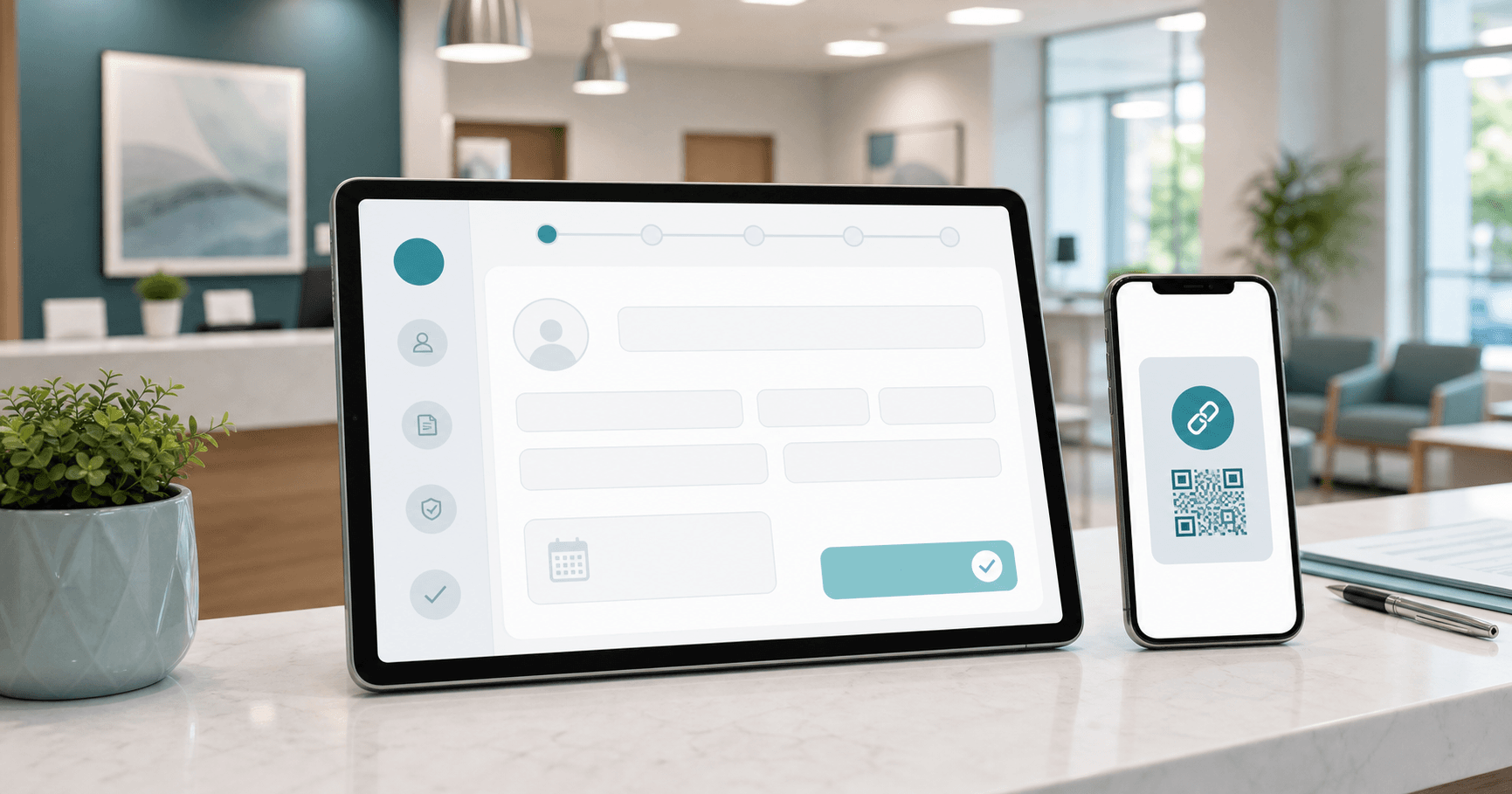
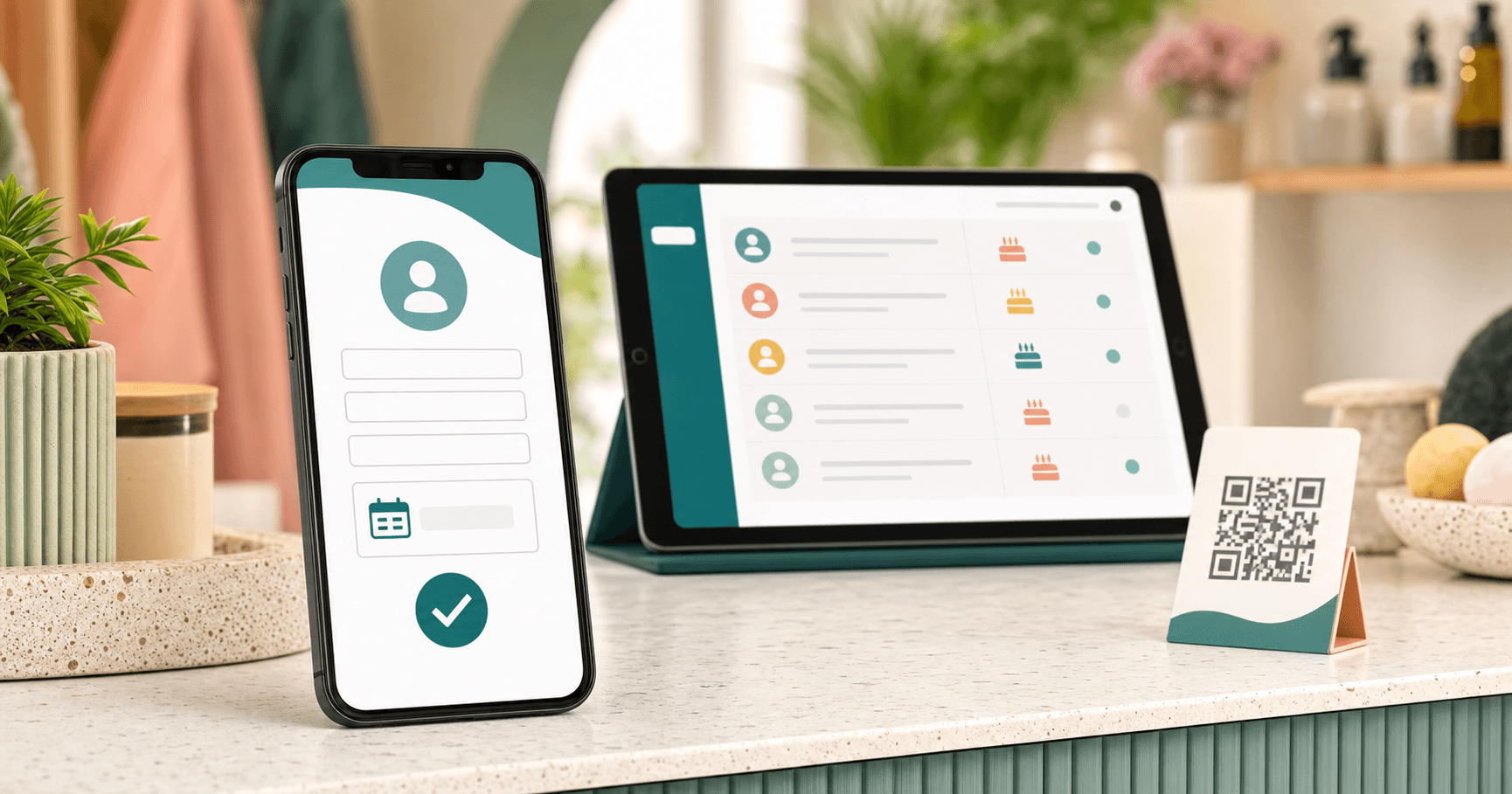
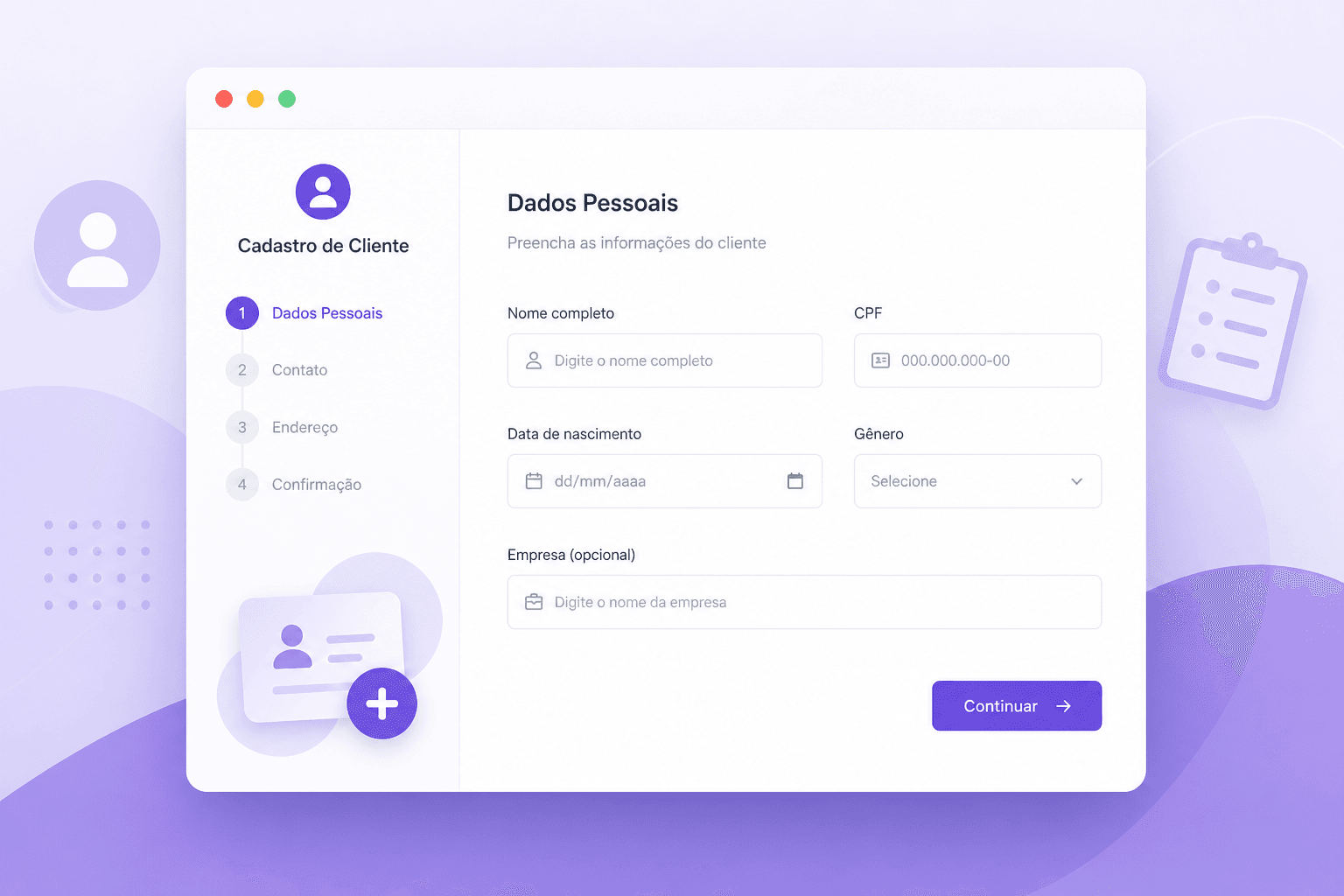
A patient registration system with one link lets patients enter their name, birth date, email and phone from their own phone before an appointment. For clinics and healthcare professionals, this reduces paperwork and organizes birthdays without manual typing.
Niverly supports this workflow with a personalized public link. You share the link with patients, they register themselves and the data enters your account for reminders, relationship management and birthday messages.
Why traditional patient registration wastes time
Paper forms, loose WhatsApp messages and manual spreadsheets create three problems: typing errors, incomplete data and difficulty using the information later.
When the birth date stays buried in a physical form or old record, it does not become relationship. The patient has a birthday and the clinic misses a simple contact opportunity.
How a one-link patient form works
The one link is a URL that represents your clinic, office or professional profile. You send it before appointments, add it to Instagram, place it in WhatsApp Business or turn it into a QR Code at reception.
Essential fields
- Full name
- Birth date
- Phone
- City or optional note
- Consent for communication
After submission, the data is organized in the system. Your team does not need to transcribe forms, open spreadsheets or search old conversations.
Examples for healthcare professionals
Dentists
Use the link in appointment reminders. Besides confirming basic details, you create a base for birthday greetings and follow-up relationship.
Psychologists
The link can discreetly organize basic data and important dates while keeping communication professional and respectful.
Nutritionists and physical therapists
Recurring patients benefit from ongoing relationship. Remembering birthdays helps you stay present between sessions and treatment plans.
Comparison: Niverly vs Paper Form vs Google Forms
| Feature | Niverly | Paper form | Google Forms |
|---|---|---|---|
| Personalized public link | ✅ Yes | ❌ No | ⚠️ Generic |
| Automatic birthday organization | ✅ Yes | ❌ No | ❌ Not native |
| Email and Telegram reminders | ✅ Yes | ❌ No | ❌ No |
| Automatic birthday messages | ✅ Yes, on paid plans | ❌ No | ❌ No |
| Relationship-ready database | ✅ Yes | ❌ No | ⚠️ Requires spreadsheet |
| Price for full features | From R$19.90/month | Hidden time cost | May require extra tools |
Niverly's advantage: registration is already connected to relationship. The patient fills the form once and you gain a useful base for dates, groups and communication.
Checklist: Create Your Link in 10 Minutes
- Define the professional name that will appear on the link
- Write a short message explaining the registration
- Activate essential fields such as name, birthday and email
- Test the link on mobile as if you were a patient
- Send the link before appointments or add it to WhatsApp Business
- Review new registrations and fix incomplete records
Important precautions
Patient data requires trust. Ask only for necessary information, explain why you collect it and keep a professional tone. The link does not replace medical records; it organizes relationship data, birthdays and basic contact information.
- Less paperwork: patients fill the form from their phones
- More organization: data enters your base ready to use
- More relationship: birthdays become reminders and automatic messages
For small clinics and independent professionals, Niverly is a simple way to move from scattered forms to organized relationship management.
Frequently Asked Questions
What is a patient registration system with one link?
It is a platform that generates one link for patients to enter basic information from their phones. Instead of paper forms or scattered messages, the data enters an organized base that supports reminders, birthdays and professional communication. This reduces reception rework.
Does Niverly replace medical records software?
No. Niverly is not medical records software. It organizes relationship data such as name, birthday, email and groups. For clinical notes, health documents and regulated medical records, use a dedicated solution for healthcare requirements. Keeping this separate prevents misuse and confusion.
Can I send the link by WhatsApp to patients?
Yes. You can copy Niverly's public link and send it by WhatsApp, add it to Instagram, include it in appointment confirmation emails or create a QR Code for reception. Patients open it from their phones and complete the form. The experience stays simple.
Why collect patient birthdays?
A birthday lets you maintain a human and professional touchpoint during the year. A simple greeting shows attention, reinforces trust and helps the patient remember your practice without relying on expensive campaigns or intrusive messages. It is low-effort relationship marketing.
Is the registration link hard to configure?
No. Niverly is designed for professionals without a technical team. You define your identifier, write a short message, choose the fields and share the link. In a few minutes you can start receiving registrations. After that, monitor the base regularly.
Ready to organize your client base?
Create your personalized registration link in 3 minutes. Free to start.
Start Free