 Niverly Team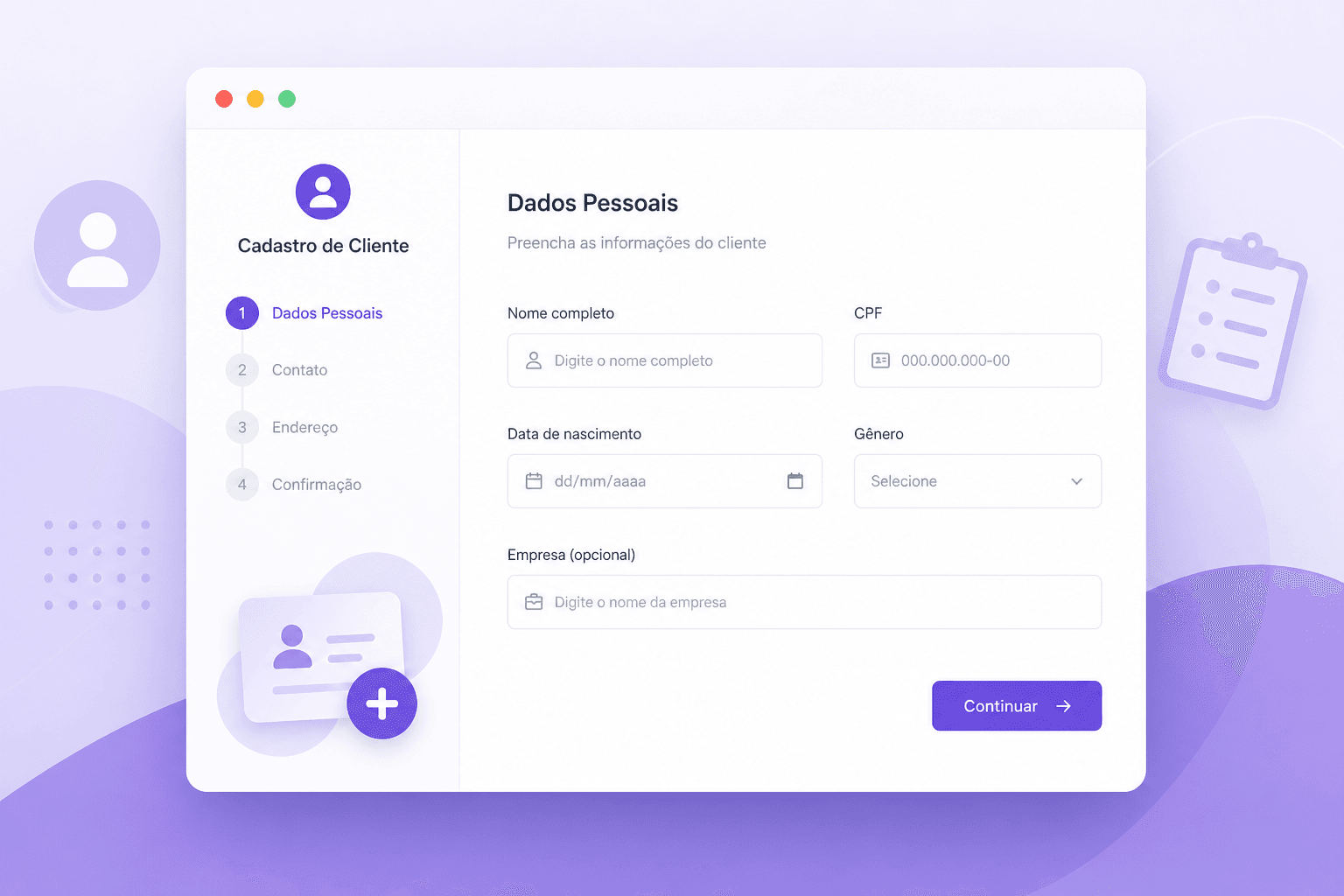
Do you still waste time copying client data from one place to another? For every new appointment, patient or student, you write down name, phone and birthday in notebooks, WhatsApp chats or scattered spreadsheets. Later, when you need to find something, you spend minutes searching.
Creating a client registration link fixes this. In under 3 minutes, you build a simple page with your branding, share the link, and whoever fills it out enters your organized database automatically. No double typing, no lost contacts along the way.
In this step-by-step guide, you will see how to create a client registration link that works on mobile, WhatsApp and Instagram — and sets everything up for automatic birthday reminders later.
What Is a Registration Link and Why Independent Professionals Use It
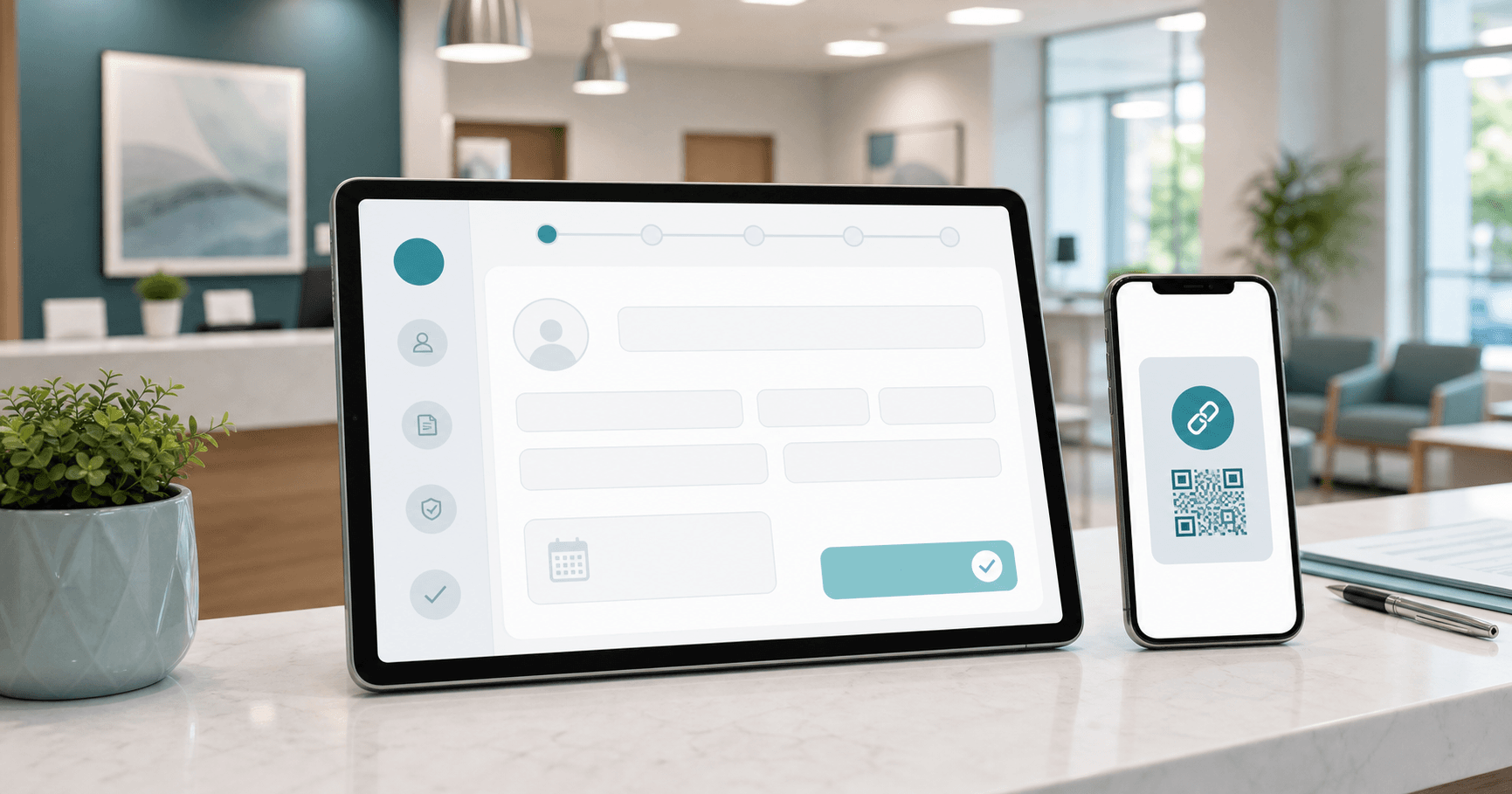
A registration link is a unique online page where your clients, patients or students fill in their own details. It works like a digital form, but with your business identity: your name, your message and the fields you choose.
The practical difference: instead of asking for each piece of information on WhatsApp, you send a link. The person clicks, fills it out in seconds, and the data appears organized in your dashboard. You save time, reduce typing errors and already have everything structured for future relationship building.
Who uses it:
- Doctors and dentists who want patient data before the appointment
- Psychologists, nutritionists and physiotherapists organizing records
- Personal trainers and teachers enrolling students
- Beauty salons and studios building a client base
- Coaches and consultants receiving daily leads
The earlier you capture the data, the easier it becomes to retain those who already trust you.
Comparison: Registration Link vs Google Forms vs Spreadsheet
Many professionals still use Google Forms or write everything by hand. Here is what changes when registration becomes a system:
| Feature | Niverly Registration Link | Google Forms | Manual Spreadsheet |
|---|---|---|---|
| Client fills alone on mobile | ✅ Yes | ✅ Yes | ❌ No |
| Automatic organization by birth date | ✅ Yes | ❌ No | ❌ No |
| Automatic birthday reminders | ✅ Yes | ❌ No | ❌ No |
| AI personalized messages | ✅ Yes | ❌ No | ❌ No |
| Branded professional link | ✅ Yes | ❌ No | ❌ No |
| LGPD consent capture | ✅ Yes | ⚠️ Partial | ❌ No |
| Price for full features | R$9.90/month | Free (no automation) | Free (no automation) |
The crucial point: generic forms collect data but do nothing with it afterward. A registration link integrated into a small business CRM turns every submission into a retention opportunity.
How to Create a Client Registration Link (Step-by-Step)
Setup is simple and requires no technical knowledge. Follow each step:
1. Access the Public Link Area
In the Niverly dashboard, find the registration link section. There you define which URL to use — for example, niverly.com.br/c/your-name. This is the address your clients will access.
2. Choose the Form Fields
You decide what to ask. The most used are:
- Full name
- Birth date (required for automatic reminders)
- Phone
- LGPD consent
For doctors and dentists, you can include insurance. For salons, preferred service type. For coaches, main goal.
3. Write a Welcome Message
A personalized sentence increases completion rates. Instead of a cold form, the client sees a message from you: "Hi! To prepare better for our session, fill in your details here. I promise to take care of them."
4. Enable Automatic Birthday Capture
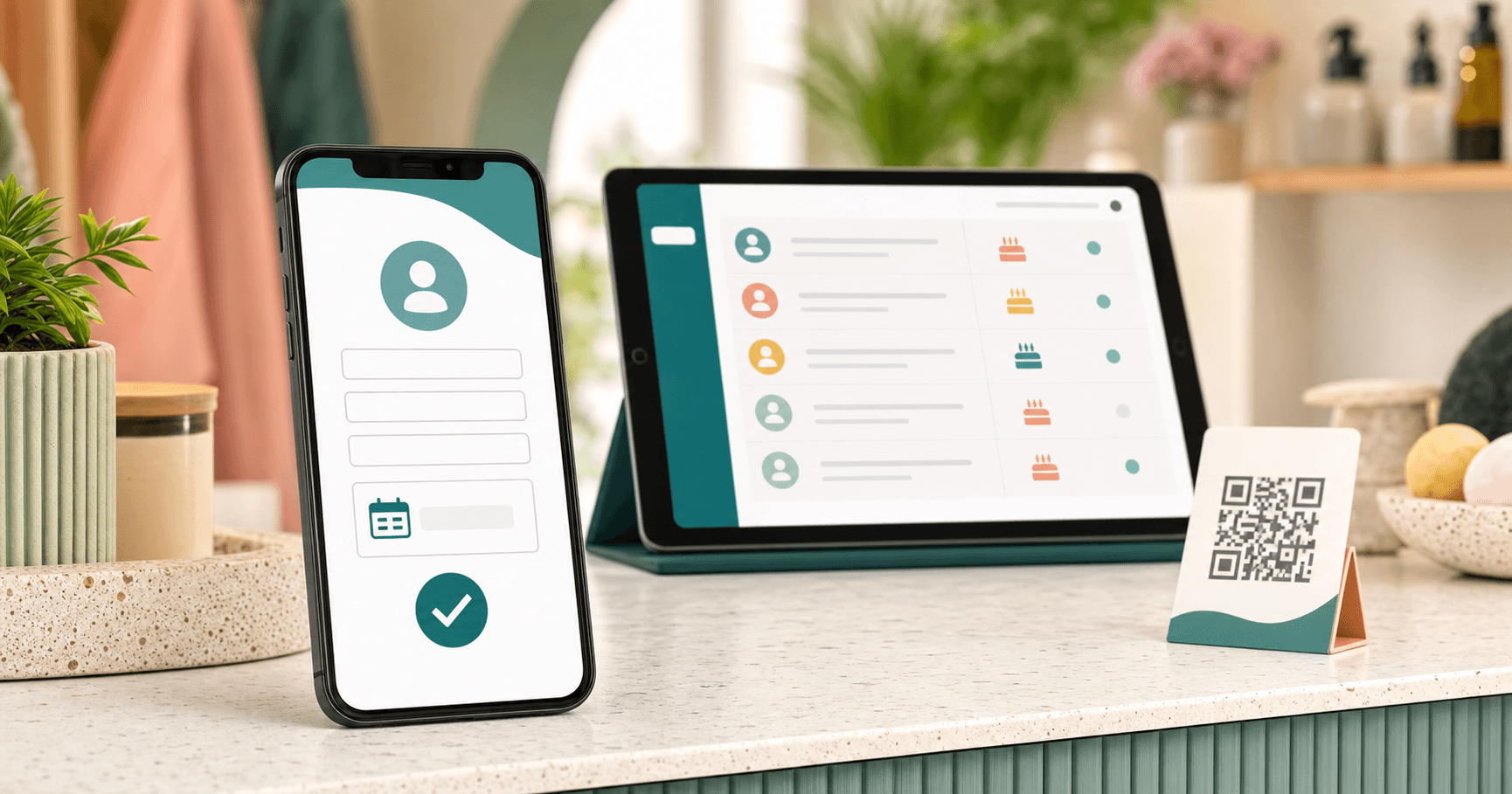
This is the most important step for those who want to retain clients. With the birth date saved, the system sends automatic reminders by email and Telegram on the days you choose.
5. Share the Link
Copy the address and distribute it where your clients already are:
- Instagram bio
- WhatsApp Business signature
- QR Code at the reception
- Appointment confirmation email
- Patient or student groups
Where to Place Your Link to Register More Clients
Having the link ready is only half the work. The other half is placing it at the right touchpoints.
Channels that convert more:
- Instagram: in bio and pinned stories. Clients click before even messaging you.
- WhatsApp Business: in auto-signature or away message. Anyone who contacts you already fills entry data.
- Reception QR Code: patients waiting for the appointment fill it in 30 seconds.
- Welcome email: after the first purchase or booking, the client registers to receive reminders.
Practical tip: do not hide the link at the end of long texts. Place it right at the beginning of the conversation: "Before we start, fill in your registration here: [link]". Completion rates rise when the person knows it is quick.
Checklist: Create Your Registration Link in 3 Minutes
- Access the Niverly dashboard and go to "Public Link"
- Choose your custom URL
- Select form fields (name, birthday, email, phone)
- Write a short, welcoming message
- Enable automatic birthday capture
- Generate the QR Code for physical display
- Paste the link in Instagram bio and WhatsApp Business
- Send it to the first client to test
Conclusion
Creating a client registration link is the fastest step to move from scattered notes chaos to a database that works for you. In summary:
- You save time: clients fill it out alone, without you copying anything.
- Reduce errors: phones and birth dates enter exactly as the client typed.
- Open the door to automation: with the right data, birthday reminders and personalized messages go out automatically, strengthening your relationship with every person in your base.
Want to build your first free registration link? Try Niverly and start capturing clients in an organized way today.
Frequently Asked Questions
What is a client registration link?
A client registration link is a personalized online page with your professional branding where patients, students or clients fill in name, phone, email and birth date alone from their phones. Information enters your organized database automatically, ready for automatic reminders and ongoing relationship management.
How do I create a client registration link for free?
On Niverly, access the Public Link area, choose a custom URL, select form fields, write a welcome message and enable birthday capture. The process takes under 3 minutes and requires no technical knowledge or software installation.
Where should I place my registration link to capture more clients?
The best places are your Instagram bio, WhatsApp Business signature, reception QR Code, appointment confirmation email and patient or student groups. The more visible the link, the higher the completion rate and the more organized your client base becomes.
Do I need coding skills to create a registration link?
No. Platforms like Niverly are built for independent professionals without an IT team. You fill simple fields in a visual interface, choose which information to request and receive a ready-to-share link in under 3 minutes.
What is the difference between a registration link and a common form?
A common form only collects data and usually requires you to organize everything afterward. A registration link integrated into a relationship management system organizes automatically, activates birthday reminders and keeps the database updated without manual work.
Ready to organize your client base?
Create your personalized registration link in 3 minutes. Free to start.
Start Free