 Niverly Team
The Mistake That Cost Me a $500 Client
Marina, a dentist in São Paulo, received a WhatsApp message from a potential patient at 11 PM. Tired, she wrote the name and phone number on a sticky note. The next morning, the note had fallen behind her desk. She never found it. The patient never returned.
This is not a unique story. Every day, professionals lose leads because they rely on notebooks, scattered spreadsheets, or memory. A whatsapp client registration link solves this permanently.
How to Create a Public Link That Organizes Everything Automatically
Niverly allows you to create a personalized registration link in under 3 minutes. The data enters your system already structured—no manual copying required.
Step-by-Step to Create Your Link
- Access your Niverly dashboard and click "Public Link"
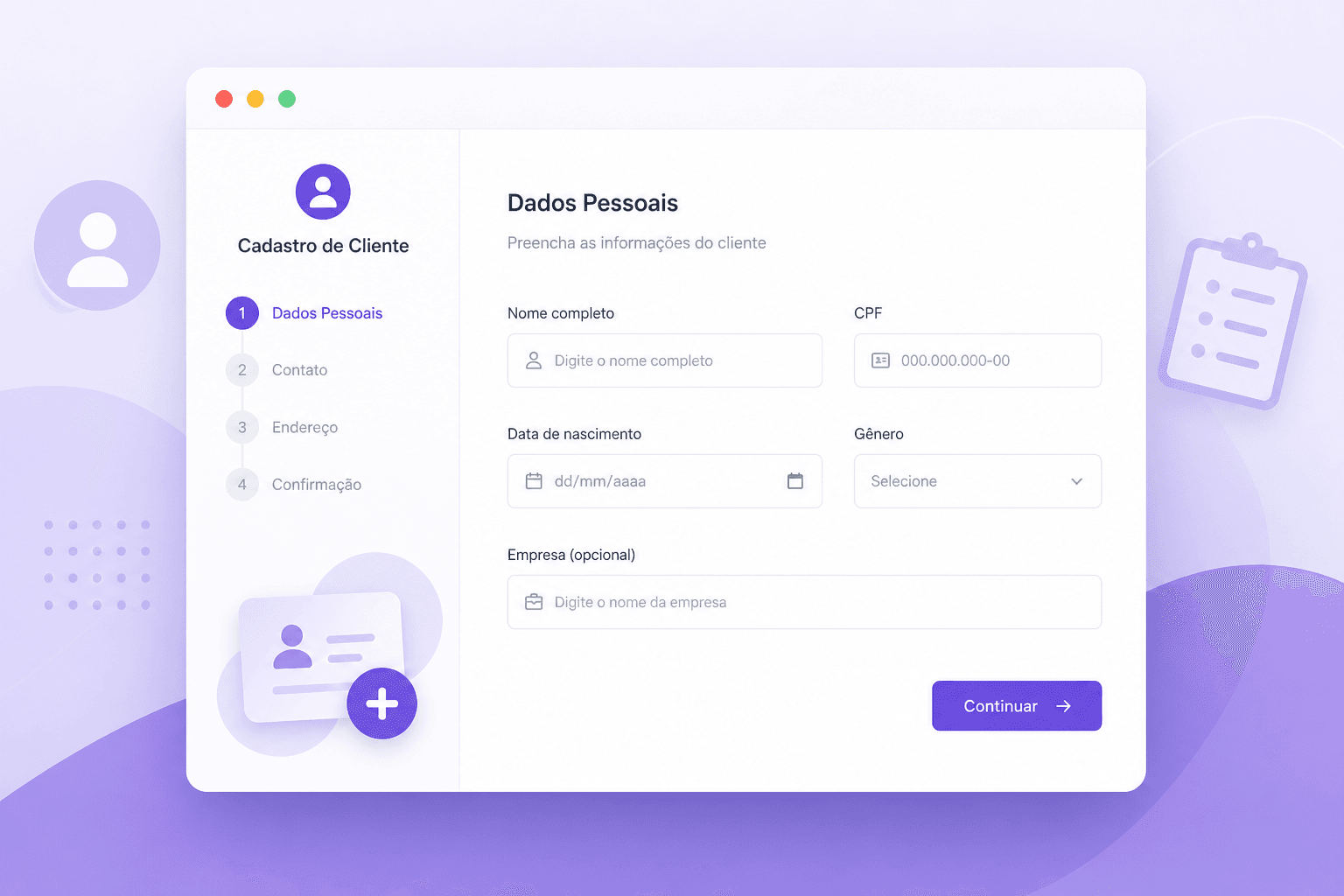
- Customize the form fields (name, phone, birthday, service interest)
- Choose your link URL: niverly.com.br/seu-nome
- Activate automatic birthday capture for future reminders
- Share the link on WhatsApp, Instagram, or email signature
When someone fills out your simple patient form, you receive an instant notification. The lead is already in your database, categorized and ready for follow-up.
Practical Integration: From Link to WhatsApp in 1 Click
The connection between your registration form and WhatsApp is what converts interest into conversation.
How the Flow Works
A potential client clicks your link on your Instagram bio. They fill out the whatsapp client registration form with name, phone, and service of interest. Immediately:
- You receive the organized data in Niverly
- The client is redirected to your WhatsApp with a pre-written message
- The conversation starts while interest is high
For psychologists and coaches, this eliminates the back-and-forth of "what service do you need?" You already know before the chat begins.
Where to Use Your Link
- Instagram bio and story stickers
- WhatsApp Business automated greeting message
- Email signature for consultants
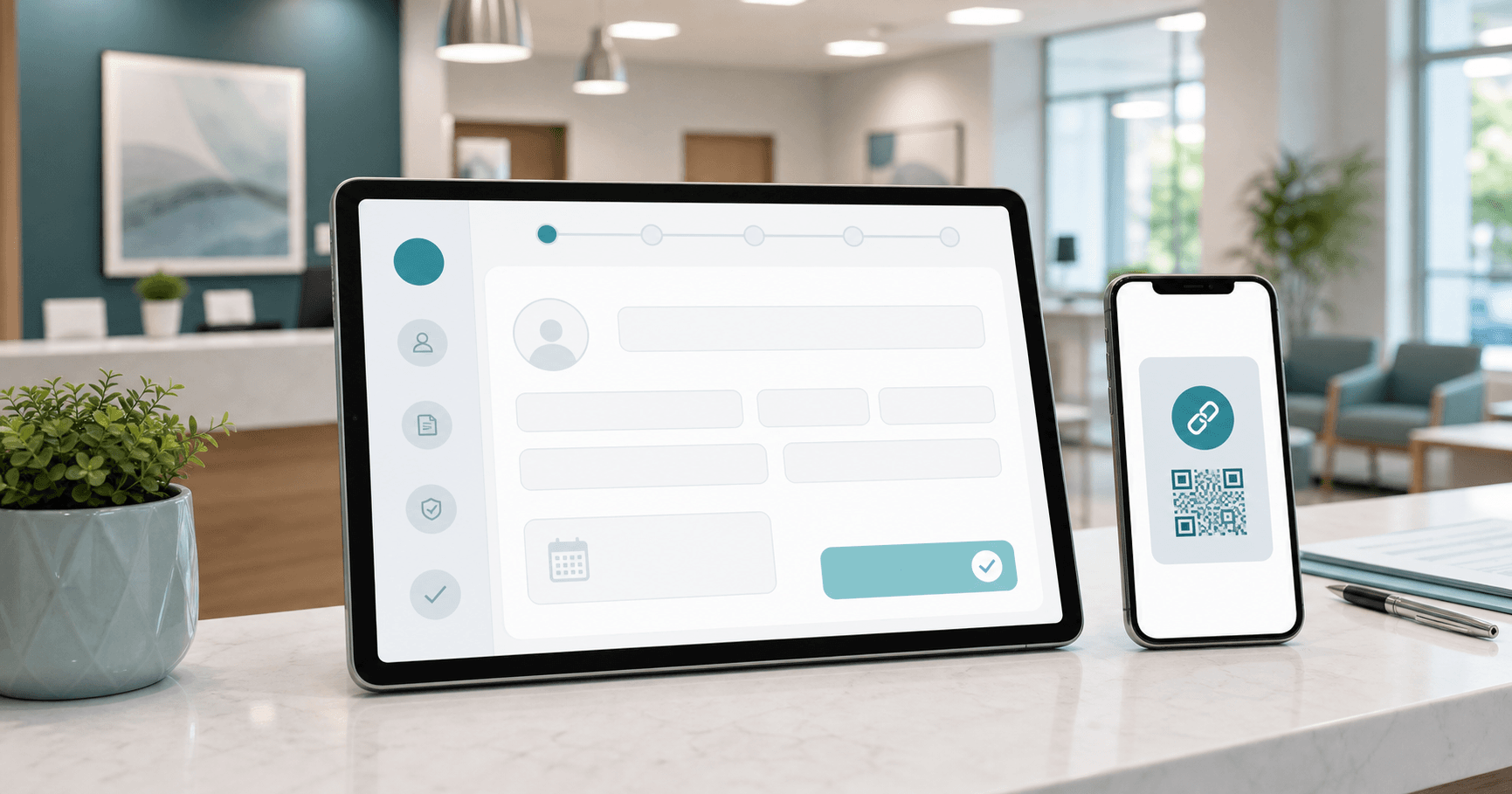
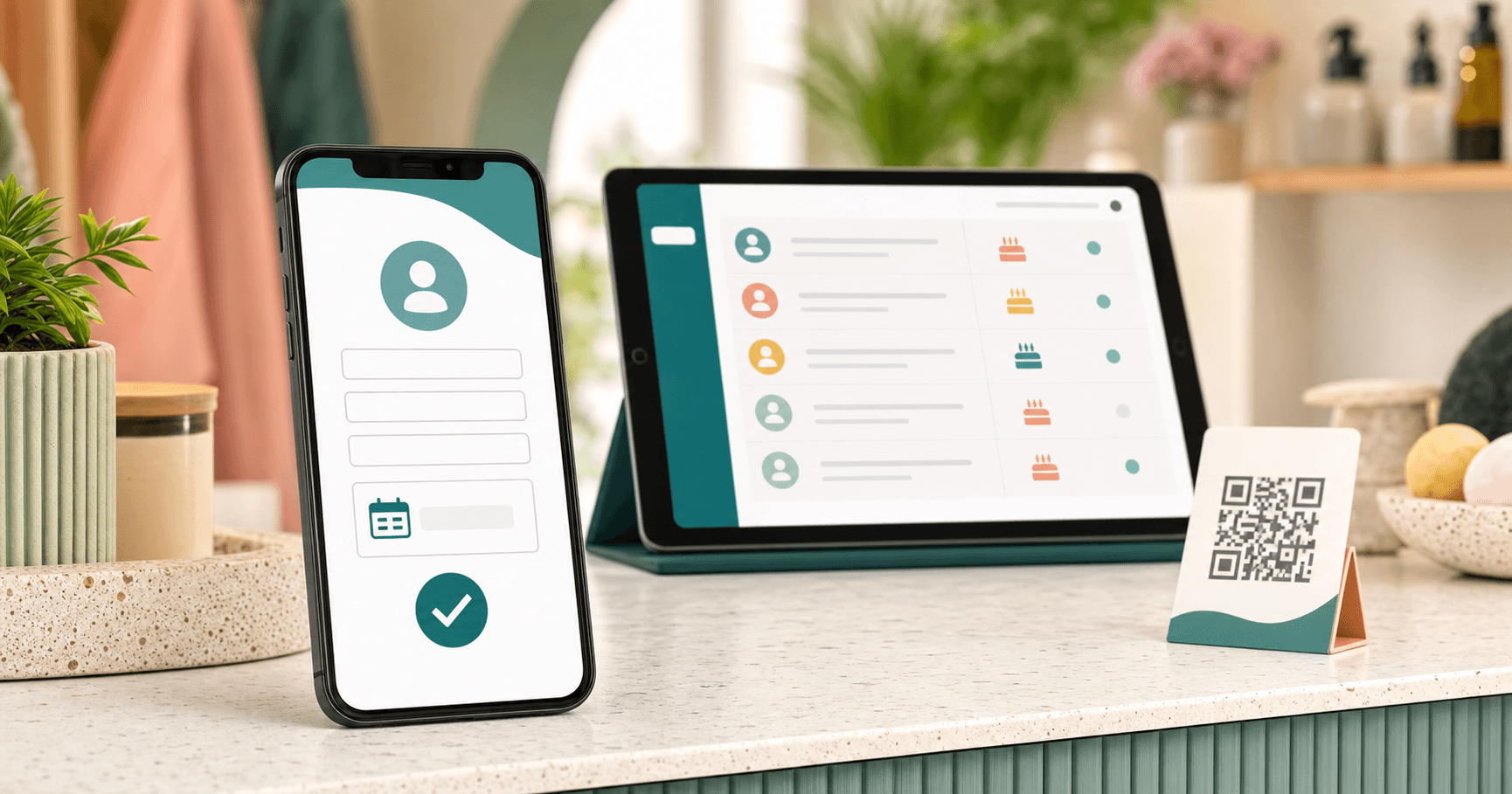
- QR code printed at reception desks for salons and clinics
Comparison: Niverly vs Typeform vs Google Forms
| Feature | Niverly | Typeform | Google Forms |
|---|---|---|---|
| Native WhatsApp integration | ✅ Yes | ❌ No | ❌ No |
| Automatic birthday organization | ✅ Yes | ❌ No | ❌ No |
| Automated reminder sending | ✅ Yes | ❌ No | ❌ No |
| Professional link (your brand) | ✅ Yes | Paid plan | ❌ No |
| Unlimited responses (free plan) | ✅ 15 clients | ✅ Yes | ✅ Yes |
| Price for full features | $9.90/month | $9.90/month | Not available |
Google Forms organizes nothing. Typeform looks good but lacks CRM functionality. Niverly was built specifically for relationship management.
Real Examples by Profession
Dentist: Dr. Roberto uses the link for new patient pre-registration. The form asks for dental history and insurance. He enters the consultation already informed.
Personal Trainer: Carla captures the client's goal (weight loss, muscle gain), availability, and injuries. She prepares the training plan before the first meeting.
Beauty Salon: The link asks for service preference, allergies, and stylist preference. The schedule is organized by specialty automatically.
Psychologist: The form includes a brief initial assessment. The professional reviews the case before the first session.
Why a Simple Patient Form Converts More
Long forms scare people. Niverly's default template asks only for essentials: name, phone, birthday, and service interest. Four fields. 30 seconds to complete.
The simple patient form philosophy respects your lead's time. You collect additional data during the actual conversation or first appointment.
Conclusion
Stop losing clients to disorganization. A whatsapp client registration link transforms how you capture and manage leads.
What you gain with Niverly:
- Zero lost leads – Every registration is stored and accessible
- Automatic organization – Birthdays and contacts sorted by category
- Immediate conversion – Direct integration with WhatsApp chat
Create your personalized registration link today. The free plan includes 15 clients—enough to test the system before upgrading.
Frequently Asked Questions
How does the WhatsApp integration work in practice?
After filling out your registration form, the client is automatically redirected to your WhatsApp number with a pre-written message. You can customize this message to include their name and selected service. This eliminates manual copying of phone numbers and starts the conversation instantly.
Is my client data secure on the platform?
Niverly uses infrastructure with enterprise-grade encryption. Your data is stored securely with the same technology used by major applications. Only you have access to your client information, and we never share or sell data to third parties.
Can I customize the form fields for my specific business?
Yes. You choose which fields to display: name, phone, birthday, service interest, notes, and more. You can also mark fields as required or optional. The form adapts to dentists, psychologists, coaches, salons, or any service professional.
What is the difference between Niverly and Google Forms?
Google Forms only collects data in a spreadsheet. Niverly organizes that data into a relationship management system with automatic birthday reminders, client categorization, and WhatsApp integration. Think of Niverly as a complete CRM, not just a form builder.
How long does it take to set up my first registration link?
The initial setup takes approximately 3 minutes. Create your account, customize your form fields, choose your personalized URL, and your link is ready to share. Most professionals have their first registration within hours of sharing the link on Instagram or WhatsApp.
Ready to organize your client base?
Create your personalized registration link in 3 minutes. Free to start.
Start Free