 Niverly Team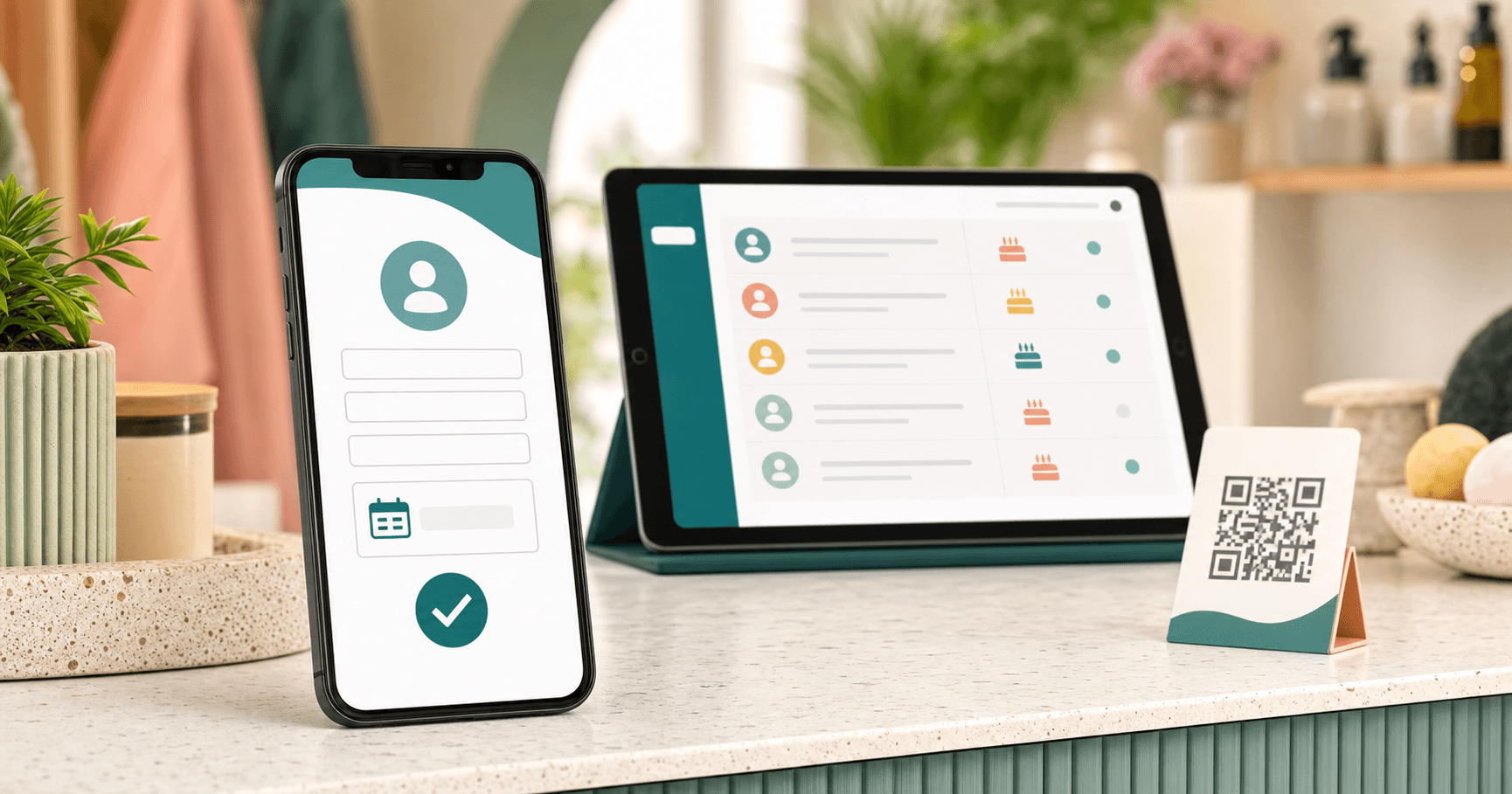
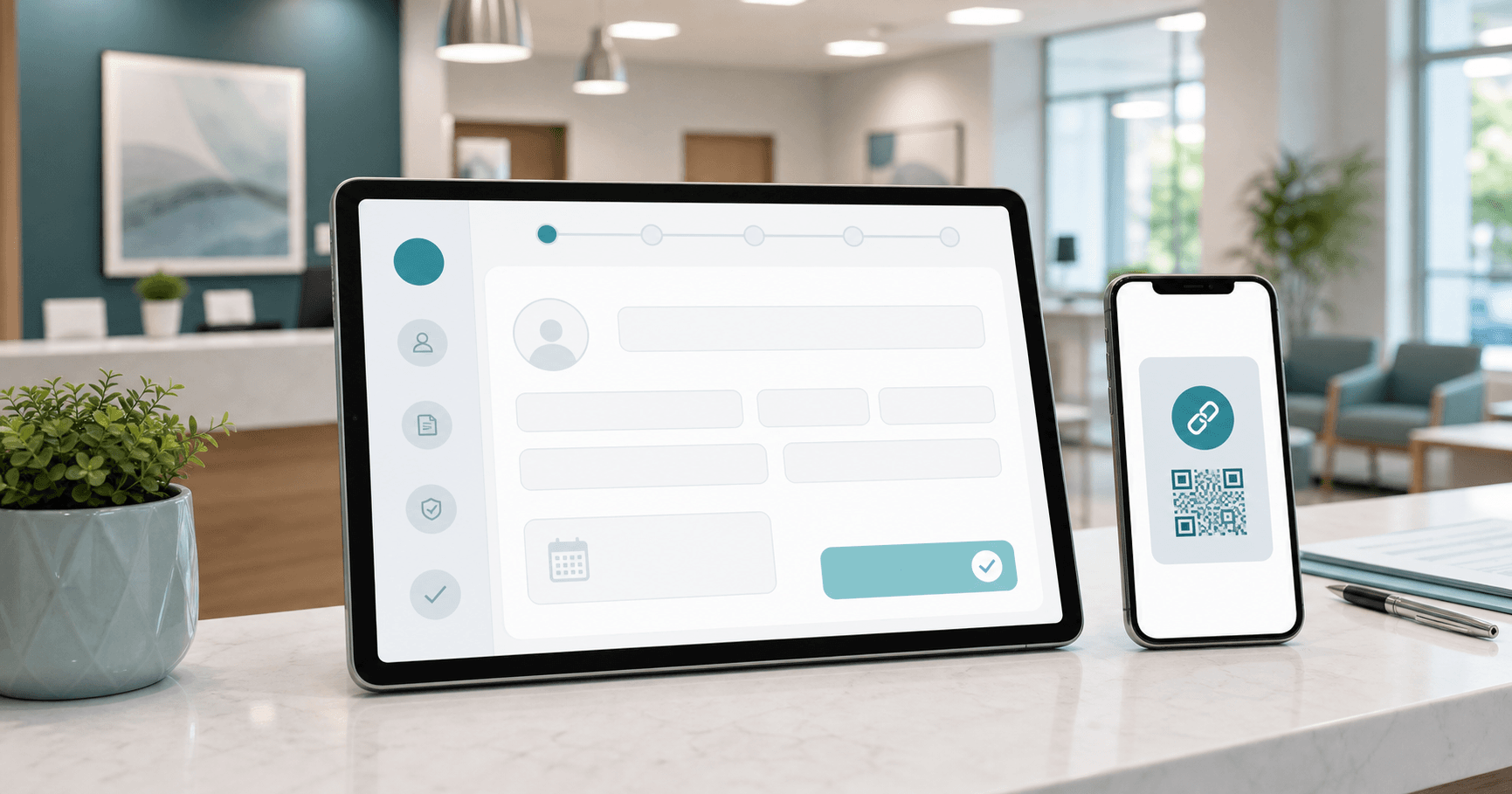
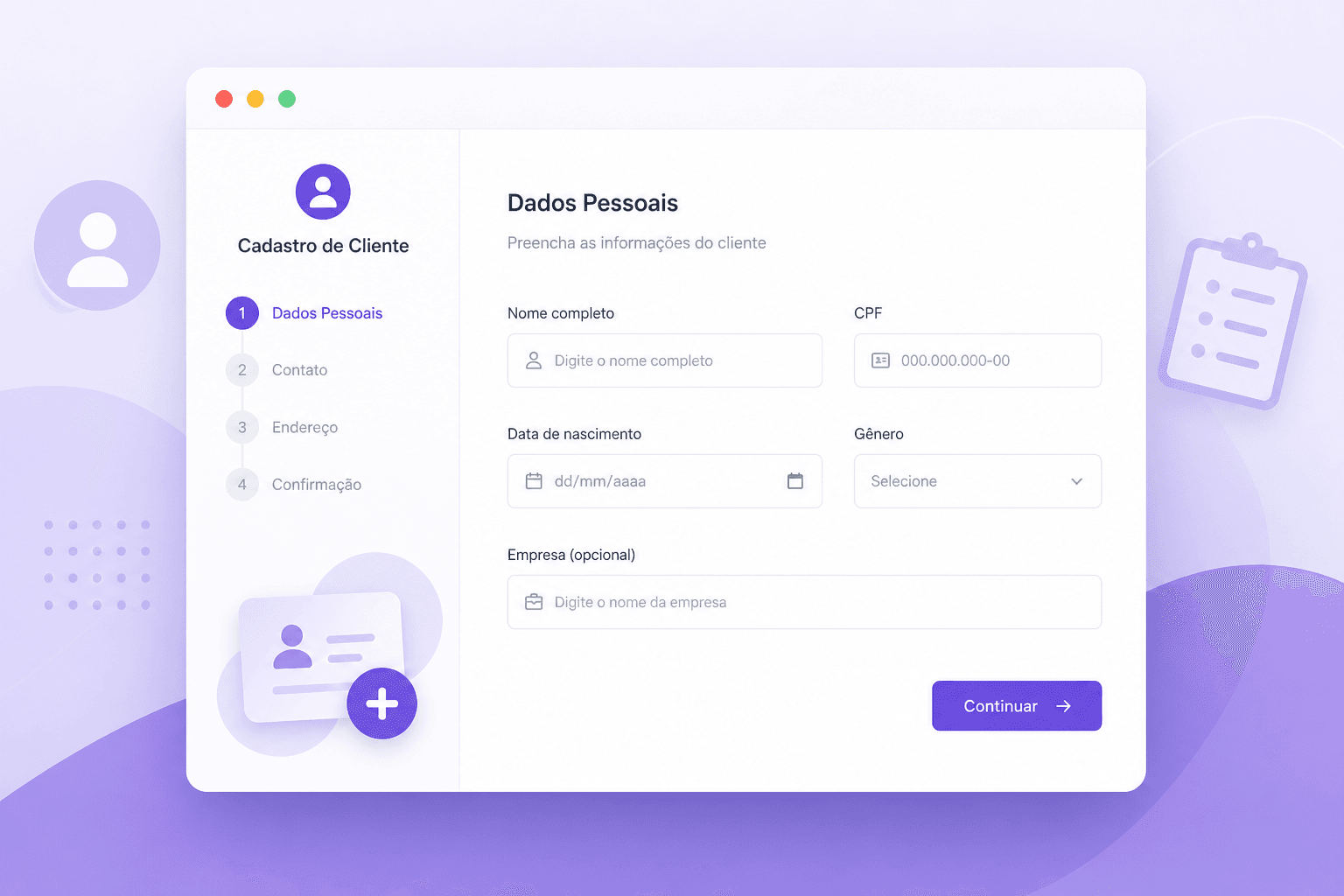
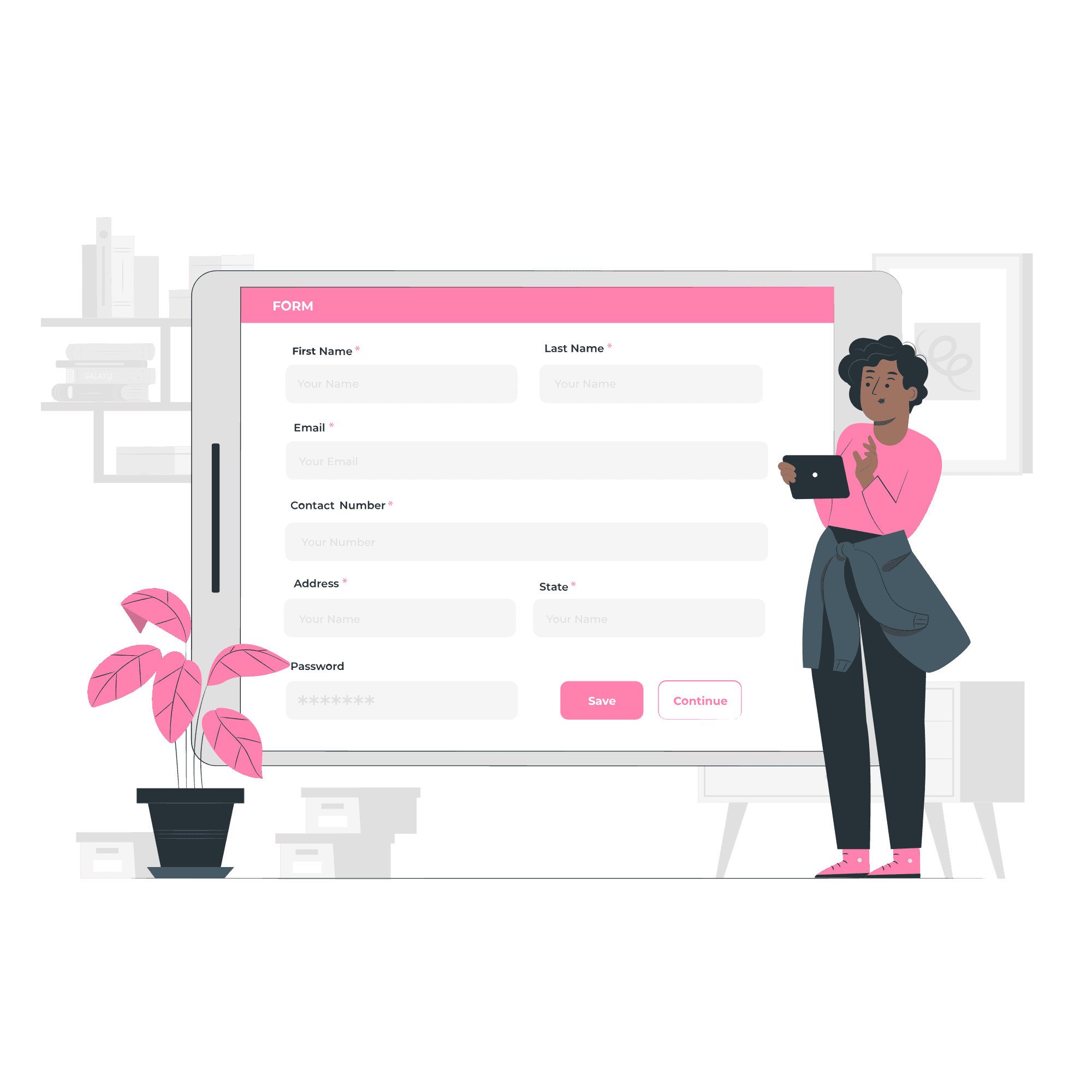
Clients register themselves when you offer a simple public link that works well on mobile and asks for the right fields. Instead of requesting data by message and typing it later, you share the link and receive organized information.
In Niverly, this public link creates a database ready for birthday reminders, automatic emails and relationship management. It fits independent professionals, clinics, salons, studios, gyms and consultants.
Why clients should enter their own data
Manual registration seems fast, but it creates errors over time. You forget to ask for the birth date, copy the email incorrectly or lose a message inside WhatsApp.
When clients fill their own registration, three things improve:
- Information arrives more complete
- Manual typing decreases
- The database is ready for reminders and communication
Where to share the public link
The link works best when it appears in channels your clients already use. You do not need a complex campaign.
Simple channels
- Instagram bio
- WhatsApp Business
- Appointment confirmation email
- QR Code at reception
- Thank-you page after booking
- Message for new clients
For salons and studios, a QR Code at the desk can work well. For consultants and coaches, the link in a welcome email usually feels more natural.
What to ask in the form
Ask only what is necessary for relationship management. Long forms reduce completion.
Recommended fields:
- Name
- Birth date
- Phone
- City or optional note
- Consent to receive messages
If the goal is to remember birthdays and maintain contact, these fields solve most of the problem.
Comparison: Niverly vs Generic Form vs Manual WhatsApp
| Feature | Niverly | Generic form | Manual WhatsApp |
|---|---|---|---|
| Personalized public link | ✅ Yes | ⚠️ Partial | ❌ No |
| Data enters a relationship database | ✅ Yes | ❌ Requires spreadsheet | ❌ Manual |
| Automatic birthday organization | ✅ Yes | ❌ Not native | ❌ No |
| Email and Telegram reminders | ✅ Yes | ❌ No | ❌ No |
| Automatic birthday emails | ✅ Yes, on paid plans | ❌ No | ❌ No |
| Price for full features | From R$19.90/month | Varies by tool | Manual time |
Niverly's advantage: the public link does not end in a loose spreadsheet. It feeds a database that can generate reminders, filters and messages.
Checklist: Put Your Link Live Today
- Create your public link in Niverly
- Write a short message explaining why clients should register
- Choose fewer fields to increase completion
- Test the form from your phone
- Add the link to WhatsApp Business and Instagram
- Use the link with every new client
How to increase completion rate
Explain the benefit to the client. Instead of just asking for registration, say that the information helps you stay in touch, remember important dates and send relevant communication.
A simple sentence works well: register your details to receive updates and a special message on your birthday. The promise is clear and easy to understand.
- Less rework: the client types their own information
- Cleaner database: birthdays and emails arrive organized
- Automatic relationship: reminders and messages become ready to use
If you still collect data through scattered conversations, a public link is the fastest way to organize your database without complicating the client experience.
Frequently Asked Questions
How can clients register themselves?
Create a public registration link and share it in the channels your clients already use, such as WhatsApp, Instagram, email and QR Code. The client opens it from a phone, fills the form and the information enters your database. This reduces typing and errors.
What should I write on the public link page?
Explain briefly why the registration exists. For example, ask clients to register so you can stay in touch and remember their birthday. When the benefit is clear, people are more likely to complete the form. Clear copy increases completion rates.
Which fields should I ask for?
Start with name, birth date, email, phone and consent for communication. Avoid asking for too much information in the first interaction. A short form increases completion and already supports birthday reminders and relationship management. You can enrich records later safely.
Does a public link replace WhatsApp conversations?
No. It complements WhatsApp. You keep normal conversations, but use the link to collect structured data. This prevents information from getting lost in chats and allows Niverly to turn the data into automatic reminders. The relationship remains human and organized.
Does Niverly notify me when someone registers?
Niverly is built to receive registrations through the public link and organize them in your account. Depending on your settings and plan, you can also use notifications to track new registrations and keep the database updated. This helps you respond faster.
Ready to organize your client base?
Create your personalized registration link in 3 minutes. Free to start.
Start Free