 Niverly Team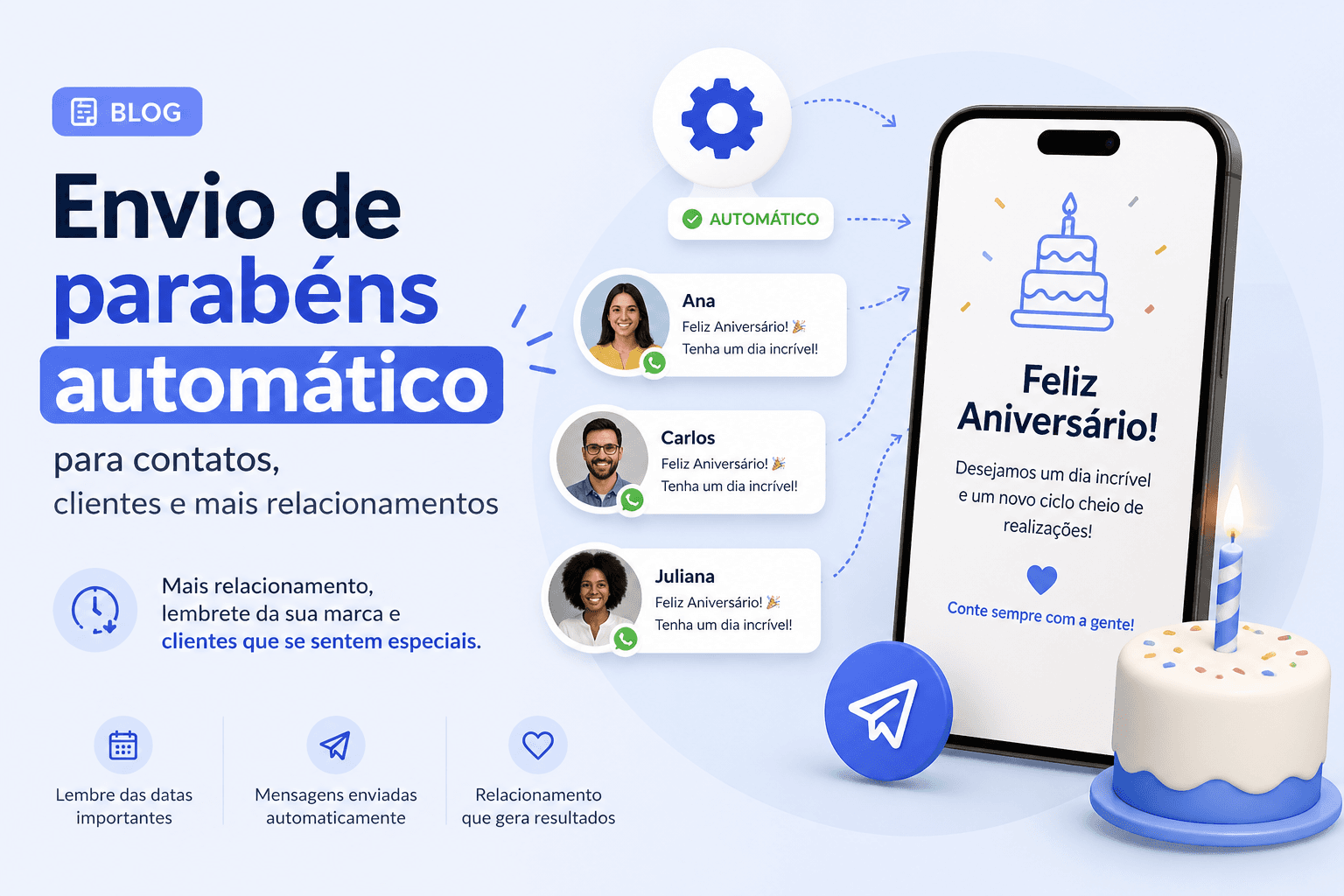
Have you ever lost a client because you forgot to send a message on their birthday? Or worse: you remembered, but didn't have time to write something that didn't sound generic?
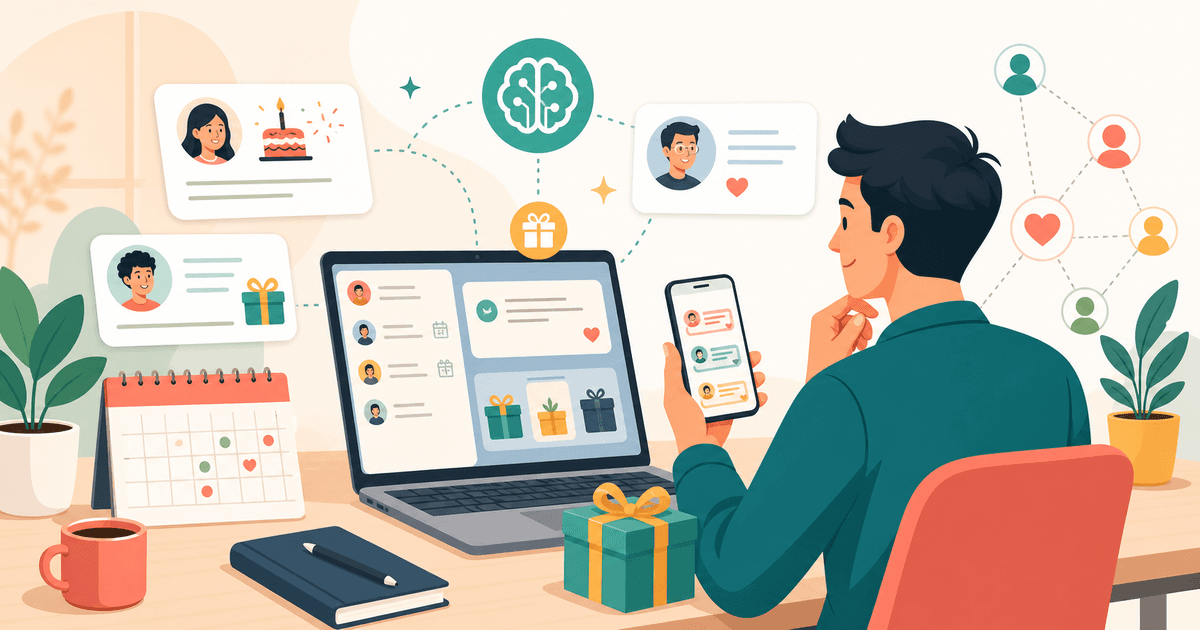
For independent professionals and small businesses, every birthday is a retention opportunity that costs zero in media and delivers immediate relationship returns. The problem is doing this manually — writing in a calendar, remembering on the day, drafting the message, sending it — simply doesn't scale.
In this article, you'll discover how to automate birthday emails for all your contacts, with personalized messages that look hand-written. No spreadsheets. No forgotten dates. No lost clients due to lack of attention.
Why Automatic Birthday Greetings Are the Cheapest Retention Strategy on the Market
Sending a birthday message isn't just courtesy. It's relationship marketing in its purest form. Studies show that clients who receive personalized communication on special dates have up to 30% higher recurrence rates than those who receive no contact at all.
For doctors, dentists, psychologists, or personal trainers, this means:
- Less churn: the client feels you care beyond the billed service
- More referrals: those who feel valued recommend your services
- Zero operational cost: compared to paid campaigns, an automatic birthday message costs practically nothing while delivering equivalent results
The problem? Doing this manually for 50, 100, or 500 contacts is impossible. And generic messages like "Happy birthday!" on WhatsApp no longer surprise anyone.
What Are Automatic Birthday Greetings and How Do They Work in Practice
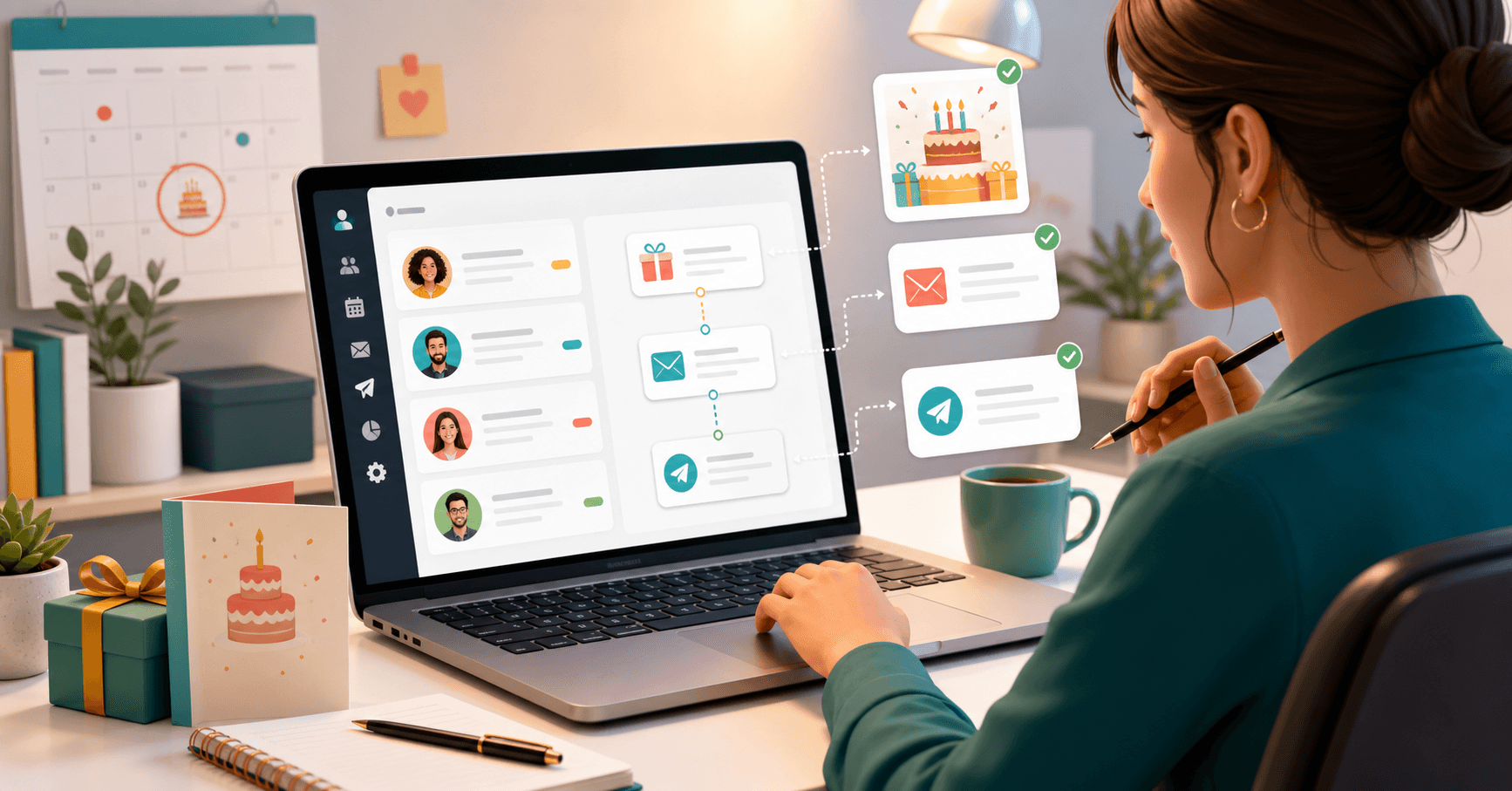
Automatic birthday greetings are programmed messages sent by email on the right days, without you needing to do anything at the time of dispatch. The system does all the work:
- Reads the birth date of each registered contact
- Calculates the birthday automatically every year
- Sends the email on the chosen day (before, on, or after)
- Personalizes the text with the client's name, relationship type, and even your signature
Before, on the day, and after: three moments to generate impact
The novelty is not depending solely on the birthday itself. You can configure different templates for each moment:
- Before: "Hi {{primeiro_nome}}, only 3 days until your birthday. Do you already know how you're going to celebrate?" — opens conversation and generates engagement before the date
- On the day: "Happy birthday, {{primeiro_nome}}! We wish you an incredible year." — the classic, but with a professional tone
- After: "We hope your birthday was special, {{primeiro_nome}}." — shows attention beyond the obvious
Each template can have a different tone per client group: formal for patients, relaxed for students, emotional for family members.
Comparison: Niverly vs Spreadsheet vs Phone Reminders
| Feature | Niverly | Spreadsheet | Phone Reminders |
|---|---|---|---|
| Automatic email sending | ✅ Yes | ❌ No | ❌ No |
| Personalized message with name | ✅ Yes | ❌ No | ❌ No |
| Three moments (before/on/after) | ✅ Yes | ❌ No | ❌ No |
| Different tone per client group | ✅ Yes | ❌ No | ❌ No |
| Works with 500+ contacts | ✅ Yes | ⚠️ Difficult | ❌ No |
| Send history | ✅ Yes | ❌ No | ❌ No |
| Price for full features | $9.90/month | Free (but manual) | Free (but limited) |
Niverly's differentiator: it doesn't just remind you — it sends the entire message on the right day, with the client's name and the tone you defined. Spreadsheets and phone reminders alert you, but still require you to stop everything to write and send.
How to Set Up Automatic Birthday Greetings in Under 10 Minutes
Step 1: Organize your contacts by group
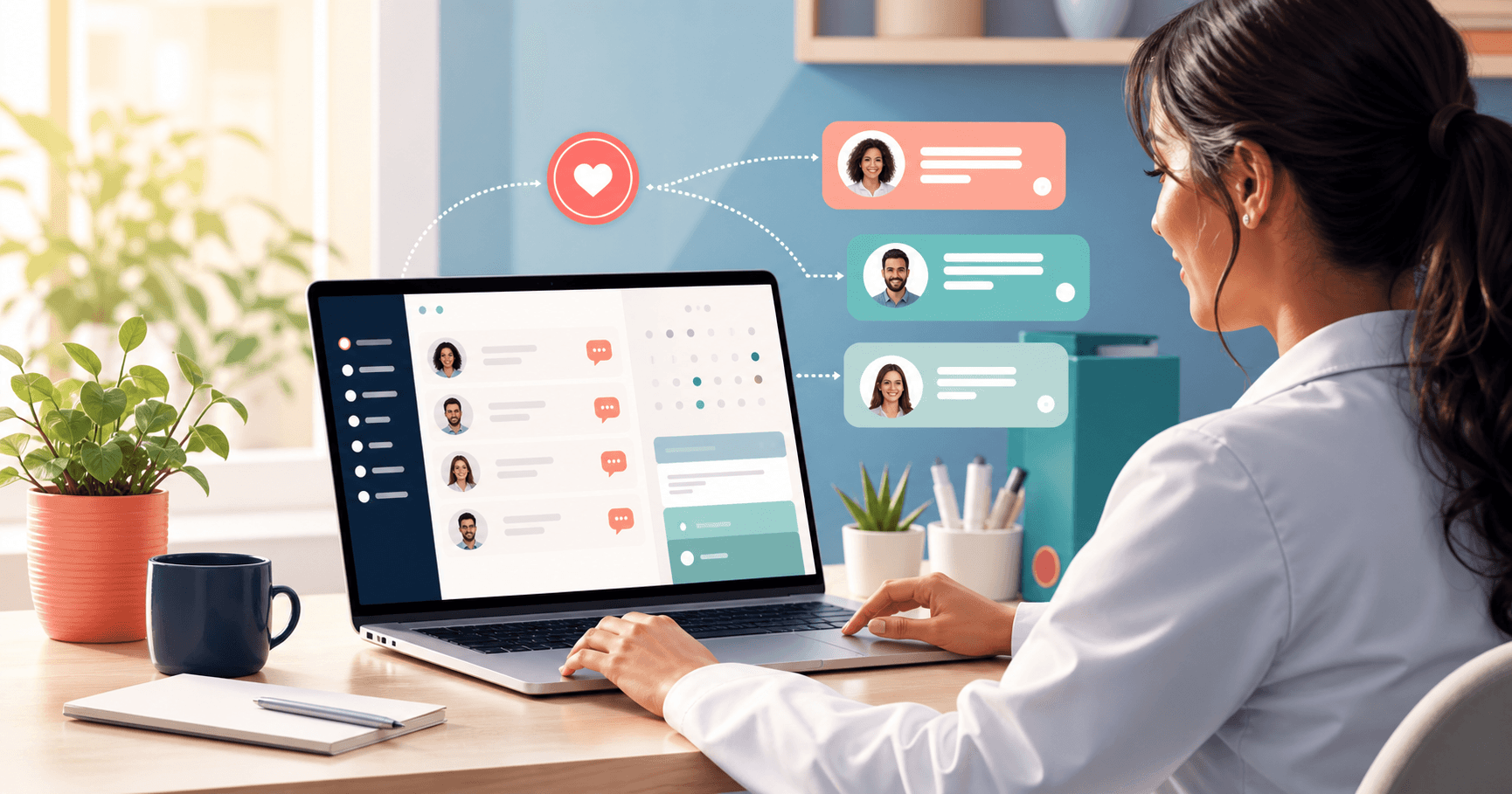
Separate your clients into groups (e.g., patients, students, salon clients). Each group can have a message with a different tone.
Step 2: Create the message templates
Choose the three moments (before, on the day, after) and write the text using variables like {{primeiro_nome}}, {{relacionamento}}, and {{nome_remetente}}. The system replaces them automatically on send.
Step 3: Set the send days
Configure how many days before or after the birthday the message should be sent. On the day itself, sending is automatic at 9 AM.
Step 4: Activate and you're done
Turn on the template. From then on, every birthday person in the group receives the message on the scheduled day — without you needing to do anything else.
Checklist: Set Up Automatic Birthday Greetings in 10 Minutes
- Create at least one relationship group (e.g., "Salon Clients")
- Add contacts with birth date filled in
- Write the "on the day" template with the client's name as a variable
- Write the "before" template to generate pre-engagement
- Write the "after" template to reinforce the relationship
- Activate the templates and test with your own email
Practical Examples by Niche
For dentists and doctors
On the day: "Hello, {{primeiro_nome}},
Today is a special day and we would like to wish you a happy birthday. We appreciate your trust and hope to continue taking care of your health for many years to come.
Sincerely, Dr. {{nome_remetente}}"
For personal trainers and coaches
Before (3 days): "Hey, {{primeiro_nome}}! Just a few days until your birthday. How about celebrating with a special workout? 😄
{{nome_remetente}}"
For beauty salons and studios
After (1 day): "Hi, {{primeiro_nome}}! We hope your birthday was beautiful. We want you to feel special every day — not just today. 💇♀️✨
Team {{nome_remetente}}"
Conclusion
- Automatic birthday greetings aren't courtesy — they're strategy: every message sent is a chance to retain a client who already cost you money to acquire
- Three moments multiply the impact: before, on the day, and after the birthday create three relationship touchpoints instead of just one
- Setup takes 10 minutes: with groups, templates, and variables, you program once and the system works all year
On Niverly, this feature is available on Pro, Ultra, and Advanced plans. If you already use the platform, access the "Automated Messages" tab and configure your first template. If you haven't tried it yet, start for free and test with up to 15 contacts.
Frequently Asked Questions
Do I need to send the emails manually or does the system do it automatically?
The system sends them automatically. Just create the template, activate it, and define the contact group. From then on, every birthday person receives the message on the scheduled day and time, without you needing to do anything.
Can I use different messages for patients and students?
Yes. You create separate relationship groups (e.g., "Patients", "Students") and define a template with a different tone for each one. Sending is automatic and respects each contact's group.
Will the email end up in the spam folder?
Niverly uses email servers configured for high deliverability. To improve even further, ask your clients to save your sender address in their contacts. This ensures the greeting arrives in the inbox.
Can I send greetings only by email or also via WhatsApp?
Currently, automatic birthday greetings are sent by email. For Telegram reminders, Niverly already offers this functionality in parallel. Combining both channels increases the chance of your client seeing your message.
Which plan includes this feature?
Automatic birthday greetings are available starting from the Pro plan ($9.90/month). On Ultra and Advanced plans, you also get access to unlimited templates and more registered contacts.
Ready to organize your client base?
Create your personalized registration link in 3 minutes. Free to start.
Start Free