 Niverly Team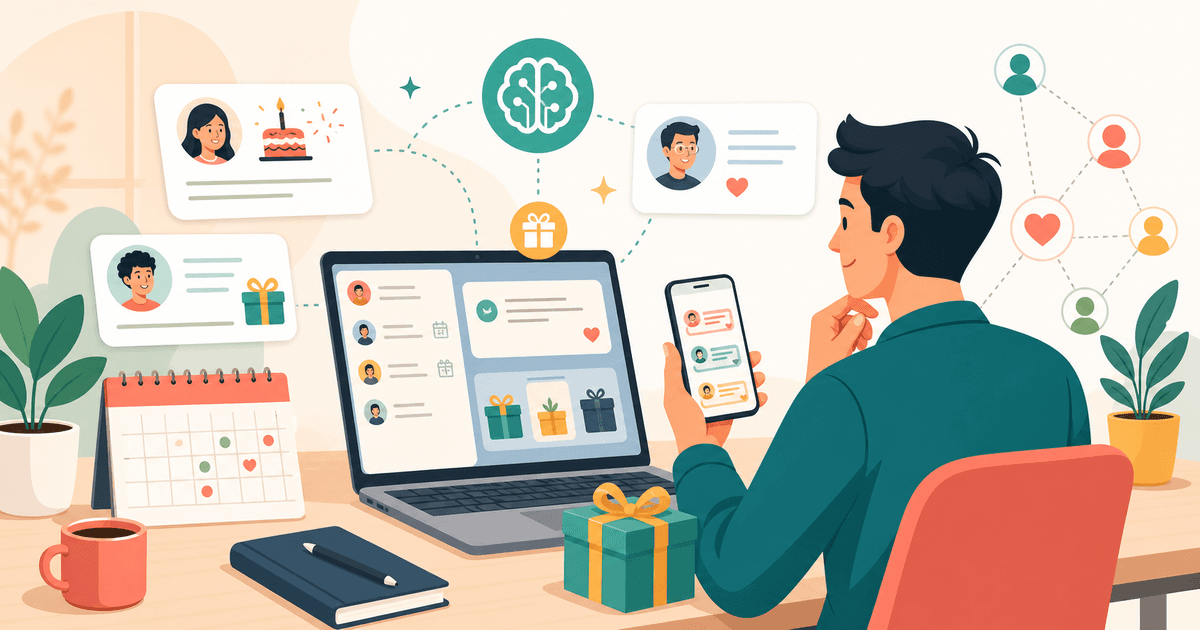
AI for client birthdays helps turn a common date into relationship-building: you use client data to create more personal messages, thoughtful gift ideas and reminders at the right time. The goal is not to replace human care; it is to reduce repetitive work so doctors, dentists, salons, coaches and small businesses can stay in touch consistently.
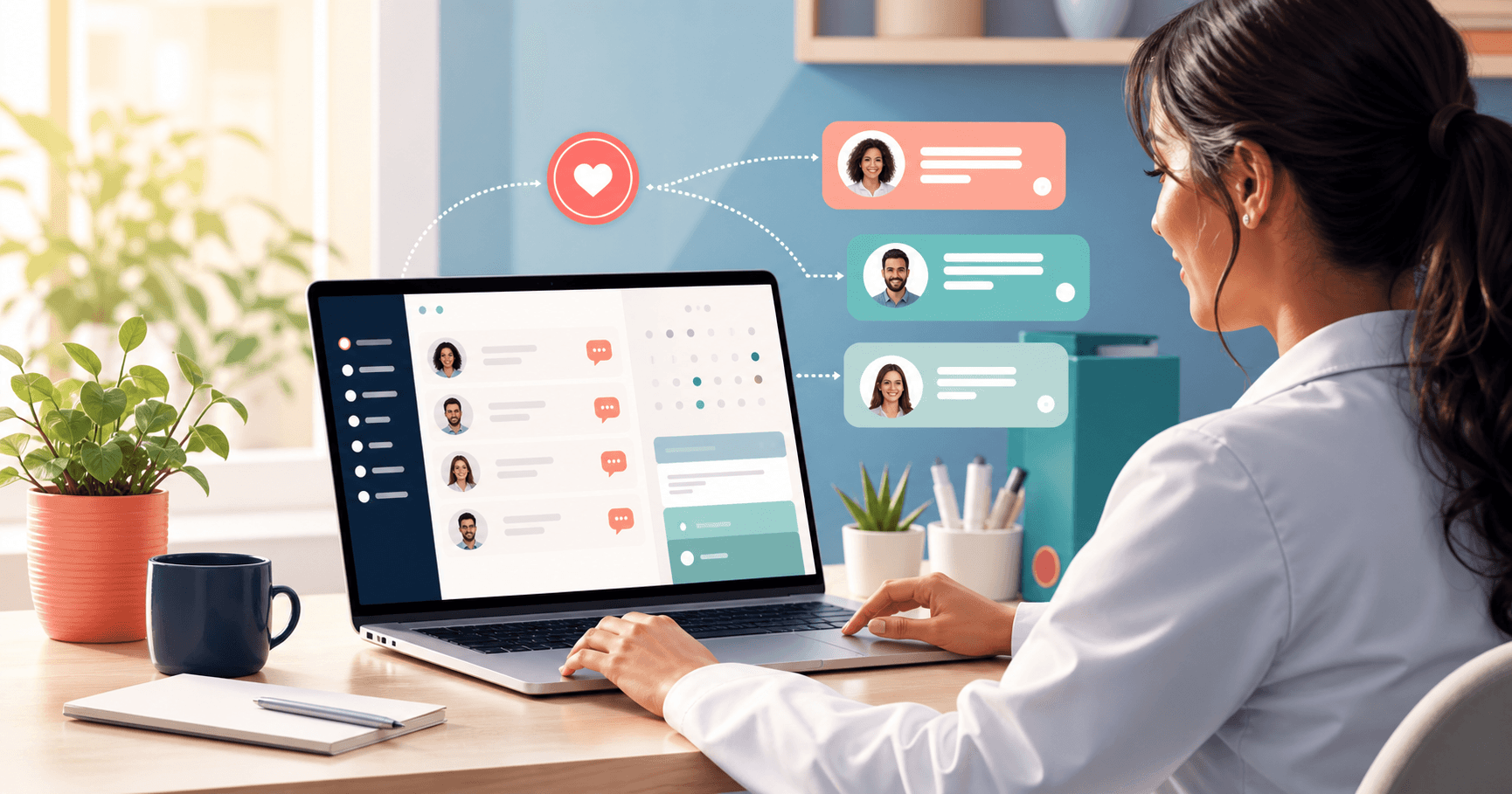
If you copy generic greetings, miss dates or struggle to know what to say to each client, AI can speed up preparation. But the result only works when your database is organized. Name, birthday, relationship group, history and preferences give the message enough context to sound human.
What AI Solves for Client Birthdays
AI is useful when you need to move beyond the same text for everyone. Instead of writing from scratch for each person, you create a suggestion based on the client's profile and adjust the tone before sending.
In practice, it helps with four things:
- Personalized message: adapts language for a patient, student, VIP client, lead or former client
- Gift or small treat idea: suggests something that fits the relationship and business type
- Email subject line: creates short options that improve opens without sounding like spam
- Tone variations: makes the message warmer, more professional, lighter or more commercial
For a CRM for small businesses, this matters because relationship management needs consistency without becoming heavy operational work.
Data That Makes AI Suggestions More Human
AI does not guess context. It improves when you provide the details that matter for relationship management.
Capture at least:
- Full name
- Birth date
- Email and phone
- Relationship group or client type
- Short notes about preferences, history or purchased service
- Consent for communication
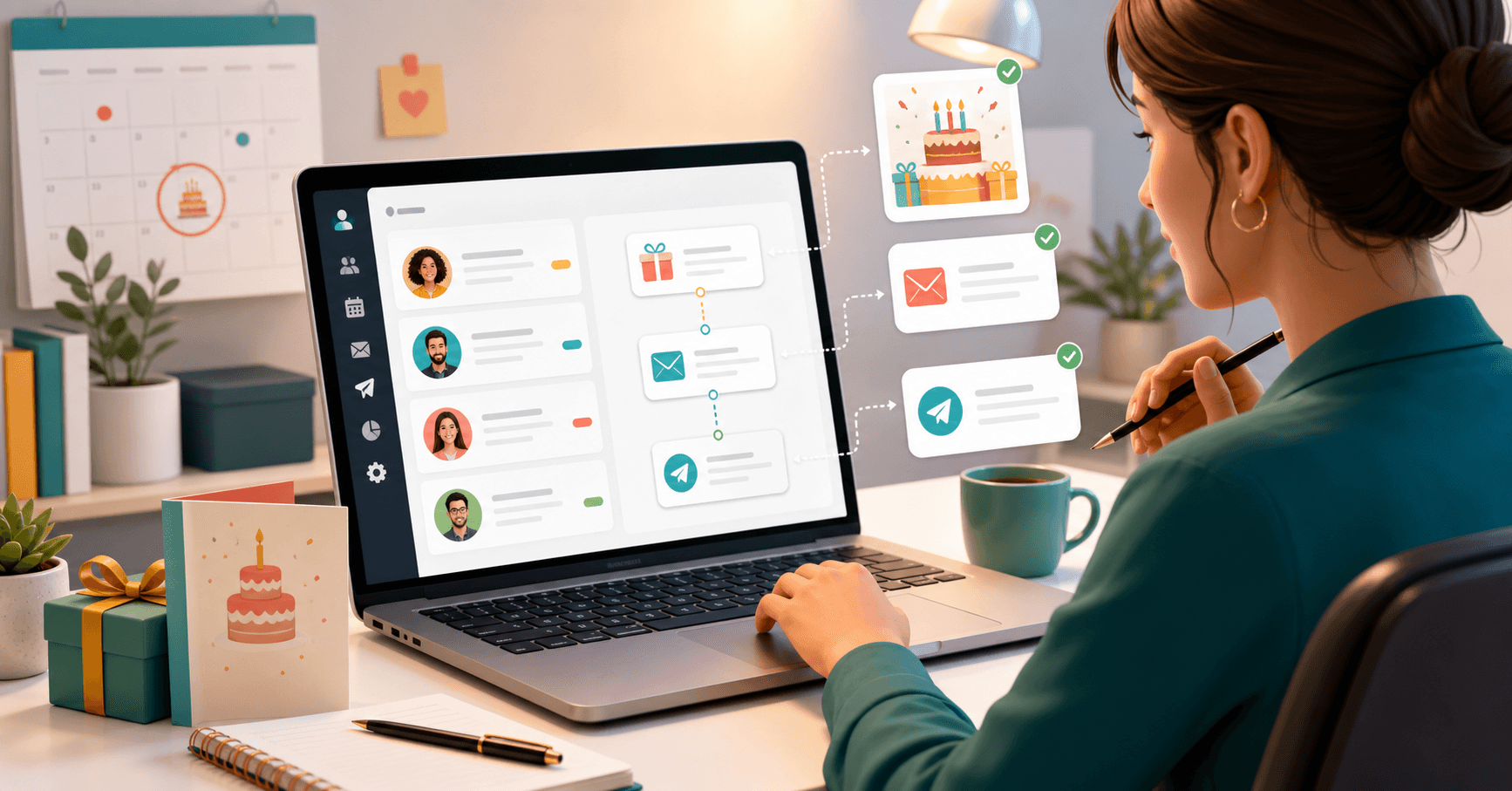
With Niverly, the public registration link helps collect this data directly from the client. Then email and Telegram reminders notify you when the date is coming, and message templates reduce operational effort.
Examples by Niche
For doctors and dentists, AI should keep a careful tone and avoid aggressive campaign language. A good message mentions health, well-being and availability.
For beauty salons and studios, the message can feel closer, with a light invitation to return or a birthday treat.
For coaches, consultants and personal trainers, the best path is to connect the date with progress, goals or next steps.
For stores and small businesses, AI can suggest a gift, benefit or subtle invitation, as long as the communication does not become only a promotion.
How to Use AI Without Sounding Automated
The most common mistake is asking for a generic message and sending it without review. AI should be a first draft, not the final decision.
Use this simple brief before generating any message:
- Who is the person?
- What is the relationship with your business?
- What tone fits this relationship?
- Is there any personal detail worth mentioning?
- Will the message include an offer, a gift or only birthday wishes?
Example brief: create a short birthday message for a long-time patient, warm and professional tone, no discount, reinforcing health and well-being.
This kind of direction produces a more useful message than simply asking for: birthday message for a client.
Comparison: Niverly vs Standalone ChatGPT vs Spreadsheet
| Feature | Niverly | Standalone ChatGPT | Spreadsheet |
|---|---|---|---|
| Organized client database | ✅ Yes | ❌ No | ⚠️ Manual |
| Public registration link | ✅ Yes | ❌ No | ❌ No |
| Email and Telegram reminders | ✅ Yes | ❌ No | ❌ Not automatic |
| Context by relationship group | ✅ Yes | ⚠️ Depends on prompt | ⚠️ Manual |
| Templates and automated greetings | ✅ Yes | ⚠️ Text only | ❌ Manual |
| Tasks linked to clients | ✅ Yes | ❌ No | ⚠️ Manual |
| Price for full features | From R$19.90/month | Depends on the tool | Free, but manual |
Niverly's difference: it is not just a text generator. It organizes the database, reminds you of the date, supports the message and connects the relationship to your business workflow.
Practical Workflow for AI Birthday Outreach
A simple process prevents last-minute improvisation:
- The client enters through the registration link
- You organize the person into a relationship group
- Niverly stores the date and sends reminders
- You use AI or templates to prepare the message
- The message is reviewed so it feels natural
- The touchpoint becomes a retention, return or referral opportunity
This workflow combines relationship marketing with operational organization. AI enters where it is strongest: speeding up creation without removing human context.
Checklist: Use AI for Birthdays in 25 Minutes
- Check whether your database has name, birth date, email and phone
- Create groups such as patients, students, VIP clients, leads and former clients
- Write a tone brief for each group
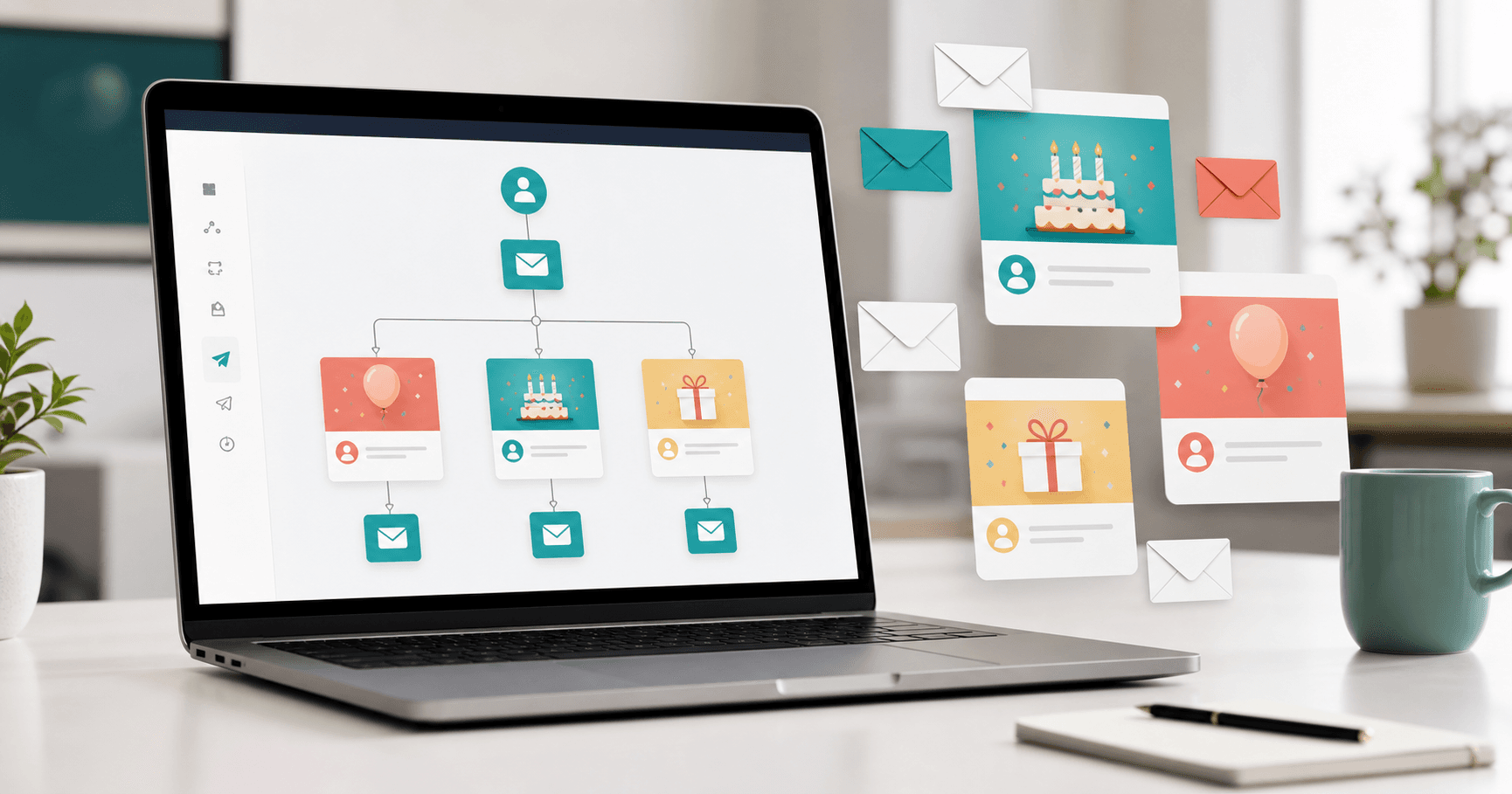
- Prepare three templates: simple greeting, greeting with invitation and greeting with treat
- Enable email or Telegram reminders so you do not miss the date
- Review every AI suggestion before sending
- Track replies and create follow-up tasks when it makes sense
In practice, AI for client birthdays works best when there is a process. The text becomes faster, but the organized database is what guarantees timing and consistency.
- You gain speed: create messages and gift ideas without starting from scratch
- You keep context: groups and data help the message feel made for that person
- You build a routine: Niverly connects registration, reminders, templates and relationship management in one place
If your operation still depends on memory, spreadsheets and copied phrases, start with the database. Then use AI as support to turn each birthday into a more personal touchpoint.
Frequently Asked Questions
How do I use AI for client birthdays?
Start by organizing name, birth date, relationship group and context. Then use AI to create a first draft of the message or gift idea. Review it before sending. Niverly supports the process with a registration link, email and Telegram reminders, groups and message templates.
Does AI replace ready-to-use birthday templates?
Not completely. Templates are useful for consistency and speed. AI helps adapt the text to each group or client context. The best workflow combines a template, organized data and human review, so the message is fast to create without sounding cold or overly automated.
What data do I need to personalize AI messages?
The essentials are name, birth date, email, phone and relationship group. If possible, add short notes such as purchased service, contact preference or relevant history. This context helps AI suggest a more natural message and helps the CRM trigger the right reminder.
Can I use AI to suggest gifts for clients?
Yes, as long as the suggestion fits the relationship. For patients, choose neutral and careful ideas. For salons, a light treat or benefit may work. For VIP clients, something more personalized can make sense. AI helps list options, but you decide what matches your brand.
Is Niverly an AI CRM?
Niverly is a simple relationship CRM for organizing clients, birthdays, reminders, tasks and messages. It also supports personalized message suggestion workflows. The main advantage is connecting AI to what matters most: an organized database, the right dates and consistent communication.
Ready to organize your client base?
Create your personalized registration link in 3 minutes. Free to start.
Start Free