 Niverly Team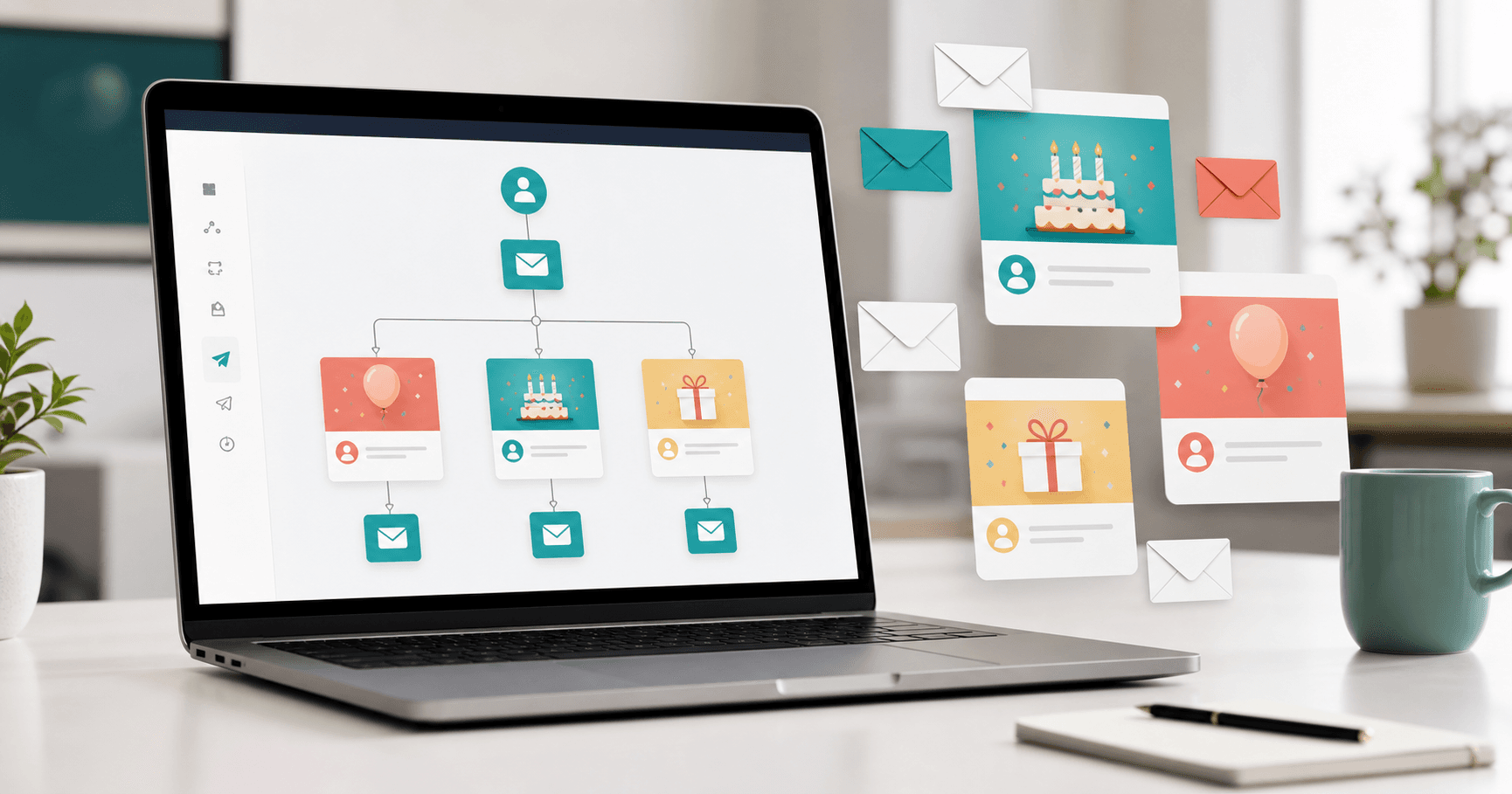
An automatic birthday email for clients is a scheduled message sent on the right date, with the client's name and a professional text you define once. It is one of the simplest automations for keeping relationships active without filling your calendar.
In Niverly, you register the birth date, create birthday templates and let the email send automatically. For independent professionals and small businesses, this turns a forgotten date into a recurring relationship touchpoint.
When to use automatic birthday email
Use automatic email when you have enough clients, patients or students that manual sending becomes inconsistent. With 20 contacts, manual work may still feel easy. With 80, 200 or 500, missed dates and generic messages become common.
This automation is useful for:
- Clinics that want to stay close to patients
- Dentists who want to reinforce care after appointments
- Salons built on repeat visits
- Personal trainers who want to motivate students
- Coaches and consultants who depend on trust
What a good birthday message needs
A good client birthday email does not need to be long. It needs to be personal, respectful and aligned with the relationship.
Simple structure
- Greeting with first name
- Direct and human congratulations
- One sentence connected to your relationship or service
- Professional signature
- Optional light invitation to talk or book
Avoid turning the birthday into a hard sell. The date belongs to the client. The goal is to strengthen the relationship, not force an offer.
How Niverly automates the sending
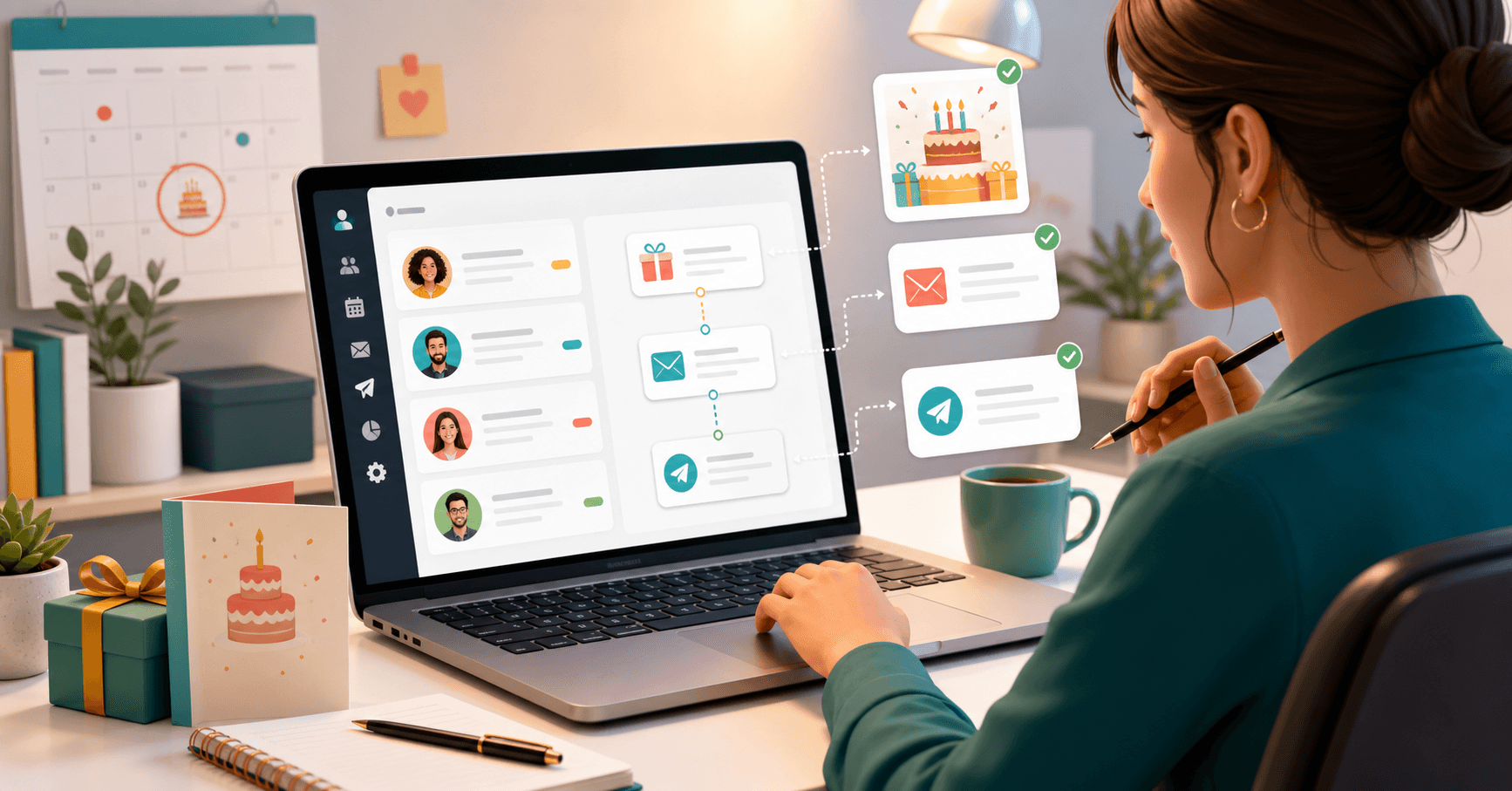
Niverly connects three parts: client registration, birthday date and email template. Once the automation is active, the system identifies whose birthday it is and sends the scheduled message.
You can adapt the tone by group. Patients can receive a more formal note; students can receive a lighter message; VIP clients can receive a warmer version.
Comparison: Niverly vs Generic Email Marketing vs Manual Sending
| Feature | Niverly | Generic email marketing | Manual sending |
|---|---|---|---|
| Uses client birthday date | ✅ Yes | ⚠️ Requires setup | ✅ Yes |
| Built for birthdays and relationships | ✅ Yes | ❌ Not specific | ⚠️ Manual |
| Public link to collect data | ✅ Yes | ❌ Not native | ❌ No |
| Templates by relationship group | ✅ Yes | ⚠️ More complex | ❌ Does not scale |
| Email and Telegram reminders | ✅ Yes | ❌ No | ❌ No |
| Price for full features | From R$19.90/month | Varies by list | Operational time |
Niverly's advantage: it is designed for important-date relationship management, not generic campaigns. That means less setup for professionals without a marketing team.
Checklist: Set It Up in 15 Minutes
- Add clients with birth date and email
- Create groups such as patients, students, VIP clients or leads
- Write one birthday template for each important group
- Use the first name in the greeting
- Activate automatic sending on the birthday
- Test the message with your own email before scaling
Quick examples by niche
For doctors and dentists, use a careful professional tone. For salons, use warmer language. For personal trainers, a motivational note works well. For consultants, emphasize trust and appreciation.
The core rule is simple: keep the message short and sincere. The client should feel remembered by a real relationship, even when automation handles the delivery.
- Automation saves time: configure once and let it run all year
- Personalization improves response: name and group make email less generic
- Niverly connects data and sending: collected data becomes automatic communication
If you want to send birthday greetings without manually remembering each date, automatic birthday email is one of the first workflows to activate in Niverly.
Frequently Asked Questions
What is an automatic birthday email for clients?
It is an email scheduled to send on each client's birthday using the birth date in your database. You write the message once and the system sends it automatically on the right day, with personalization such as name and professional signature.
Is birthday email better than WhatsApp?
Email is better for organized, professional and less intrusive communication. WhatsApp can create fast conversations, but it requires more care. Many professionals use automatic email as the baseline and reserve WhatsApp for closer relationships. The best channel depends on context.
Can I personalize the message by client type?
Yes. In Niverly, you can organize contacts by groups and create different templates. Patients can receive a formal message, students can receive a lighter text and recurring clients can receive a warmer relationship-focused version. This keeps automation from sounding generic.
Do I need to know how to write professional emails?
No. A strong birthday email is short, clear and human. Use the first name, say congratulations naturally and sign with your name or brand. Niverly also supports templates and suggestions to make the process easier. Start simple, then improve over time.
Should clients consent to receive automated birthday emails?
Yes. Relationship communication should always respect consent and expectations. When using a public link or adding data to Niverly, be clear about how the information will be used. This protects trust and keeps your communication professional. Transparency lowers complaints and unsubscribes.
Ready to organize your client base?
Create your personalized registration link in 3 minutes. Free to start.
Start Free