 Niverly Team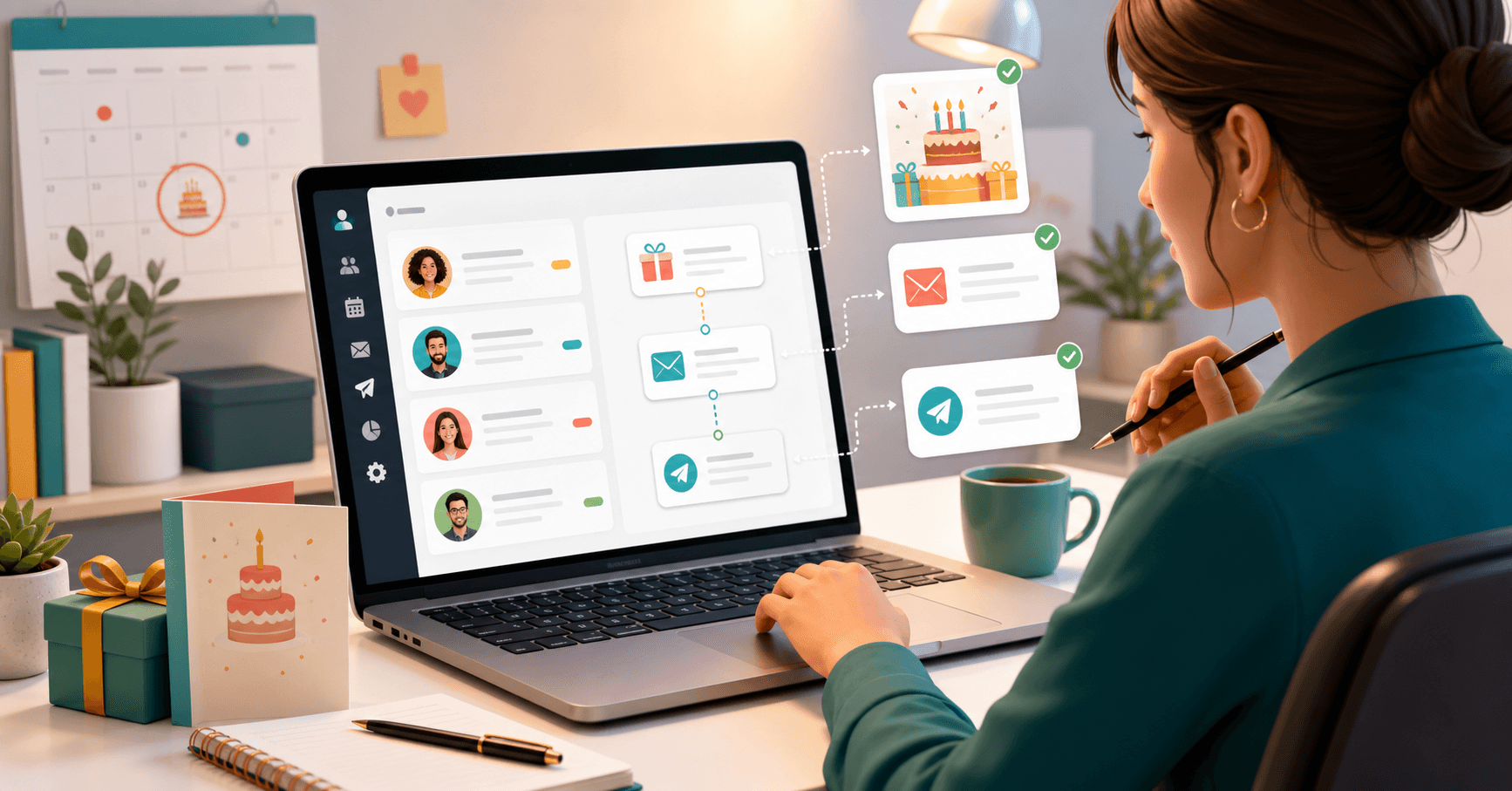
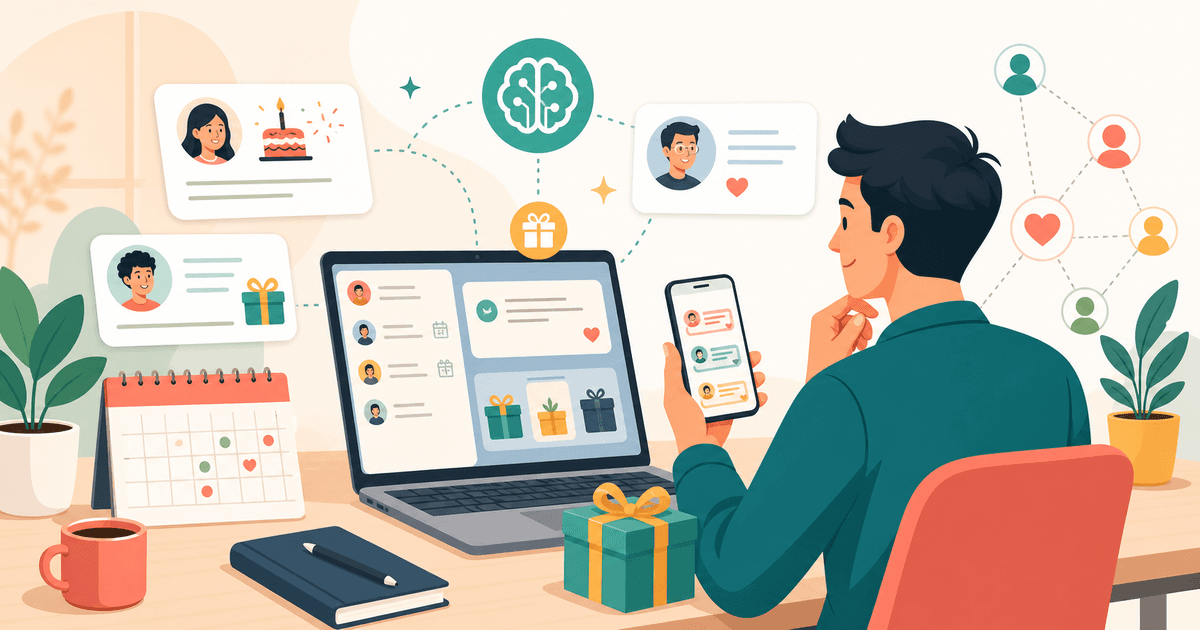
Automating birthday messages for clients means preparing templates, dates and sending rules so the system acts at the right time. Instead of remembering, writing and sending manually, you configure the workflow once and keep the relationship active all year.
For independent professionals and small businesses, this solves a practical problem: clients appreciate being remembered, but appointments, sales and daily operations make important dates easy to miss. With a simple CRM, the message goes out with name, context and a professional tone without relying on memory.
What you should really automate
Automation is not just receiving a phone alert. An alert still requires you to stop, write the message and send it. A complete workflow handles three parts of the process.
- Identify who has a birthday
- Choose the right template
- Send the message through the configured channel
The benefit is removing repetitive work from your schedule without removing personalization from the message.
The minimum structure for automatic messages
Before automating birthday messages for clients, organize your database. If birth dates are wrong, duplicated or buried in old conversations, any automation becomes risky.
Customer records with birth dates
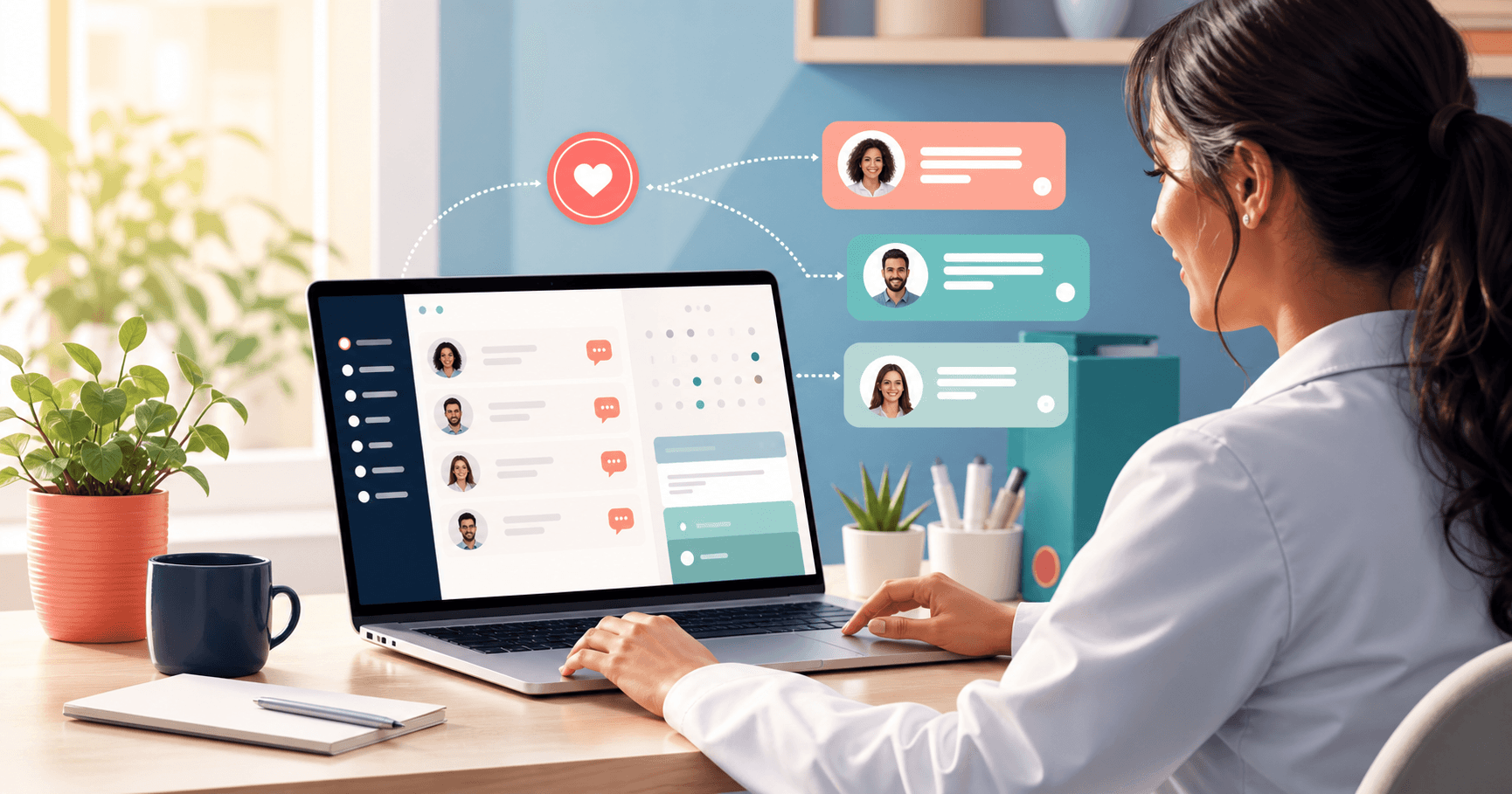
Start with name, email, phone and birthday. Ideally, use a registration link so clients fill in their own data from their phones. That reduces manual typing and copy errors.
Relationship groups
Not every client should receive the same text. A patient needs a more careful tone. A student may receive something lighter. A salon client may receive a message that invites a return visit.
Use groups such as:
- Patients
- Students
- Recurring clients
- VIP clients
- Leads or new contacts
- Inactive clients
Templates by timing
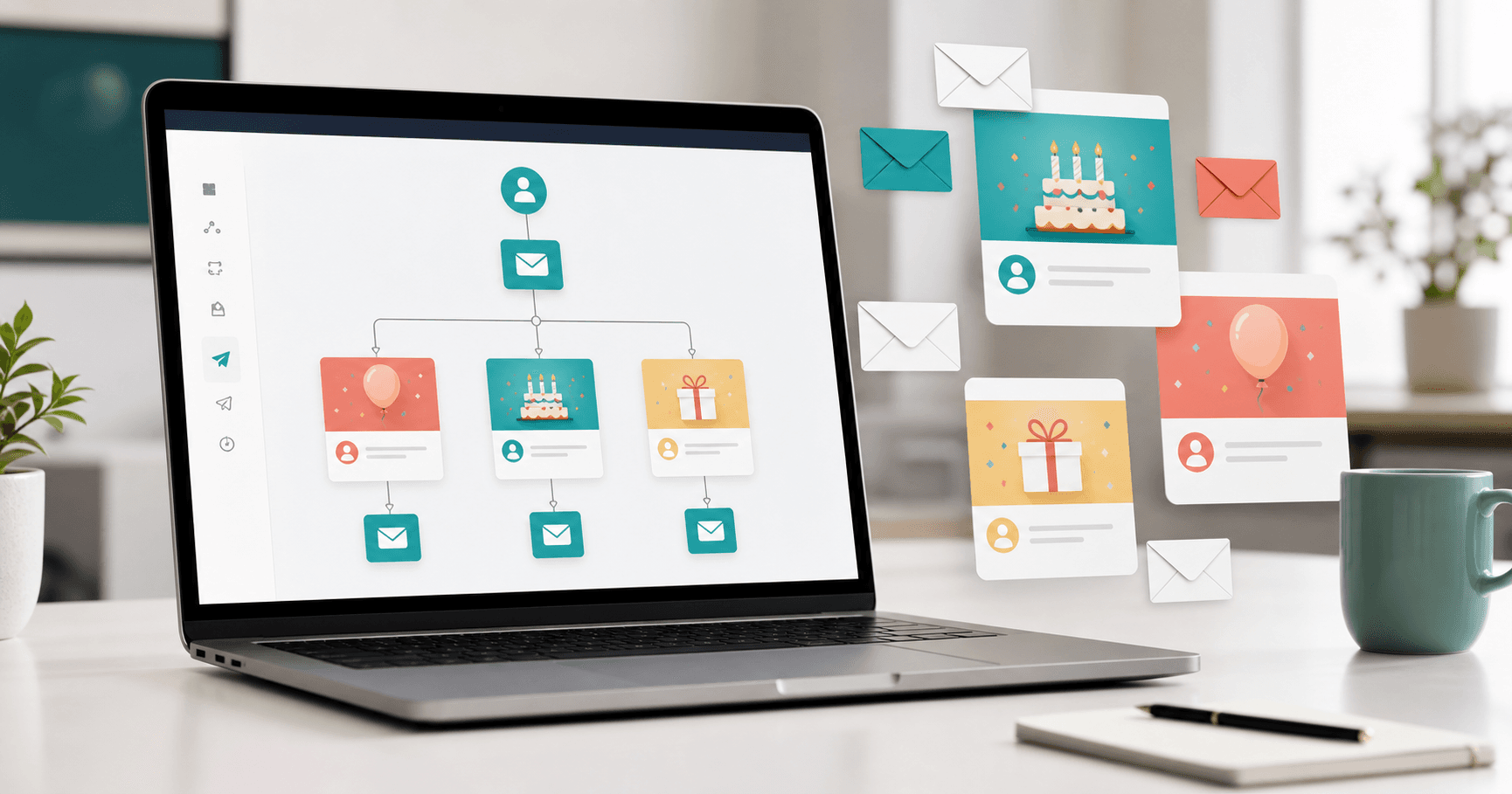
The message does not have to go out only on the birthday. Depending on your niche, three moments can work well.
- Before the birthday, to start a conversation or offer a benefit
- On the day, to send a thoughtful greeting
- After the date, to reinforce attention and create a return opportunity
This creates more touchpoints without feeling pushy, as long as the message is short and relevant.
Practical examples by niche
Clinics and private practices
Use a professional and caring tone. For doctors, dentists, therapists and physiotherapists, the message should reinforce care and trust, not sound like aggressive promotion.
Salons, aesthetics and studios
The birthday can become a return opportunity. A simple benefit, such as a special condition during the customer's birthday month, works better when the database is organized and the message arrives at the right time.
Personal trainers, coaches and teachers
Birthday messages help maintain proximity with active, paused and former students. Automation prevents the relationship from disappearing after the service cycle ends.
Consultants and service providers
For longer service cycles, the message keeps your brand present without a complex campaign. It is relationship marketing with low operational effort.
Common mistakes in birthday automation
Bad automation feels robotic. Good automation feels organized. The difference is in the details.
Avoid:
- Messages that are too long
- Generic text without the client's name
- Aggressive sales promises on a birthday
- Databases without consent or with outdated information
- Sending the same message to every group
- Activating templates without reviewing them first
The goal is not to impress with a complex text. It is to show attention consistently.
Comparison: Niverly vs Spreadsheet vs Manual Reminder
| Feature | Niverly | Spreadsheet | Manual reminder |
|---|---|---|---|
| Customer records with birthdays | ✅ Yes | ⚠️ Manual | ⚠️ Manual |
| Link for clients to fill in their data | ✅ Yes | ❌ Not native | ❌ No |
| Templates by relationship group | ✅ Yes | ❌ No | ❌ No |
| Automatic message sending | ✅ Yes | ❌ No | ❌ No |
| Email and Telegram reminders | ✅ Yes | ❌ No | ⚠️ Depends on the app |
| Price for full features | Starts at R$19.90/month | Free, but manual | Free, but limited |
Niverly's difference: it connects registration, groups, reminders and automatic messages in the same workflow. You do not need to build an automation across several separate tools.
Checklist: Automate This in 15 Minutes
- Check whether your clients have birth dates registered
- Create or update relationship groups
- Write a short birthday-day template
- Create a second template for before or after the date
- Test the message with your own email
- Turn on email and Telegram reminders
- Review the database once a month to keep data updated
Automating birthday messages for clients is one of the simplest ways to maintain relationships without increasing your operational workload.
- You reduce forgotten dates: the system finds the date and runs the workflow
- You keep personalization: groups and templates prevent generic messages
- You strengthen retention: Niverly turns special dates into recurring touchpoints
If you currently depend on a calendar, spreadsheet or memory, start by automating one message. Then adjust groups, channels and timing based on how your clients respond.
Frequently Asked Questions
How do I automate birthday messages for clients?
The simplest path is using a CRM with client records, birth dates, groups and automatic templates. You register contacts, define the message and activate sending. From there, the system identifies birthdays and sends the message at the configured time without relying on spreadsheets or a manual calendar.
Which channel should I use for automatic birthday messages?
Email works well for professional messages and organized records. Telegram is useful for internal reminders when you want to know who has a birthday. The best setup combines automated sending with reminders so you can follow the relationship with more control.
Do automatic birthday messages feel impersonal?
They feel impersonal when the same generic text goes to everyone. To avoid that, use the client's name, split your database into groups and write short templates by profile. A patient, student and salon client can receive different messages with the right tone.
Do I need many clients before automating birthdays?
No. Automation helps even with a small client base because it creates discipline from the beginning. When the database grows, you do not need to rebuild the process. Independent professionals, clinics and small stores gain consistency because relationships stop depending on memory.
Does Niverly send birthday messages automatically?
Yes. Niverly helps organize clients, groups and important dates, and it supports automatic birthday messages depending on the plan. It also includes email and Telegram reminders, a public registration link and tasks linked to clients, keeping relationship management in a simple workflow.
Ready to organize your client base?
Create your personalized registration link in 3 minutes. Free to start.
Start Free