 Niverly Team
Automated birthday messages for patients help you maintain relationships without depending on memory, scattered calendars or end-of-day manual sending. For small clinics and independent healthcare professionals, this solves a practical problem: remembering the right date and reaching out with care, without turning it into one more operational task.
The issue is that many teams try to do this through improvisation. They keep the birthday in a spreadsheet, add a manual reminder and promise they will send the message later. When the schedule gets busy, the date passes and the opportunity is lost.
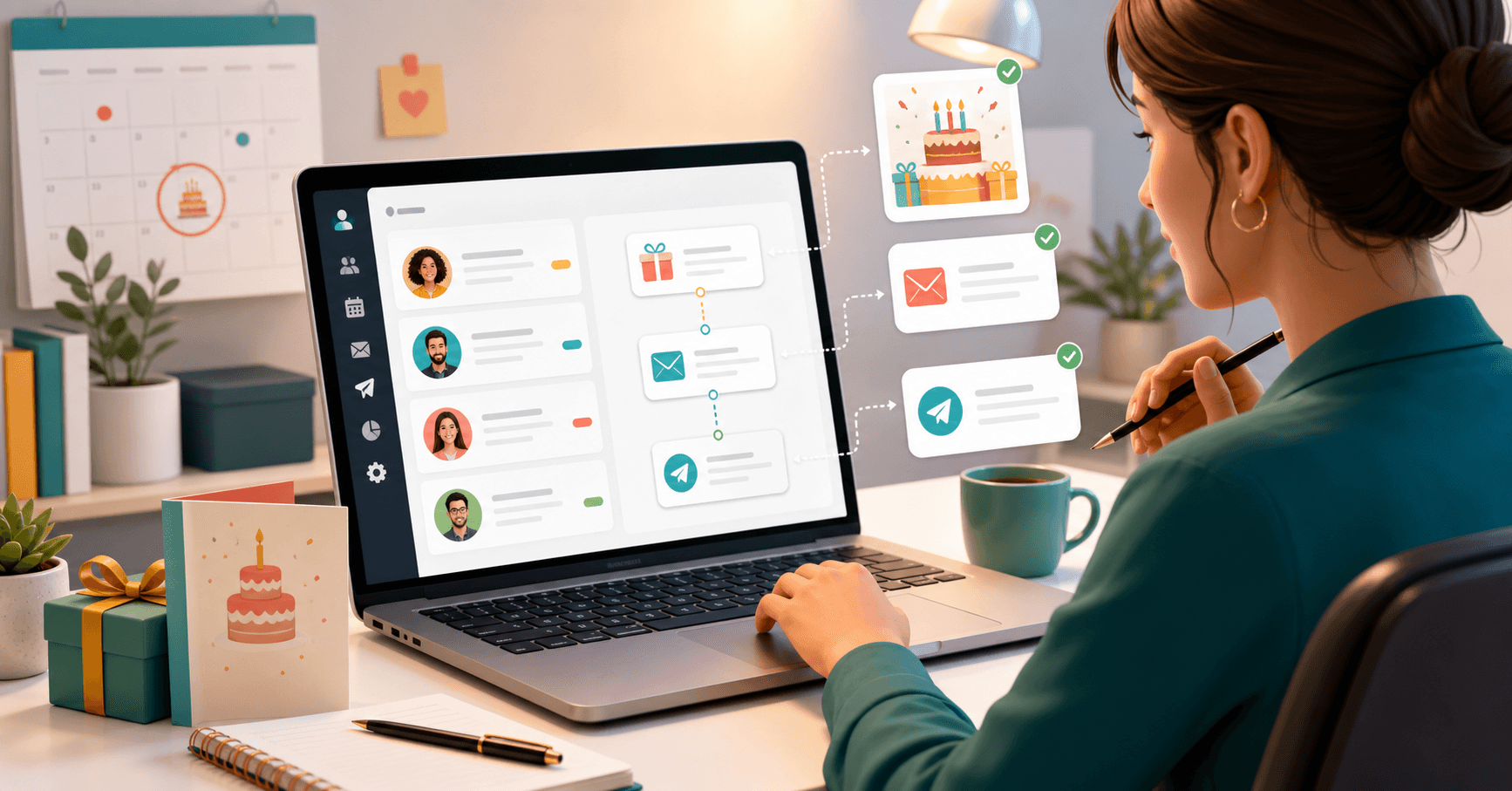
With Niverly, the workflow becomes simpler. The patient enters your base through a public link or organized registration, the birth date is stored, and the message can be prepared to go out before, on or after the birthday, with a tone that fits the professional relationship.
Why birthday messages work in healthcare
In healthcare, relationship-building does not need to feel promotional to be valuable. A short and respectful message shows attention and reinforces memory of your practice or clinic.
That can help you:
- Keep patients close between appointments
- Increase spontaneous recall of your practice
- Reinforce care without sounding invasive
- Create a natural future return point
- Reduce missed birthdays in larger databases
The goal is not to sell on a birthday. The goal is to stay present with context and respect.
What a good patient birthday message needs
A strong message is not the longest one. It is the one that sounds human, appropriate and coherent with your type of service.
Keep it professional and short
Avoid exaggeration, too many emojis or aggressive promotional language. In most cases, the best structure is:
- Greeting with first name
- Direct birthday wish
- A brief line about health, well-being or peace of mind
- Signature from the clinic or professional
Personalize without adding complexity
You do not need to write a new message for every patient. The practical approach is to create one solid base template and adjust it by group if needed.
Useful groups include:
- Active patients
- Former patients
- Recurring or premium patients
- Students or members of ongoing programs
Respect consent and context
If the person did not authorize contact, or if the channel does not fit the relationship, do not force it. Good automation is not blind sending. It is organized communication with criteria.
How to automate birthday messages for patients
The simplest workflow usually has four steps:
1. Organize your database
Without a clean base, automation only scales confusion. At minimum, keep:
- Name
- Birth date
- Email or contact channel
- Relationship group
- Communication consent
2. Define the template
Create a short, clear and professional message. If needed, keep one version for clinics, another for individual practices and another for closer long-term relationships.
3. Choose the send timing
You can send:
- Before the birthday, as a light early wish
- On the day, which is the most natural format
- After the date, in ongoing follow-up contexts
4. Review the flow and monitor it
Before turning it on, test it with yourself or an internal email. Then review your database over time to correct incomplete data and improve the tone when needed.
How Niverly helps with this workflow
Niverly combines the pieces that usually stay scattered: lead capture by link, contact-base organization, relationship groups, reminders and automated messages.
In practice, this lets you:
- Receive patient data through a personalized public link
- Keep birthdays organized in one central database
- Segment messages by relationship group
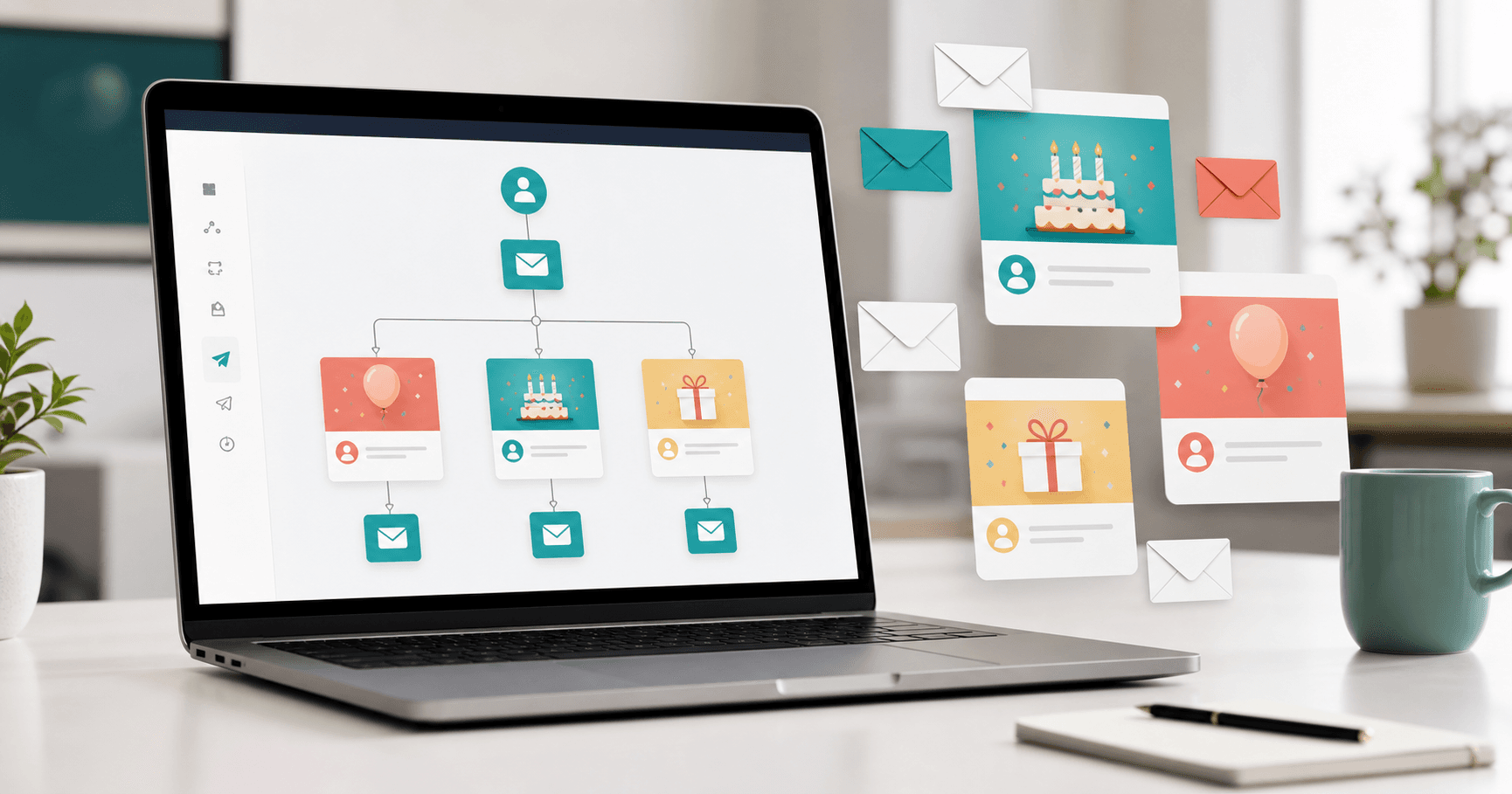
- Configure automated greetings before, on or after the date
- Avoid dependence on spreadsheets, calendars and manual memory
That matters because Niverly is not only a birthday reminder tool. It works as a simple CRM for independent professionals and small operations that need relationship management with less friction.
Comparison: Niverly vs Manual Calendar vs Generic Email Tool
| Feature | Niverly | Manual calendar | Generic email tool |
|---|---|---|---|
| Organized patient database | ✅ Yes | ⚠️ Partial | ⚠️ Partial |
| Automated birthday messages | ✅ Yes | ❌ No | ⚠️ Requires setup |
| Segmentation by relationship group | ✅ Yes | ❌ No | ⚠️ Limited |
| Registration through public link | ✅ Yes | ❌ No | ❌ No |
| Email and Telegram reminders | ✅ Yes | ❌ No | ❌ No |
| Price for full features | Starts at R$19.90/month | Operational time | Varies by tool |
Niverly's difference: the automation starts from an already organized base. You do not need to stitch together a broken workflow across forms, spreadsheets, calendars and a separate sending tool.
Examples by niche
Dentists and dental clinics
A discreet birthday message helps keep the patient thinking about the clinic between appointments and checkups.
Therapists and psychologists
Tone matters most here. A short and respectful message works better than any promotional angle.
Nutritionists, physiotherapists and doctors
For recurring care, the message reinforces professional presence and helps keep the relationship active outside the consultation room.
Checklist: Set This Up in 20 Minutes
- Review whether your database has name, birthday and contact channel
- Separate patients into useful relationship groups
- Write one short, professional template
- Decide whether the message goes before, on or after the birthday
- Test the flow with an internal contact before activation
- Monitor replies and adjust tone when needed
In the end, automated birthday messages for patients are not about turning healthcare into a campaign. They are about maintaining relationships with consistency and less improvisation.
- You save time: sending no longer depends on memory and calendar checking
- You reduce operational noise: database, reminder and message stay in one flow
- You strengthen relationships: Niverly helps clinics and professionals stay in touch more consistently
If patient birthdays are still buried in forms, spreadsheets or WhatsApp notes, this is usually one of the simplest workflows worth activating first.
Frequently Asked Questions
Is it worth sending birthday messages to patients?
Yes, when the message is short, respectful and coherent with the professional relationship. The goal is not to sell on a birthday, but to stay present and show attention. For small clinics and independent professionals, this helps reinforce memory of the practice without depending on expensive campaigns or invasive outreach.
What is the best channel for automated birthday messages to patients?
It depends on the relationship and on consent. Email is usually the safest channel for organized and less invasive communication. In some cases, WhatsApp may work, but it requires even more care with tone and frequency. The key is using a channel that fits both the patient's routine and your professional practice.
Does Niverly replace a medical record or clinical system?
No. Niverly is not a medical record system and should not be used for clinical evolution notes or healthcare documentation. It works as a simple relationship CRM focused on contact databases, birthdays, reminders, messages and operational organization. Keeping that separation clear helps you use each tool in the right context.
Do I need a different message for every patient?
No. In most cases, one well-written base template is enough. The practical move is to personalize the first name and, if useful, create a few versions by relationship group. That keeps the message human without turning automation into disguised manual work, which is exactly the bottleneck you are trying to remove.
How should a small clinic start automating birthday messages?
Start with the basics: organize the database with name, birth date, email and consent, write one short template and test the flow with a small internal sample. Then expand it across the full base. The common mistake is overengineering the process before the data is organized. Automation works best when the base already makes sense.
Ready to organize your client base?
Create your personalized registration link in 3 minutes. Free to start.
Start Free