 Niverly Team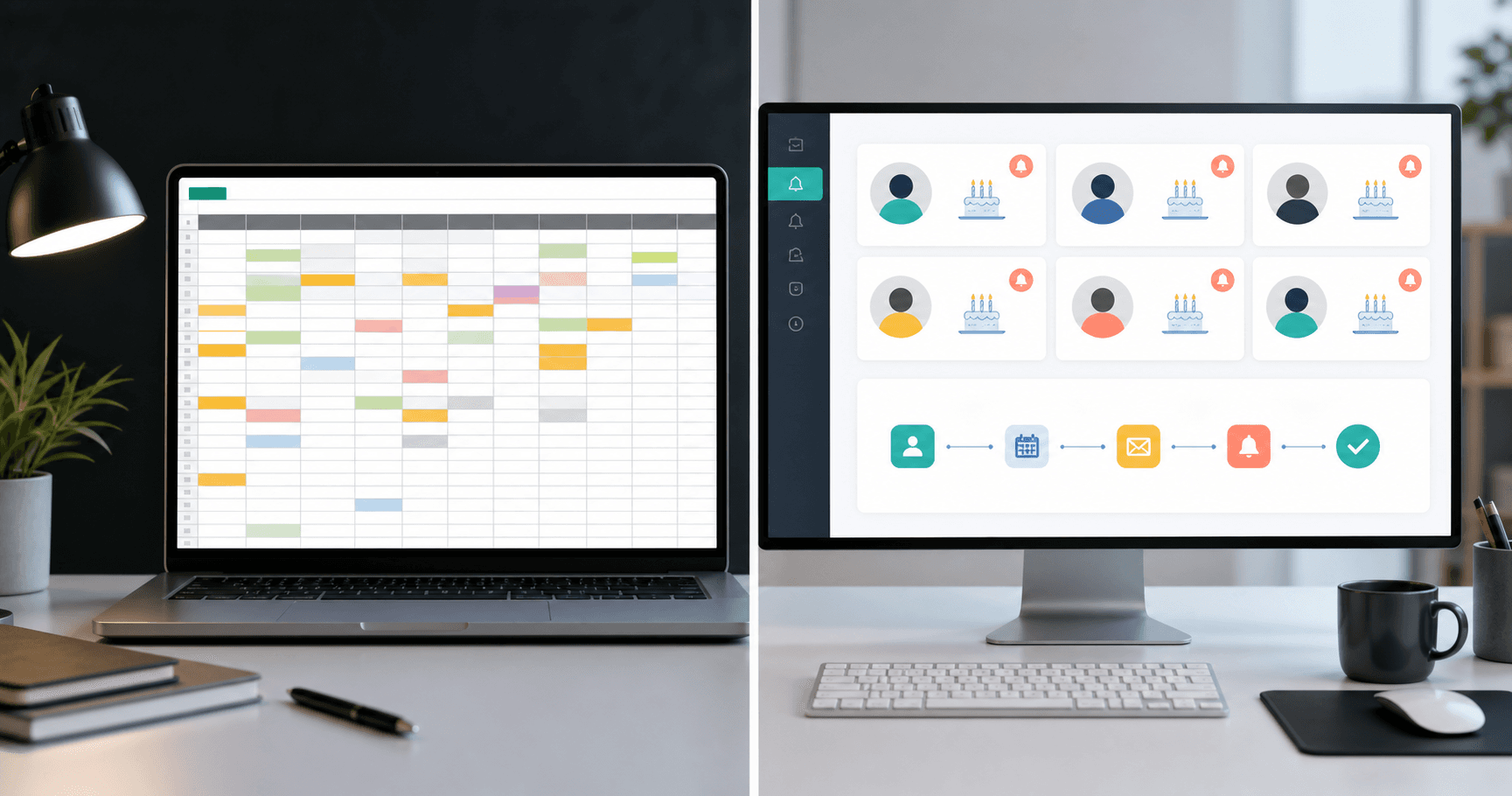
A client birthday spreadsheet works when you have few contacts and the discipline to open the file every day. As your base grows, it starts to fail: missed dates, outdated emails and no automatic sending.
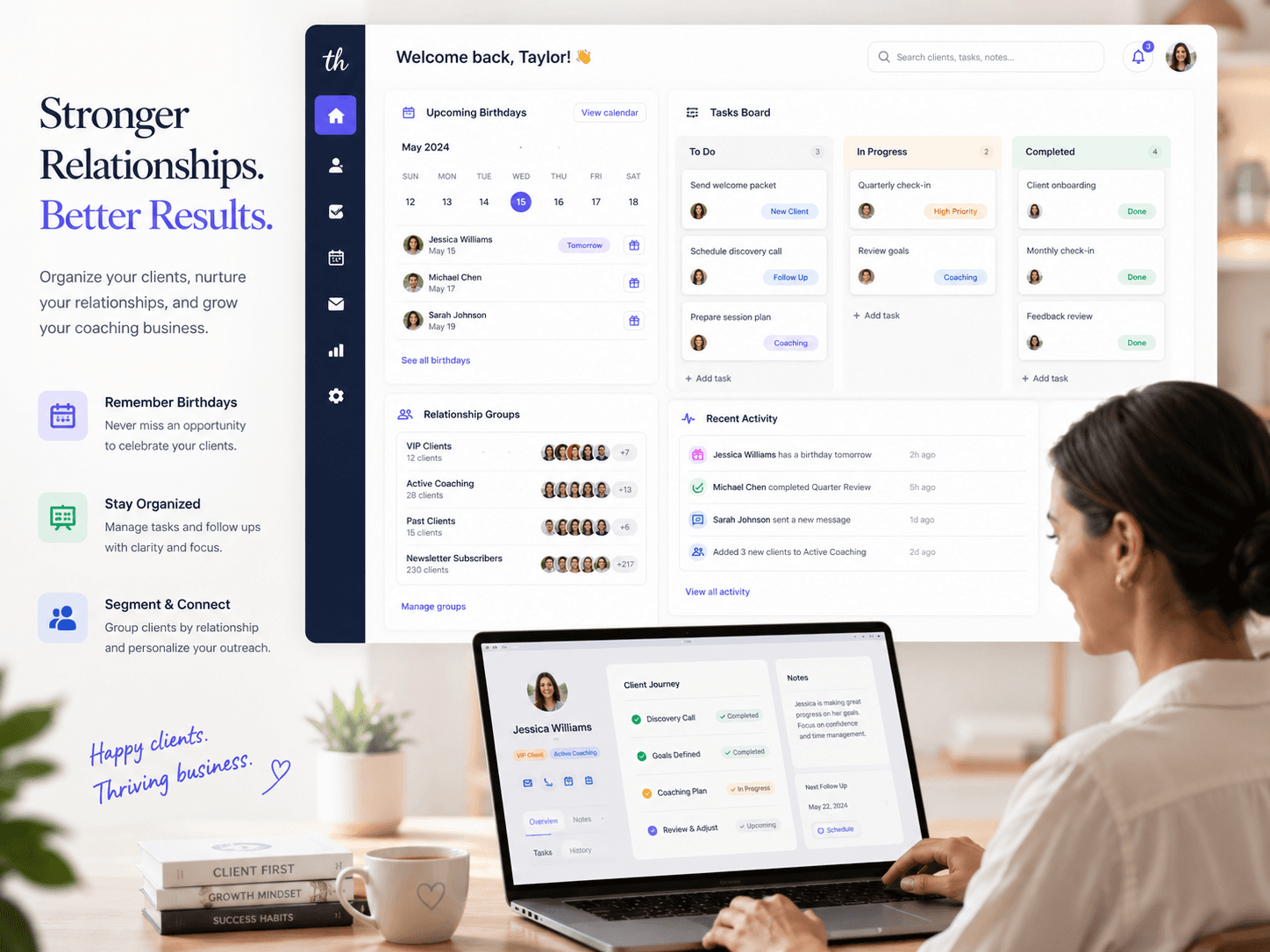
A system like Niverly solves that limitation by turning your database into action. Beyond storing dates, it helps you receive registrations, send reminders by email and Telegram, and automate birthday greetings.
When a spreadsheet is still enough
A spreadsheet is useful for an initial list. If you have 10 or 15 clients and are testing a process, it can help you visualize names, dates and contact details.
But a spreadsheet depends on manual routine. You need to open the file, filter dates, remember to write the message and track what you did.
Signs it is time to switch
Consider moving to a system when any of these signs appear:
- You miss birthdays even with dates written down
- Clients send data by WhatsApp and it never reaches the sheet
- The database has duplicates or incomplete details
- You want reminders by email or Telegram
- You want automatic birthday emails
- More than one person needs to manage contacts
These signs show the problem is not personal organization. It is the lack of a repeatable workflow.
What an automated system adds
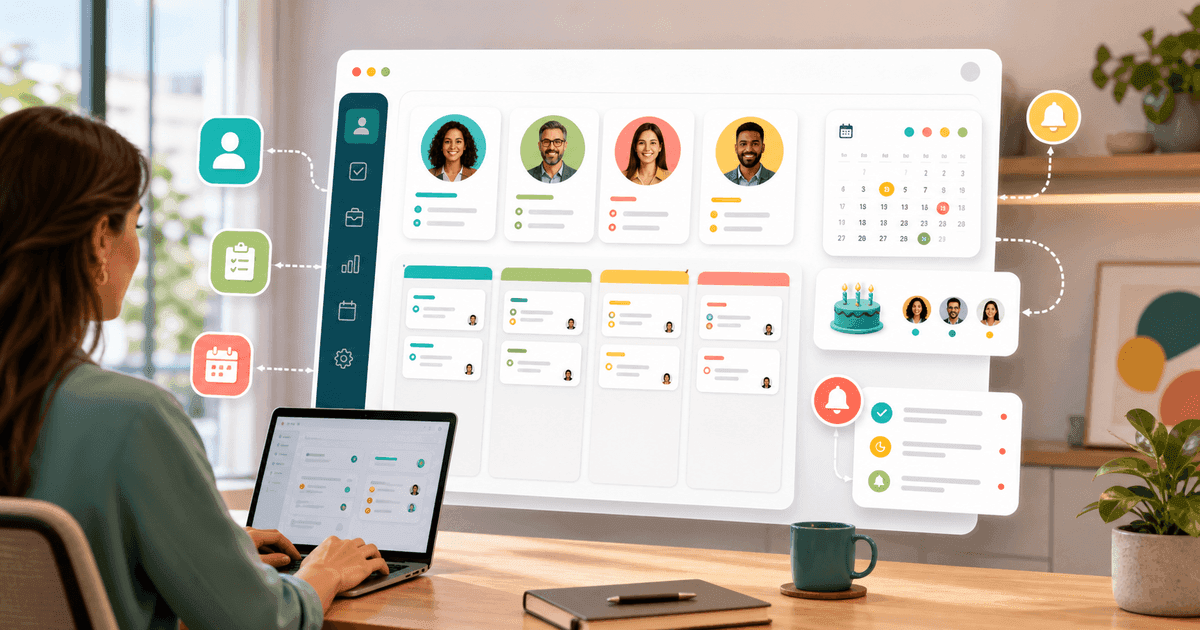
A reminder system is not just a prettier table. It connects registration, calendar, groups and communication.
Data enters with fewer errors
With a public link, clients enter their own name, birthday and email. This reduces manual typing and prevents data from being lost in old conversations.
Dates become reminders
The system identifies upcoming birthdays and notifies you. Information stops sitting still and starts producing action.
Messages can be automated
On Niverly paid plans, you can configure automatic birthday emails for clients, with templates by group.
Comparison: Niverly vs Spreadsheet vs Phone Calendar
| Feature | Niverly | Spreadsheet | Phone calendar |
|---|---|---|---|
| Public registration link | ✅ Yes | ❌ No | ❌ No |
| Email reminders | ✅ Yes | ❌ Not automatic | ⚠️ Limited |
| Telegram reminders | ✅ Yes | ❌ No | ❌ No |
| Automatic birthday greetings | ✅ Yes, on paid plans | ❌ No | ❌ No |
| Group organization | ✅ Yes | ⚠️ Manual | ❌ Limited |
| Price for full features | From R$19.90/month | Free, but manual | Free, but limited |
Niverly's advantage: it reduces repetitive work. A spreadsheet stores information; Niverly helps turn information into relationship.
Checklist: Migrate Without Chaos
- Export your current spreadsheet or organize the main columns
- Review incomplete names, birth dates and emails
- Add the most important clients first
- Create groups for patients, students, leads and active clients
- Activate email or Telegram reminders
- Share the public link so new registrations enter the system directly
Practical decision
If you only need to check dates once a month, a spreadsheet may be enough. If you want reliable reminders, recurring relationship and automatic emails, a system saves time and reduces missed opportunities.
- Spreadsheet is a starting point: good for a small list
- System is active routine: better for reminders, alerts and messages
- Niverly focuses on birthdays and relationships: ideal for professionals who want simplicity
Replacing the spreadsheet with a system is not about technology. It is about no longer depending on memory to keep clients close.
Frequently Asked Questions
Is a client birthday spreadsheet worth using?
It is useful at the beginning, especially with a small list. A spreadsheet helps you see names and dates, but it requires manual routine. When you start missing birthdays or want reminders and automated messages, a system becomes more efficient.
What is the main limitation of a spreadsheet?
A spreadsheet stores data but does not manage the relationship by itself. It does not collect data through a public link, send Telegram reminders or trigger birthday emails automatically without extra integrations or technical work. That is why it scales poorly.
When should I replace a spreadsheet with a system?
Switch when your base grows, when you miss dates despite writing them down or when you want automated reminders and messages. If the spreadsheet requires daily checking, it has become operational work that can be automated. That is the practical signal.
Can I migrate gradually to Niverly?
Yes. Start with your most important clients, organize groups and share the public link for new registrations. This improves the database step by step without forcing you to stop your routine for a perfect migration. The gain comes gradually over time.
Is a reminder system expensive for independent professionals?
It does not have to be. Niverly has a free plan to start and affordable paid plans for more contacts, Telegram and automations. Compare the price with the time spent manually checking dates and the opportunities missed by forgetting. Time is often the larger cost.
Ready to organize your client base?
Create your personalized registration link in 3 minutes. Free to start.
Start Free