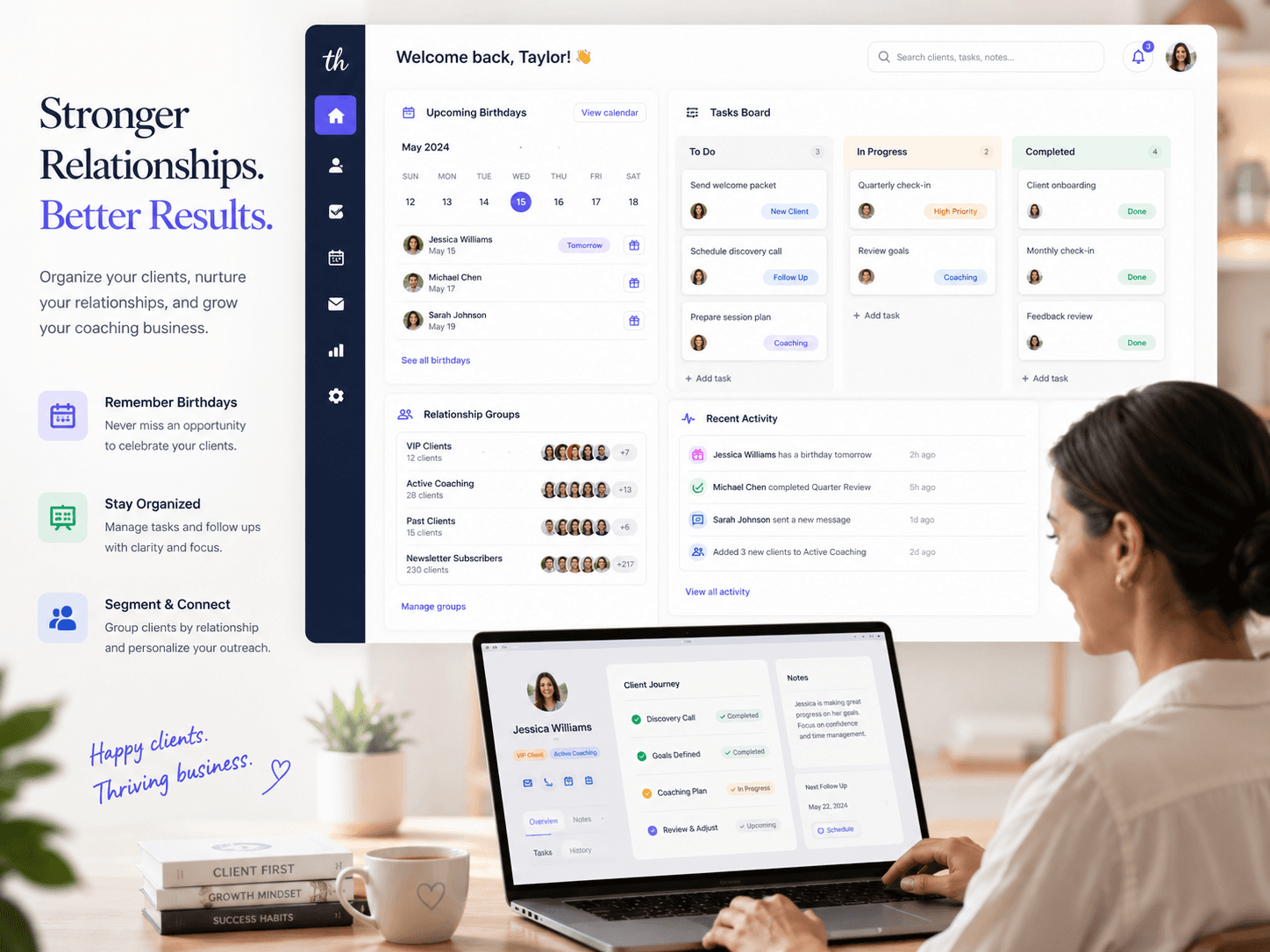
 Niverly Team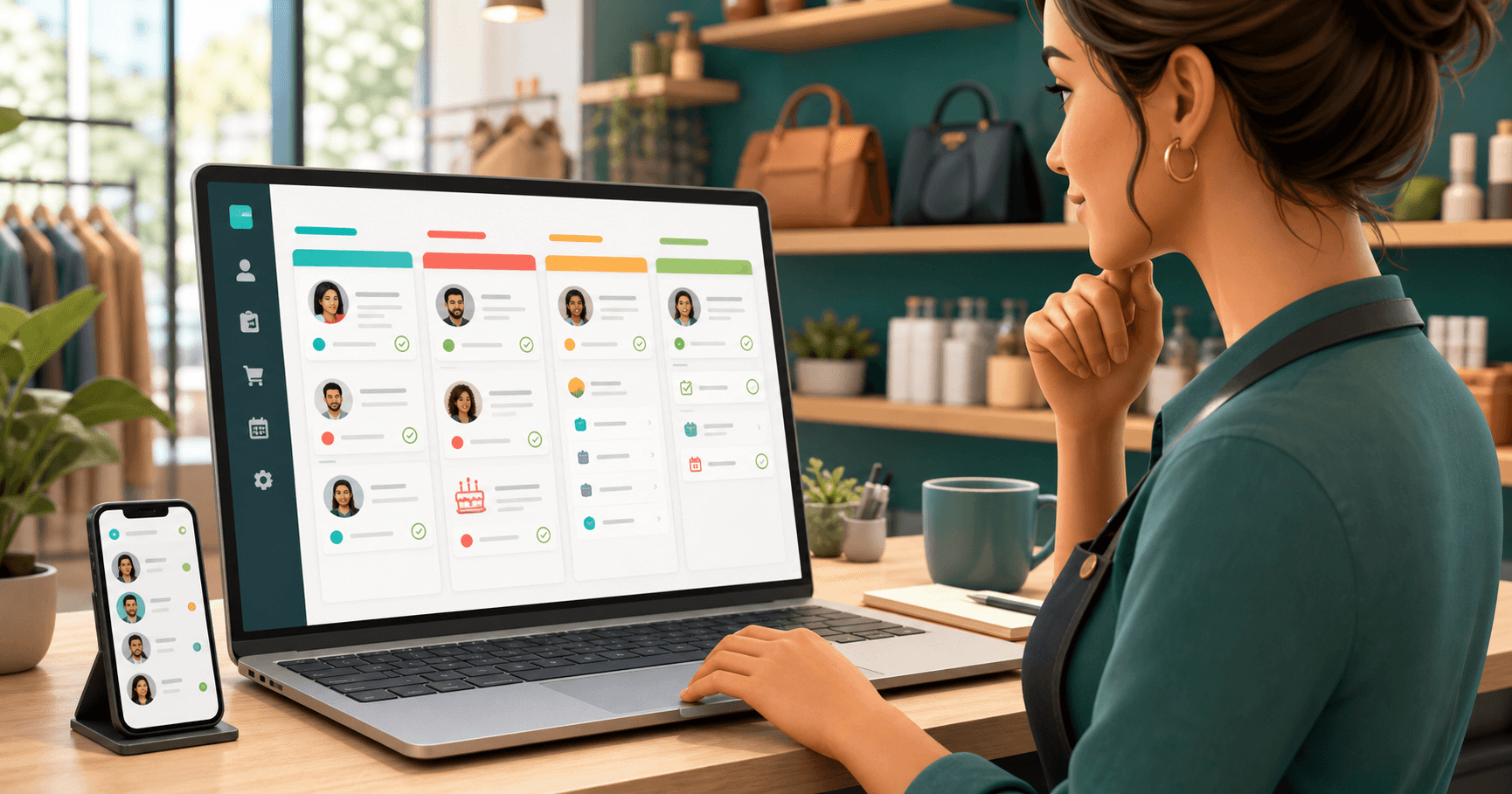
A task manager for stores helps centralize everything that should happen after the first contact: quotes, order separation, after-sales work, follow-ups, birthdays and reactivation. The best setup is not a generic to-do list. It is a workflow where every task is linked to the right customer.
For small stores, this reduces forgotten tasks and improves customer relationships without adding bureaucracy. Instead of searching WhatsApp, notebooks and spreadsheets, you can see who needs an answer, which order is stuck and which customers deserve contact at the right time.
Why stores lose track of tasks
A store routine mixes service, inventory, payments, delivery, exchanges, quotes and relationship work. When all of that is scattered, the problem is not lack of effort. It is the absence of a simple workflow.
Common signs include:
- A customer asked for a reply and nobody followed up
- A quote was sent, but no follow-up happened
- An order was separated without pickup notice
- An exchange or adjustment missed the agreed deadline
- A customer birthday passed without a message
- A campaign was sent without filtering the right audience
The store does not need to remember more things. It needs a system that shows the next action.
What a good task manager for stores needs
A task manager for stores should support both operations and relationship management. If it organizes tasks but does not show the customer behind the task, the context is still missing.
Customer records in the same place
Every task should be connected to a customer record. That way, when you open the task, you see the name, contact details, group, history and important dates.
Practical examples:
- Notify a VIP customer about a new collection
- Confirm pickup for a reserved product
- Follow up after a high-value purchase
- Reactivate a customer who has not bought in months
- Send a birthday message with a benefit or coupon
This connection turns a regular task into relationship management.
Simple statuses the team will actually use
Many stores abandon tools because the process becomes too heavy. Start with a small set of statuses:
- To do
- In service
- Waiting for customer
- Done
With this, the store owner or team can quickly understand what is stuck, what depends on the customer and what has already been resolved.
Visible deadlines and priorities
A task without a deadline becomes a note. For stores, deadlines matter because they affect the customer experience.
Use priority to separate:
- Pickup scheduled for today
- Customer waiting for a reply
- After-sales work after a recent purchase
- Exchange with an agreed deadline
- Relationship action without urgency
The goal is not excessive control. It is to prevent important tasks from disappearing during a busy day.
List and kanban for different routines
List view works well for reviewing tasks by date, priority or customer. Kanban works well for seeing flow: what came in, what is being handled, what is waiting for a reply and what is done.
In Niverly, both views help without splitting the database. The task remains linked to the customer, even when you switch between list and kanban.
Tasks every store should track
A task manager for stores becomes more useful when you define recurring task types. That keeps the team from relying on memory.
After-sales work
After a purchase, create a task to confirm whether the customer received the product, liked it or needs any adjustment. This simple contact builds trust and opens space for repeat purchases.
Quotes and reservations
If your store works with quotes, custom orders or reserved products, record the follow-up as soon as the conversation happens. Do not wait until the end of the day.
Exchanges, adjustments and warranties
These tasks need clear deadlines. Customers usually remember what was agreed, even when the store forgets. Status and history reduce friction in service.
Birthdays and relationship dates
Customer birthdays are a light relationship opportunity. With automatic reminders by email and Telegram, the store does not depend on someone opening a spreadsheet every morning.
Campaigns for specific groups
Instead of sending the same message to everyone, organize customers by group: recurring, inactive, VIP, new, region or interest. Then create tasks for smaller and more relevant campaigns.
Examples by store type
Clothing store
Create tasks to notify size arrivals, separate reserved items, follow up with VIP customers and check in after larger purchases. Birthday reminders can also support a special offer during the customer's birthday month.
Cosmetics store
Use tasks for product replenishment, first-purchase follow-up, new line recommendations and reactivation of customers who used to buy often. The history makes the contact more personal.
Pet shop
Track grooming returns, recurring product reminders, pet or owner birthdays and campaigns by service type. A customer-linked task reduces lost context.
Repair or maintenance store
Manage quotes, approval, pending parts, pickup and post-service contact. Kanban helps show where each service request is stuck.
Comparison: Niverly vs Trello vs Spreadsheet
| Feature | Niverly | Trello | Spreadsheet |
|---|---|---|---|
| Tasks linked to customers | ✅ Yes | ⚠️ Manual | ❌ No |
| Customer database in the same system | ✅ Yes | ❌ No | ⚠️ Manual |
| List and kanban views | ✅ Yes | ⚠️ Native kanban, limited list | ❌ No |
| Birthday reminders by email and Telegram | ✅ Yes | ❌ No | ❌ Not automatic |
| Customer groups for campaigns | ✅ Yes | ⚠️ Manual | ⚠️ Manual |
| Price for full features | Starts at R$19.90/month | Varies by plan | Free, but manual |
Niverly's difference: tasks, customer records, reminders and relationship management stay in the same workflow. That reduces tool switching and makes after-sales work more consistent.
How to start without disrupting operations
Do not try to map every store rule at once. Choose the routine that currently creates the most forgotten tasks and solve that first.
A practical path:
- Start with after-sales tasks from the last 30 days
- Add recurring or high-value customers first
- Create four simple statuses
- Define categories such as quote, pickup, exchange, after-sales and birthday
- Review the list every day at the start of work
- Use kanban to spot bottlenecks at the end of the week
That structure is enough for a small store to move from scattered notes to a reliable process.
Checklist: Organize Your Store in 25 Minutes
- List the tasks currently scattered across WhatsApp, notebooks or spreadsheets
- Split tasks into categories: quote, pickup, exchange, after-sales and birthday
- Define four simple statuses for the team
- Link every active task to the correct customer
- Add deadlines to tasks that need fast response
- Review recurring customers and mark who deserves relationship contact
- Turn on reminders for birthdays and important dates
A task manager for stores does not need to be complicated to generate results. It needs to show the next action, the customer involved and the agreed deadline.
- Less forgetfulness: orders, follow-ups and after-sales work stop depending on memory
- More repeat purchases: the relationship stays active even when the store is busy
- More organization: Niverly combines CRM for small businesses, tasks, birthdays and customer groups in a simple routine
If your store still works with scattered tasks, start with the basics: the right customer, the next action and a visible deadline. That trio already improves service, retention and relationship management.
Frequently Asked Questions
What is the best task manager for small stores?
The best task manager for small stores is the one the team can use every day. It should include customer records, tasks with deadlines, simple statuses and list or kanban views. If it also includes birthday reminders and customer groups, it becomes stronger for after-sales work and relationship management.
Is it worth using a spreadsheet to control store tasks?
A spreadsheet can work at the beginning, but it requires manual updates and loses context quickly. When the store needs to manage customers, birthdays, quotes, after-sales work and follow-ups, the spreadsheet becomes one more thing to remember. A simple system reduces that work and makes next actions visible.
How do I organize after-sales work in a small store?
Create a task right after the purchase, linked to the customer. Set a deadline, contact type and next step. For example: confirm delivery in two days, ask for feedback in one week or notify future replenishment. The key is recording after-sales work at the moment of sale, not trying to remember later.
Can Trello work as a task manager for stores?
Trello helps visualize tasks in kanban, but it usually does not solve customer management by itself. For stores that need records, groups, birthdays, reminders and relationship history, a simple CRM like Niverly tends to reduce manual adaptation and centralize operations better.
Does Niverly help stores retain customers?
Yes. Niverly helps stores organize a customer base, create tasks linked to each person, track after-sales work and activate birthday reminders by email and Telegram. That makes contacts more relevant, reduces forgotten follow-ups and supports a simple relationship marketing routine for small businesses.
Ready to organize your client base?
Create your personalized registration link in 3 minutes. Free to start.
Start Free