 Niverly Team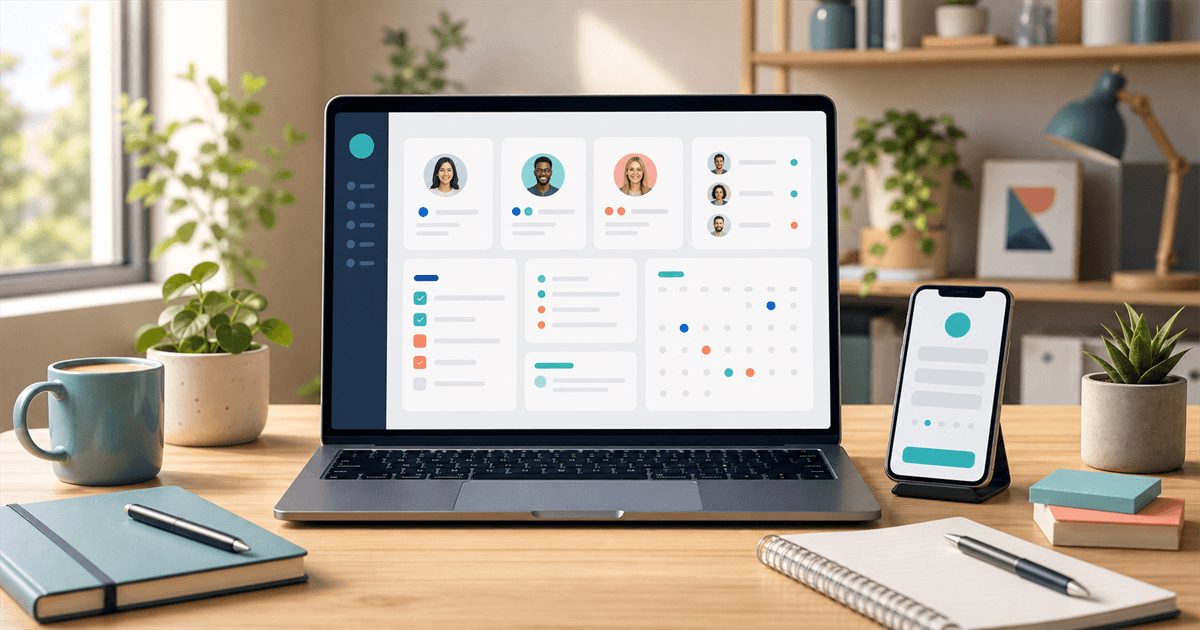
A free CRM for independent professionals should help you organize clients, tasks and important dates without a complex implementation. If a free tool only stores contacts but does not help you remember birthdays, track pending work or maintain relationships, it solves very little.
For doctors, dentists, psychologists, personal trainers, consultants, salons and small businesses, the main point is simple: build a reliable client base so you can act at the right time. This guide shows what to evaluate in a free CRM, when it is enough and when it is worth moving to a paid plan.
What a free CRM should solve first
CRM means customer relationship management. In the daily routine of an independent professional, it does not need to start with complex pipelines, sales stages or dozens of fields.
The basics that actually change the operation are:
- Centralize name, phone, email and birthday
- Separate contacts by group, service type or status
- Remember important dates without relying on memory
- Register tasks linked to each client
- Make relationship messages easier
- Reduce manual entry with a public registration link
A free CRM for independent professionals works well when it solves these steps with low friction. The goal is not to control everything. It is to avoid forgotten clients, manual rework and lost contacts.
When a free CRM is enough
A free plan is usually enough when your client base is still small and you need to create a repeatable process. Instead of paying for a heavy system immediately, you can validate the workflow with a few clients and adjust your routine.
Use the free plan when you need the essentials
A free CRM makes sense if you need to:
- Move away from spreadsheets or notebooks
- Stop searching for client data in WhatsApp conversations
- Keep a clear list of clients and patients
- Receive birthday reminders
- Test a relationship workflow before scaling
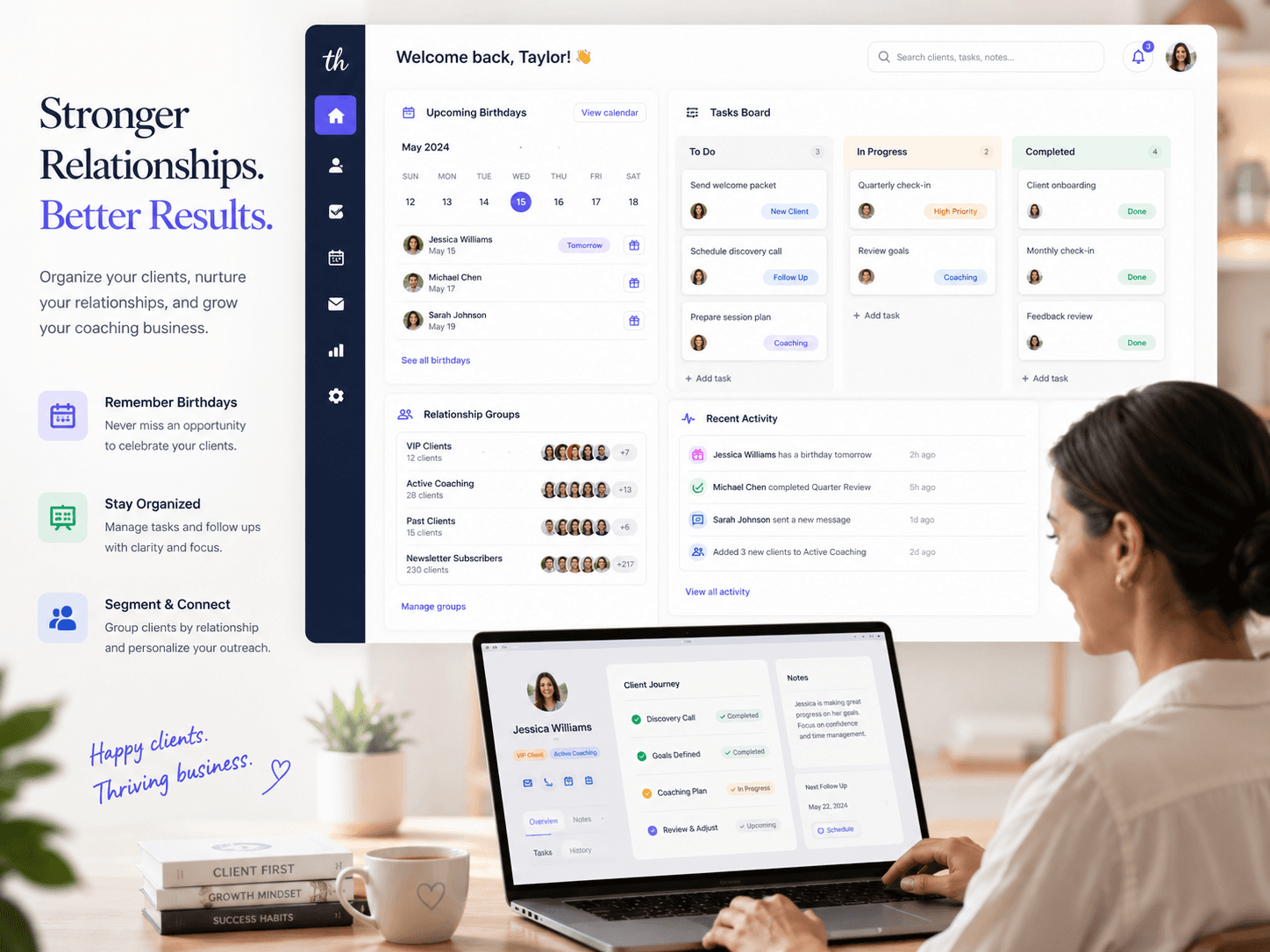
In Niverly, for example, the free plan lets you start with a smaller base, create a public registration link and organize important dates. That is already enough for many professionals to understand the value of a simple CRM.
Upgrade when your base starts requiring automation
The signal to upgrade appears when manual work starts taking over again. If you need more contacts, advanced reminders, Telegram notifications, automatic messages or a personalized link, a paid plan can save more time than it costs.
The practical question is: what is the cost of missing a follow-up, a birthday or a reactivation opportunity?
Features that matter most for freelancers and small businesses
Not every free CRM is built for independent professionals. Many tools were designed for sales teams, not recurring relationships with patients, students and clients.
Public registration link
A registration link is one of the most important features because it removes manual typing from your workflow. You share it on WhatsApp, Instagram, your bio, reception desk or website; the client fills in their own data from a phone.
This reduces errors and creates a more complete base from the first contact.
Relationship groups
Groups help you speak to each person with the right context. A dentist can separate active patients, orthodontics and check-ups. A personal trainer can separate active, paused and trial students. A salon can separate clients by main service.
Without groups, every relationship becomes generic.
Automatic reminders
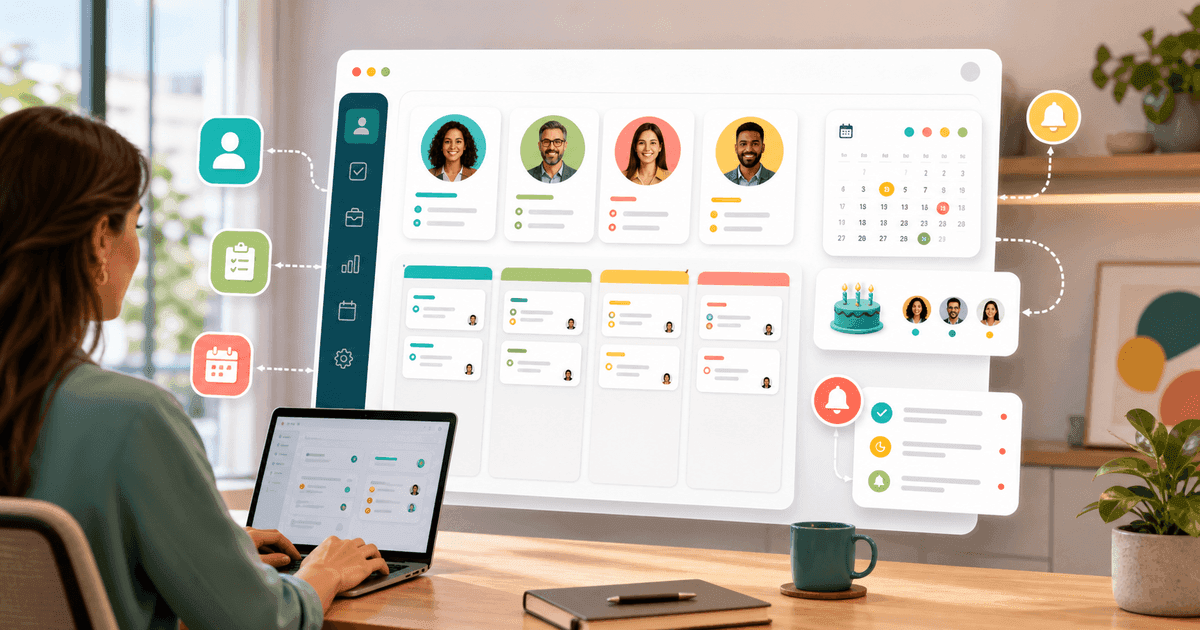
A free CRM should help turn registration into action. Email reminders, visual calendars and notifications matter because the system works while you are serving clients.
For businesses that depend on repeat visits, remembering at the right time can generate returns, referrals and a stronger perception of care.
Tasks linked to clients
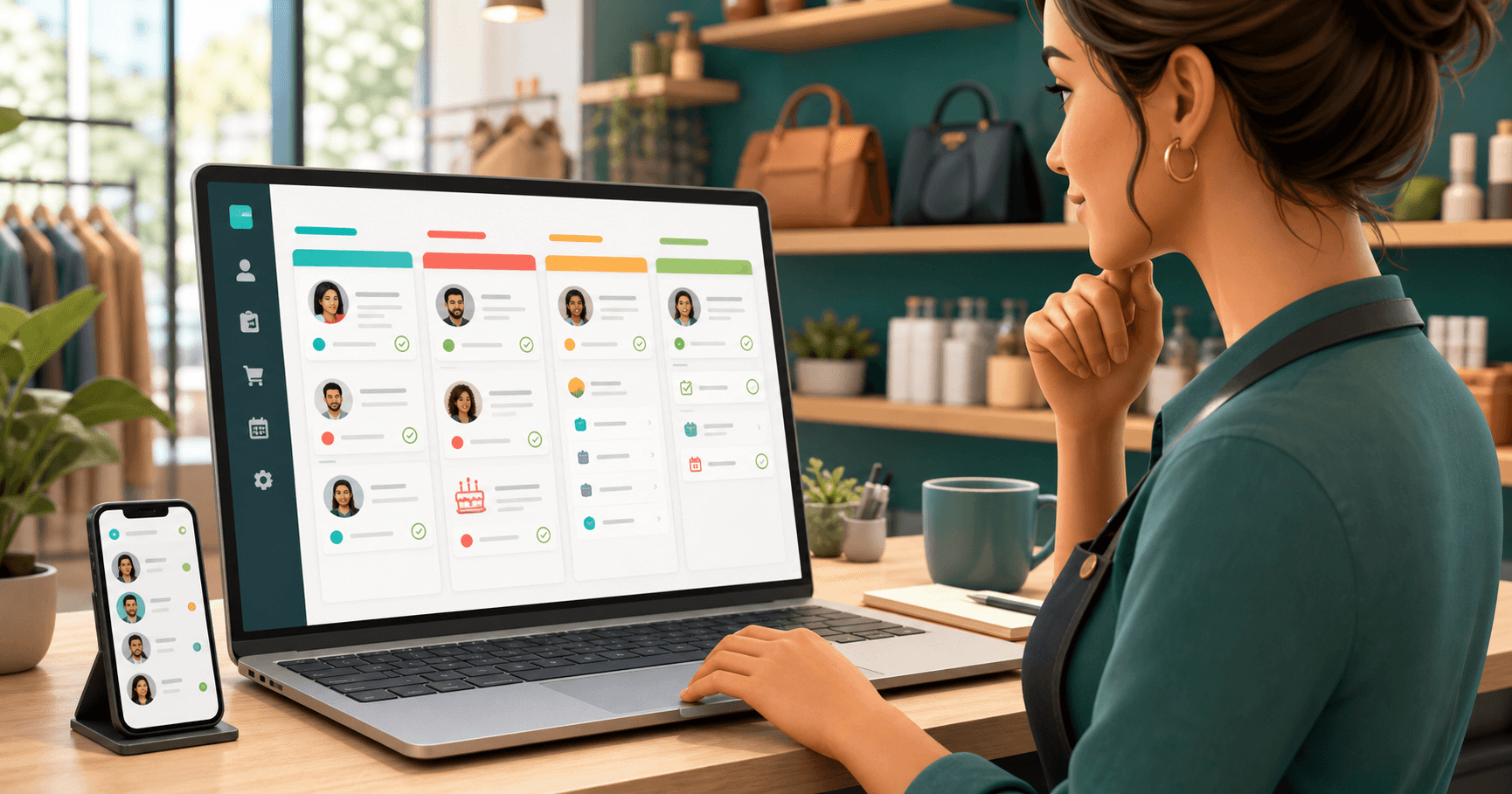
A loose task becomes a forgotten task. A task linked to a client becomes a process. Use tasks to track follow-ups, sent proposals, package renewals, post-service messages, pending deliveries or reactivation.
This is where Niverly goes beyond birthdays: it works as a lightweight CRM for relationship and operational organization.
Messages and relationship actions
An organized base lets you send better messages. You can create templates for birthdays, follow-ups, thank-yous, reactivation or post-service care. The benefit is not only automation. It is consistency without sounding improvised.
Comparison: Niverly vs Spreadsheet vs Google Contacts
| Feature | Niverly | Spreadsheet | Google Contacts |
|---|---|---|---|
| Public registration link | ✅ Yes | ❌ No | ❌ No |
| Birthday organization | ✅ Yes | ⚠️ Manual | ⚠️ Limited |
| Automatic reminders | ✅ Yes | ❌ Not automatic | ⚠️ Depends on calendar |
| Tasks linked to clients | ✅ Yes | ⚠️ Manual | ❌ No |
| Automatic birthday messages | ✅ Yes, on paid plans | ❌ No | ❌ No |
| Raffles in the contact base | ✅ Yes | ❌ No | ❌ No |
| Useful free plan | ✅ Yes | ✅ Yes | ✅ Yes |
| Price for full features | From R$19.90/month | Free, but manual | Free, but limited |
Niverly's difference: it is not just a contact list. It connects registration, dates, tasks, reminders and relationship actions in a simple workflow for professionals who do not want to operate a corporate CRM.
Practical examples by niche
Psychologists, doctors and dentists
Use the CRM to organize patients, birthdays, follow-ups and small administrative tasks. The focus should be care and continuity, without turning communication into aggressive promotion.
Personal trainers, coaches and teachers
Separate students by status: active, trial, paused and close to renewal. Linked tasks help track goals, payments, progress and motivational messages.
Salons, beauty clinics and studios
Organize clients by service, frequency and preference. A birthday message or return reminder can bring someone back without relying on constant discounts.
Consultants, architects and service providers
Use tasks to track proposals, meetings, pending documents and follow-ups. A free CRM helps create discipline before your operation needs larger tools.
Checklist: Set Up Your Free CRM in 20 Minutes
- Choose the minimum data: name, phone, email and birthday
- Create simple groups, such as active, inactive, lead and VIP
- Register your 15 most important contacts first
- Activate birthday or follow-up reminders
- Create one linked task for each client with an open pending item
- Generate a public link so new clients can register themselves
- Write one short birthday message template and one reactivation template
Starting with a free CRM is a smart way to move client relationships out of improvisation. You do not need to migrate your entire operation on day one. You need to build a reliable base, keep the data alive and turn reminders into action.
- More organization: clients, tasks and dates stay in one place
- Less forgetfulness: reminders reduce manual failures in your routine
- More relationship: Niverly helps you keep contact simple and consistent
If your operation still depends on spreadsheets, loose contacts and lost WhatsApp messages, start small. A well-used free CRM already creates the discipline that supports retention, repeat business and referrals.
Frequently Asked Questions
What is the best free CRM for independent professionals?
The best free CRM is the one you can actually use in your routine. For independent professionals, prioritize simple registration, groups, important date reminders and tasks linked to clients. Niverly is a good option when the focus is relationships, birthdays, follow-ups and organized client data without complexity.
Can a free CRM replace a client spreadsheet?
Yes, when it turns data into action. A spreadsheet stores information, but usually requires manual checking. A free CRM can centralize contacts, remind you of birthdays, organize groups and show pending tasks. If you miss follow-ups or lose data in WhatsApp, that difference improves the operation.
Do independent professionals need a CRM with few clients?
They do if there is already a risk of forgetting dates, losing contacts or leaving follow-ups unanswered. With a small base, a CRM helps create the habit before the client list grows. You start with essentials, adjust groups and reminders, and stop relying only on memory or old conversations.
What should freelancers add to a CRM?
Start with name, phone, email, birthday, relationship group and useful notes. Then add tasks linked to the client, such as follow-up, proposal, renewal, post-service care or reactivation. Do not add too many fields at first. The simpler the record, the easier it is to keep updated.
When should I move from a free plan to a paid plan?
Upgrade when contact limits, personalization or automations start saving real time. If you need more registered clients, Telegram notifications, automatic messages, a personalized link or advanced reminders, the paid plan stops being just a cost and becomes a retention tool.
Ready to organize your client base?
Create your personalized registration link in 3 minutes. Free to start.
Start Free