 Niverly Team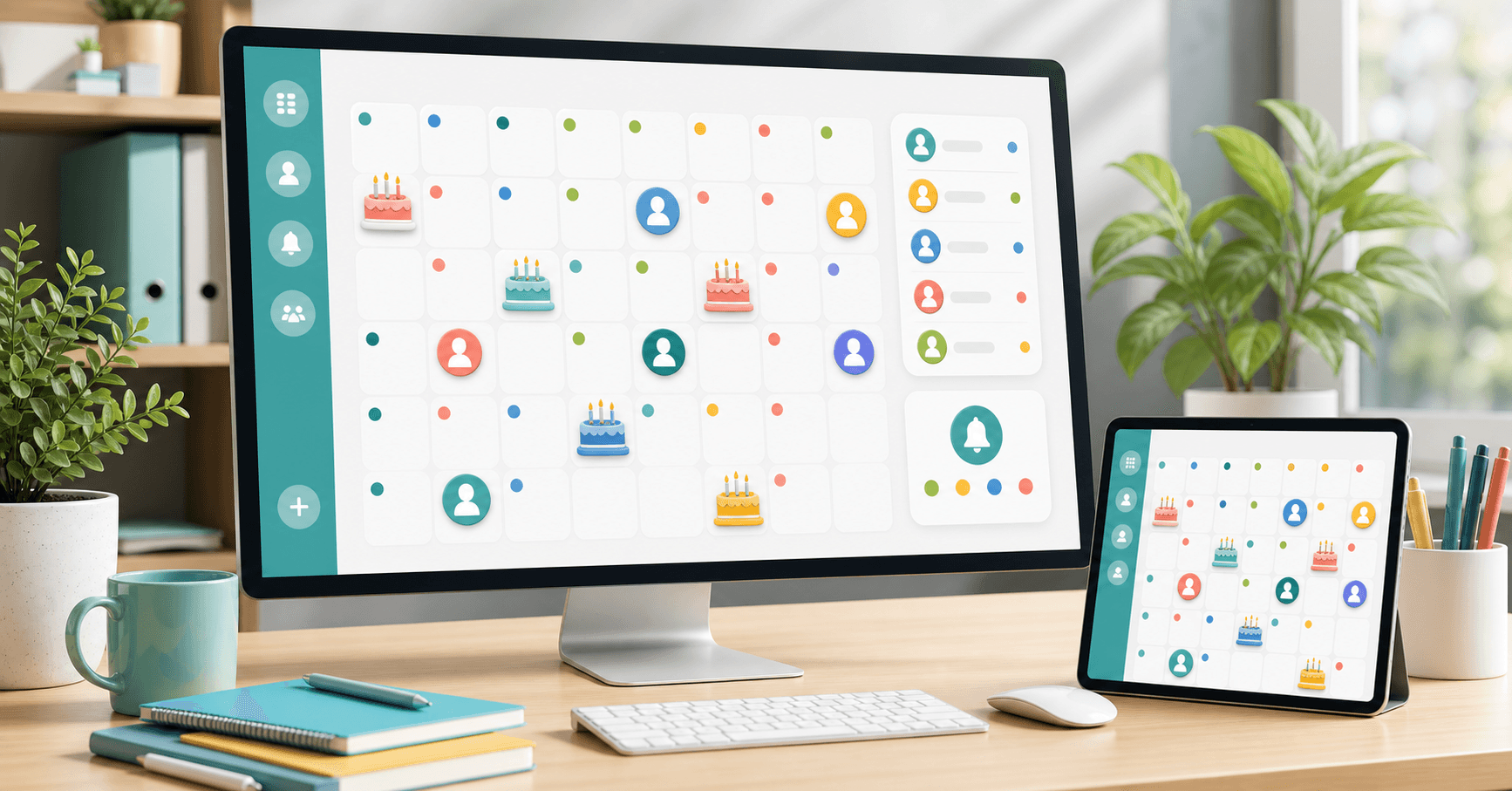
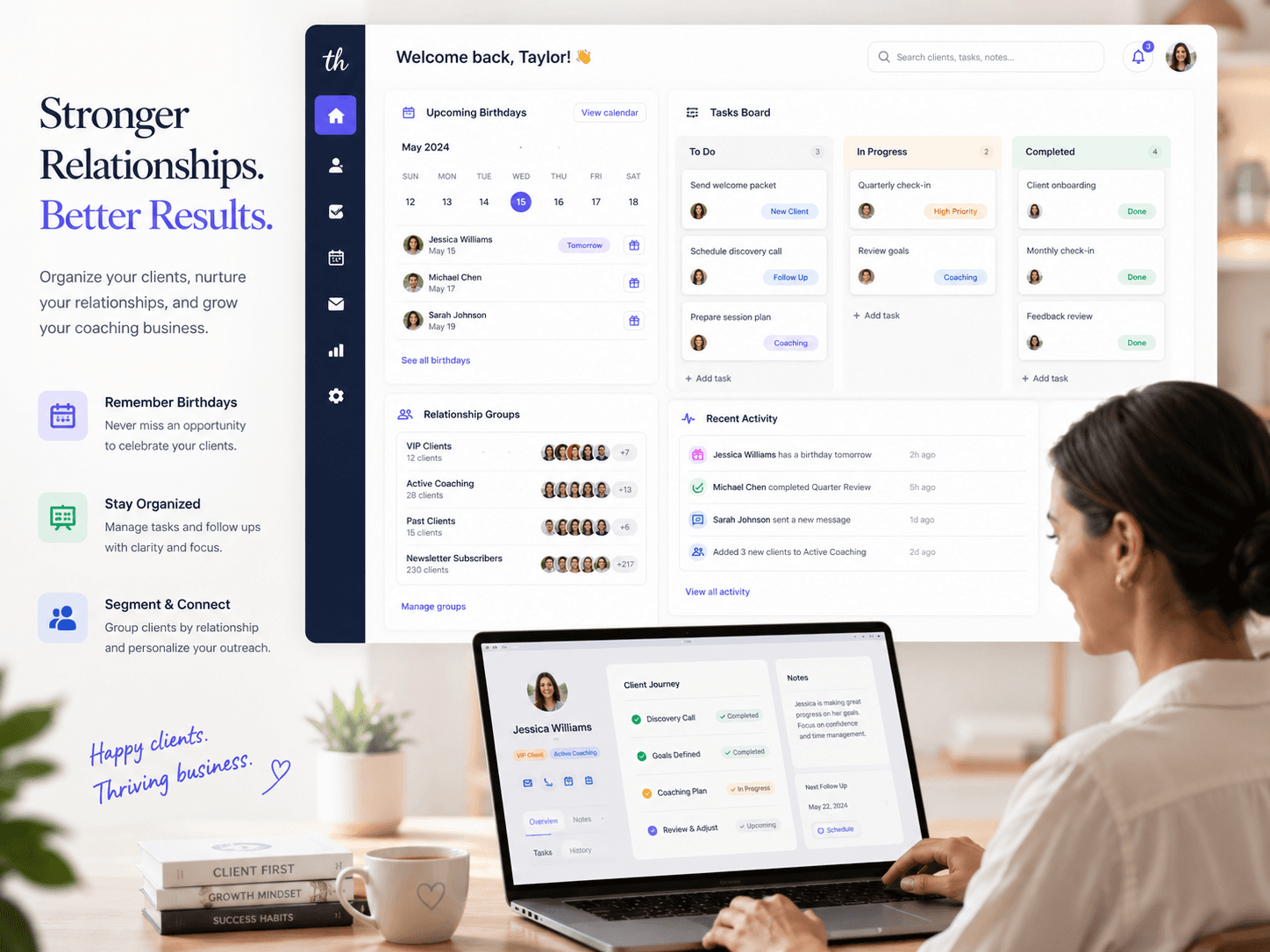
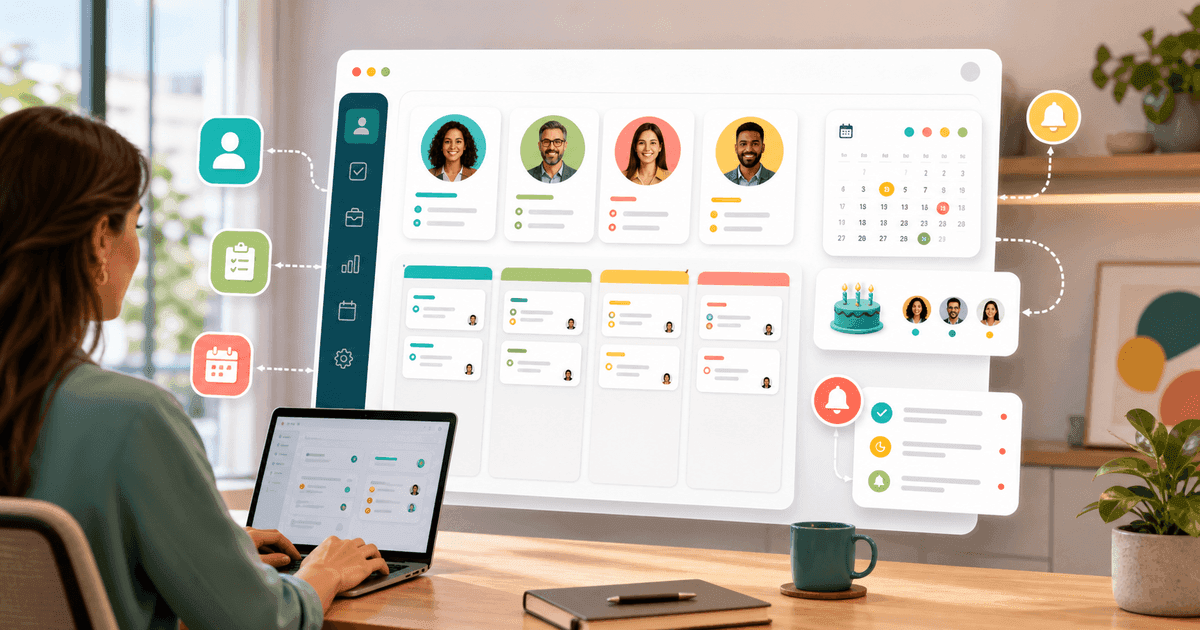
A client birthday calendar organizes important dates in a simple view and triggers reminders before the day passes. To work well, it needs to connect registration, groups, alerts and messages in one workflow.
If birthdays are scattered across a spreadsheet, phone calendar and WhatsApp conversations, you may have the data, but you do not have a process. The result is predictable: forgotten dates, late messages and missed relationship opportunities.
Why use a specific calendar for clients
A regular calendar was built for appointments. A spreadsheet was built to store data. Neither one was designed to manage relationships with clients, patients or students.
A client birthday calendar should show:
- Who has a birthday today
- Who has a birthday in the next few days
- Which group the person belongs to
- Whether a ready-made message exists
- Which channel will be used for the reminder
This view helps professionals act quickly without searching through multiple tabs.
What to register for the calendar to work
The minimum is name and birth date. But to turn the calendar into a relationship management routine, also include:
- Phone or Telegram
- Contact group
- Short note about the relationship
- Consent to receive communications
With this data, the calendar becomes more than a list of dates. It becomes a lightweight CRM for small businesses.
Practical examples by niche
For dentists, the calendar can separate orthodontics, cleaning and implant patients. For salons, it can separate hair, aesthetics and manicure clients. For personal trainers, it can separate active clients, paused clients and leads.
This organization lets you adapt the message. A patient needs a caring tone; a salon client may receive a warmer invitation; a student can receive a motivational note.
Comparison: Niverly vs Google Calendar vs Spreadsheet
| Feature | Niverly | Google Calendar | Spreadsheet |
|---|---|---|---|
| Visual birthday calendar | ✅ Yes | ⚠️ Manual | ⚠️ Manual |
| Public registration link | ✅ Yes | ❌ No | ❌ No |
| Email reminders | ✅ Yes | ✅ Yes, manual | ❌ Not automatic |
| Telegram reminders | ✅ Yes | ❌ No | ❌ No |
| Group organization | ✅ Yes | ⚠️ Limited | ⚠️ Manual |
| Ready-made birthday messages | ✅ Yes | ❌ No | ❌ No |
| Price for complete features | From R$19.90/month | Free, but generic | Free, but manual |
Niverly's difference: it does not only show the date. It connects registration, calendar, reminder and message to reduce repetitive work.
How to use the calendar day to day
The ideal routine takes only a few minutes:
- Open the birthday view for the week
- Check who needs a message today
- Use a template or adjust a short sentence
- Register groups to improve future communication
- Keep upcoming reminders configured
The gain comes from repetition. When the process is simple, you can maintain relationships even during busy weeks.
Checklist: Build Your Calendar in 15 Minutes
- Gather names and birth dates you already have
- Fix incomplete dates before importing or registering contacts
- Separate contacts into groups such as patients, students and active clients
- Enable email or Telegram reminders
- Create at least three ready-made messages by audience type
- Share your public link so new clients enter the calendar automatically
How to choose between calendar, spreadsheet and system
If you only have a few personal contacts, a regular calendar may be enough. If you serve clients frequently and want professional relationship management, a system prevents forgotten dates and organizes the next action.
- A calendar remembers appointments: useful, but limited for relationships
- A spreadsheet stores data: good at first, fragile as the base grows
- Niverly creates a routine: calendar, groups, reminders and messages in one workflow
A client birthday calendar is not decoration. It is a simple tool to keep your brand present at the right moment.
Frequently Asked Questions
How do I create a client birthday calendar?
Start by gathering each client name, birth date and contact channel. Then organize contacts by groups and configure reminders before the date. In a system like Niverly, new clients can register through a public link and appear automatically in the calendar without manual typing.
Can Google Calendar work for client birthdays?
It can work for a small number of contacts, but it requires manual entry and does not organize relationships. You need to create events, adjust reminders and write messages elsewhere. For professional use, a client-specific calendar makes groups, templates, Telegram reminders and automation easier.
What information is required to track birthdays?
The basics are name and birth date. For a professional routine, include email, phone, client group and communication consent. These fields help you send better messages and keep the database organized without depending on old WhatsApp conversations.
When should I use a system instead of a manual calendar?
When you start forgetting dates or checking a spreadsheet every week, a system is already useful. There is no magic number, but above 20 or 30 contacts manual routines often fail. The benefit is reducing forgotten birthdays and saving operational time.
Can the calendar send messages automatically?
It depends on the tool. A regular calendar usually only reminds you. In Niverly, reminders can support ready-made messages and automations depending on the plan. That way, the date becomes more than information; it becomes a relationship action.
Ready to organize your client base?
Create your personalized registration link in 3 minutes. Free to start.
Start Free