 Niverly Team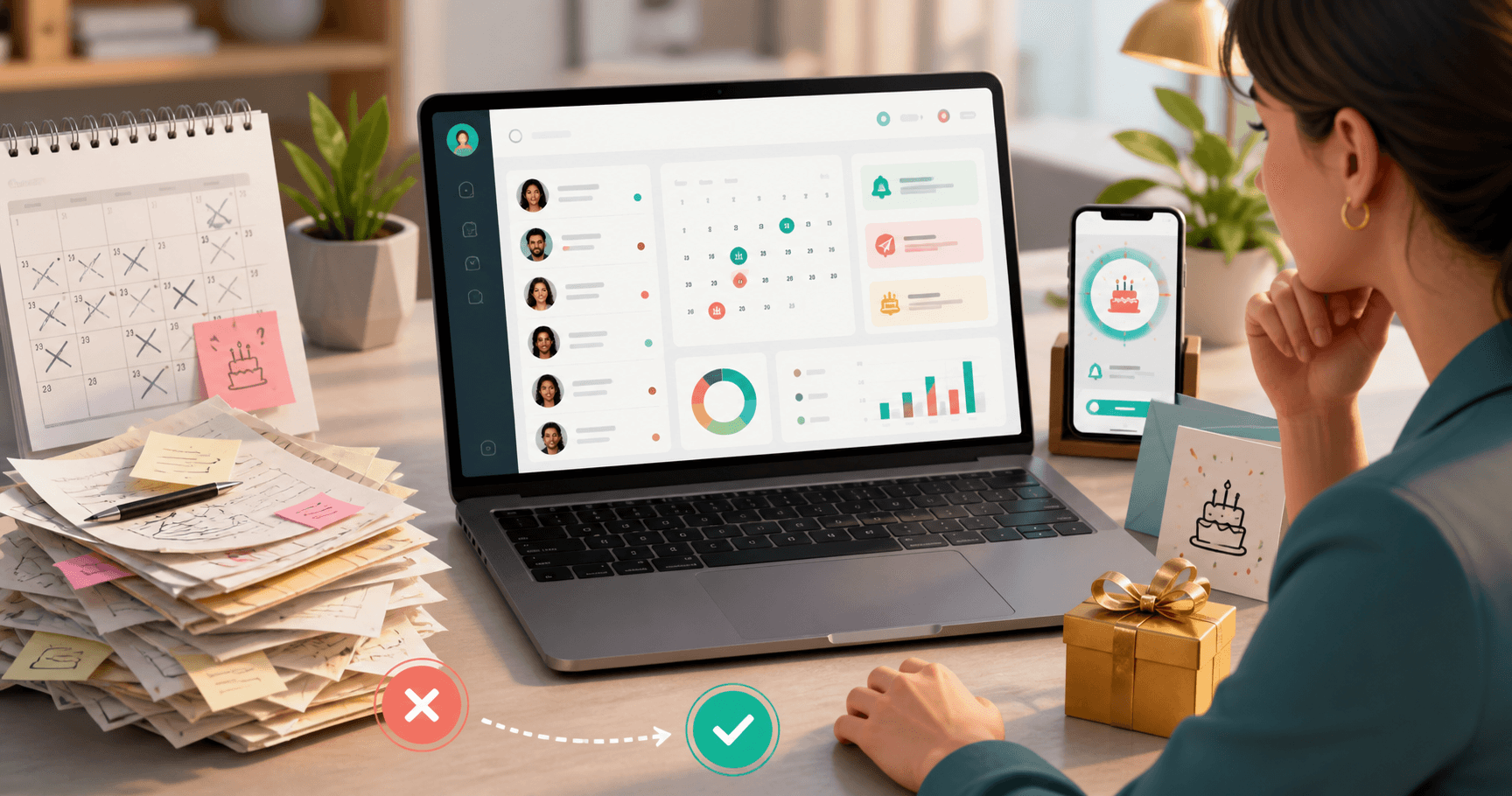
The best system for client birthday reminders is the one that does not depend on your memory. It should organize the data, notify you before or on the right day and make it easier to send a personalized message. If a tool only stores dates but does not help you act, it solves only half the problem.
For independent professionals, clinics, salons, stores and small businesses, a client birthday is a simple retention touchpoint. The client feels remembered, your brand stays present and you build relationships without running a large campaign.
What to evaluate in a reminder system
Before choosing a tool, think about your real routine. You do not need a complex system. You need something that works when your schedule is full.
Easy registration
The system should let you register name, contact details, birth date and relationship group without friction. It is even better when it includes a public link so clients can fill in their own data.
Automatic reminders
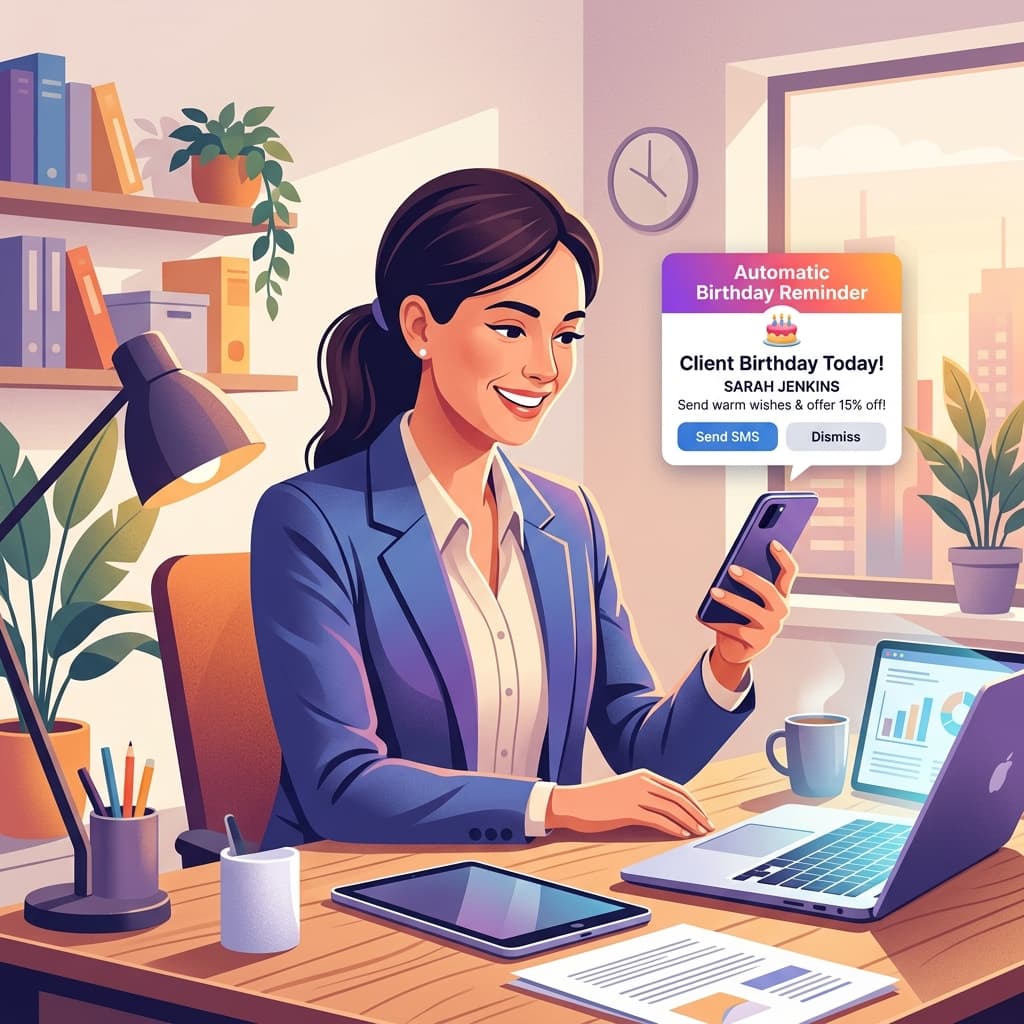
Manual reminders do not scale. Ideally, you receive alerts by email, Telegram or dashboard with enough time to prepare a message, benefit or follow-up.
Personalized messages
Remembering the date is the beginning. The system becomes more useful when it supports templates, groups and automatic messages. That prevents generic text and keeps a professional standard.
Relationship groups
Clients are not all the same. Patients, students, VIP clients, recurring customers and inactive contacts may need different approaches. Groups make communication more relevant.
History and continuity
A good system should support relationships over time. Beyond birthdays, it should help organize tasks, follow-ups, after-sales work and reactivation.
Why spreadsheets and calendars fail
Spreadsheets, Google Calendar and paper planners work when the database is small. The problem starts when you need to check everything every day, keep data updated and still send messages.
The weak points are clear:
- They depend on manual review
- They do not collect data by themselves
- They do not create messages automatically
- They do not separate clients by relationship
- They do not connect birthdays with tasks and follow-up
The right tool should not only remind you. It should turn the reminder into action.
Comparison: Niverly vs Google Calendar vs Spreadsheet
| Feature | Niverly | Google Calendar | Spreadsheet |
|---|---|---|---|
| Link for clients to register birthdays | ✅ Yes | ❌ No | ❌ Not native |
| Email and Telegram reminders | ✅ Yes | ⚠️ Depends on setup | ❌ Not automatic |
| Automatic birthday messages | ✅ Yes | ❌ No | ❌ No |
| Relationship groups | ✅ Yes | ❌ No | ⚠️ Manual |
| Tasks linked to clients | ✅ Yes | ❌ No | ⚠️ Manual |
| Price for full features | Starts at R$19.90/month | Free, but limited | Free, but manual |
Niverly's difference: it combines CRM for small businesses, a birthday calendar, automatic reminders and relationship messages in one simple tool.
Which system makes sense for each stage
Small database and early organization
If you have only a few clients, start with a system that makes registration and basic reminders easy. Niverly's free plan can be enough to validate the workflow and move away from spreadsheets.
Growing database
When the list grows, the value is automation. Telegram reminders, groups, personalized links and automatic messages reduce manual work.
Database with recurring relationships
If you depend on repeat purchases, returns, appointments or continuous follow-up, the system should go beyond birthdays. Tasks, groups and history help turn dates into a retention routine.
Practical examples
Dentists and clinics
Use reminders to send thoughtful birthday greetings and maintain proximity without being invasive. Also track follow-ups and tasks linked to each patient.
Salons and aesthetics
A birthday can trigger a special condition, return invitation or relationship message. An organized database helps segment by service and frequency.
Personal trainers and teachers
The message keeps the bond with active and former students. For renewal-based services, this helps reduce forgetfulness and churn.
Stores and small businesses
Beyond birthdays, use the system for after-sales work, reactivation and group campaigns. The reminder becomes a concrete relationship action.
Checklist: Choose the Right System in 10 Minutes
- Check whether the tool registers birth dates easily
- Confirm automatic reminders by email or Telegram
- Look for a public registration link
- See whether you can split clients into groups
- Check for automatic messages or templates
- Test whether the routine works without opening a spreadsheet every day
- Choose a tool that also supports tasks and relationship management
The best system for client birthday reminders is the one that reduces manual work and increases relationship consistency.
- You gain predictability: important dates appear without daily manual review
- You improve the experience: clients receive contact at the right time
- You create retention: Niverly helps turn birthdays, tasks and your client base into a simple relationship routine
If your operation still depends on a spreadsheet or calendar, choose a tool that solves the complete workflow: registration, reminder, message and next step.
Frequently Asked Questions
What is the best system for client birthday reminders?
The best system organizes records, dates, groups and automatic reminders in one place. For independent professionals and small businesses, Niverly is strong because it combines a registration link, email and Telegram alerts, automatic messages and tasks linked to clients in a simple workflow.
Can Google Calendar remember client birthdays?
It can work for a few contacts, but it requires manual entry and does not solve the full relationship workflow. It reminds you of the date, but does not create a client database, groups, public links, automatic messages or history. As the database grows, a simple CRM usually saves more time.
Is a spreadsheet enough to track client birthdays?
A spreadsheet is enough only at the beginning, when you accept reviewing everything manually. The problem is that it does not alert you by itself, send messages or connect birthdays with tasks and relationship work. If you want consistency, an automatic system reduces failures.
Should the system send messages or only remind me?
It depends on your routine. A reminder helps, but it still leaves manual work for you. When the system also supports templates and automatic sending, the relationship becomes more consistent. For larger databases, that difference saves time and prevents forgotten contacts.
How much does a client birthday reminder system cost?
There are free options, but they usually require more manual work. With Niverly, you can start free with a smaller database and upgrade when you need more contacts, automations, Telegram, a personalized link and automatic birthday messages in one organized workflow.
Ready to organize your client base?
Create your personalized registration link in 3 minutes. Free to start.
Start Free