 Niverly Team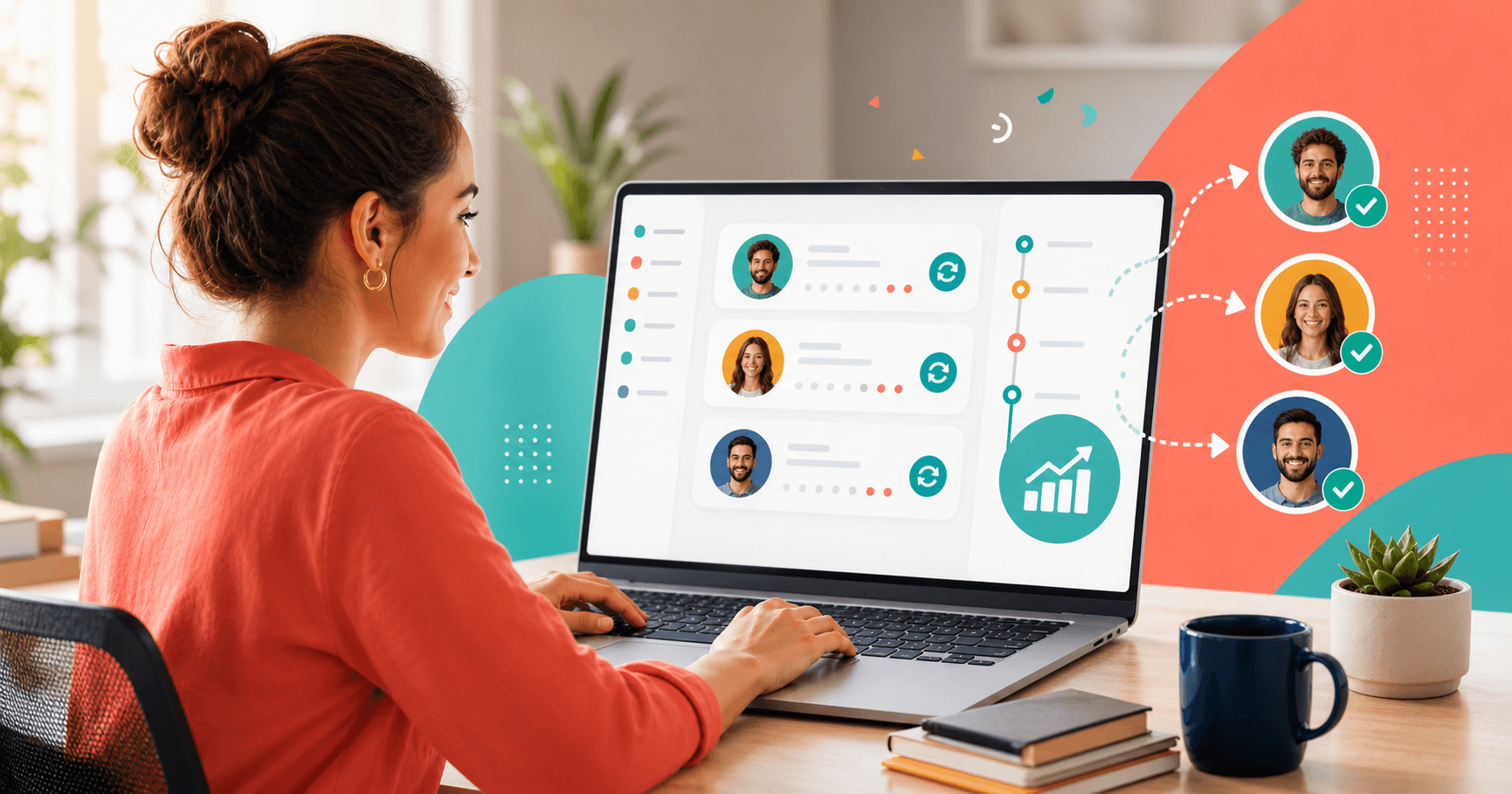
Clients who stop using a service rarely say goodbye. They just disappear. For an independent professional or small business, every inactive client represents revenue that was there — and stopped coming in without warning.
The problem isn't losing clients. It's not having a process to identify them and act before the silence becomes permanent. Reactivating an inactive client costs between 3 and 5 times less than acquiring a new one. Yet most professionals have no basic map of who stopped showing up.
This article covers 5 practical strategies to reactivate inactive clients with relevant communication, no pressure. And shows how Niverly — a simple CRM for relationship management — can automate most of that process.
Why Do Clients Become Inactive?
Most don't disappear because they were unsatisfied. Clients go inactive due to routine changes, lack of regular contact from the professional, the feeling of not being remembered — or simply because a competitor communicated more frequently.
That means, in most cases, reactivation is possible with the right contact at the right time.
The most common inactive client profiles:
- Clients who disappeared after a natural break (post-vacation, post-seasonal dates)
- Contacts who didn't respond to a last outreach attempt
- Patients or students who simply stopped booking appointments
- Clients who moved to a competitor but didn't fully close the door
5 Strategies to Reactivate Inactive Clients
1. Use the birthday as a re-engagement moment
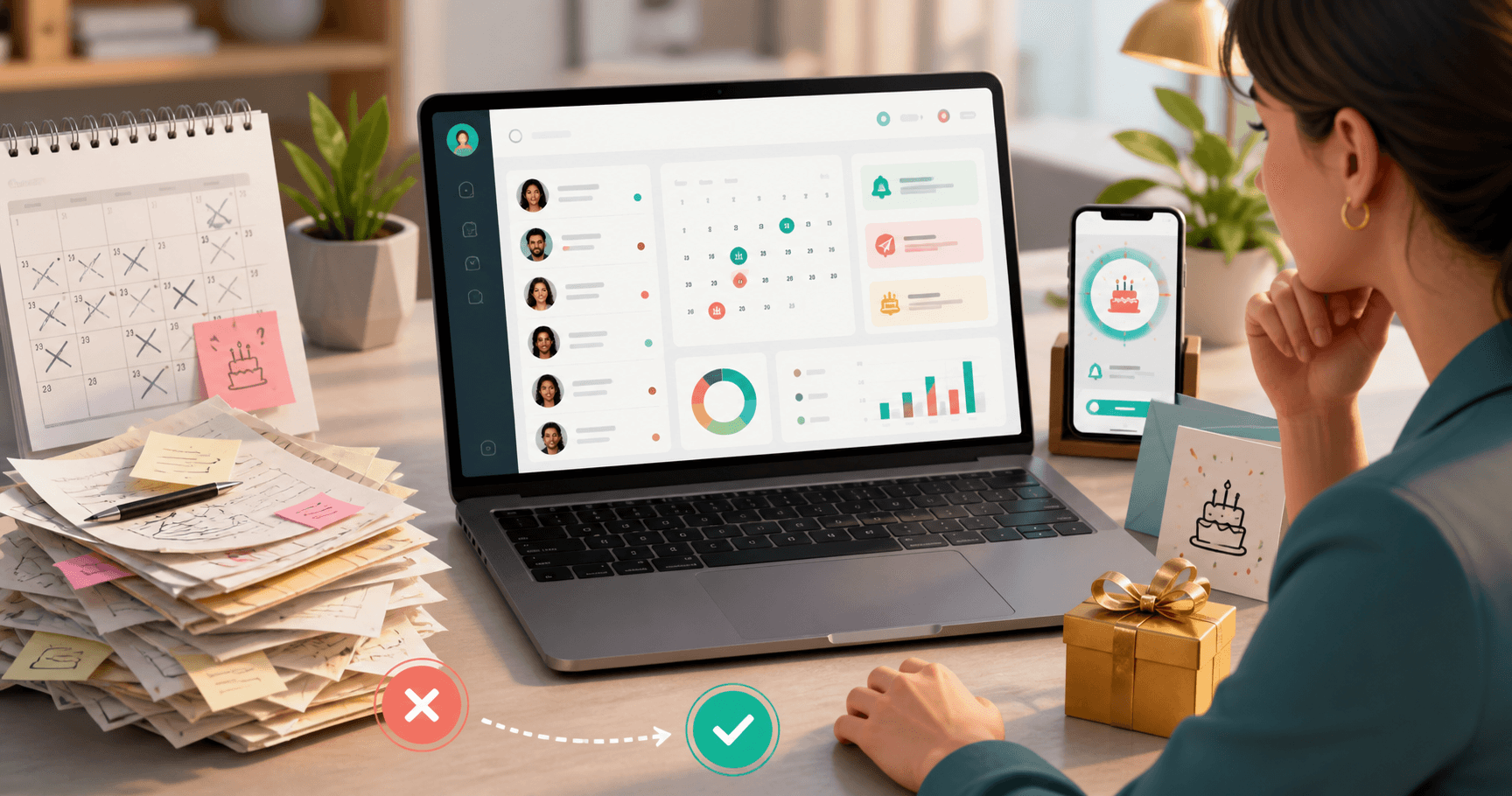
A birthday is the most natural context for reaching out without seeming intrusive. A client who disappeared six months ago will receive a personalized birthday message very differently from a cold offer.
The logic is simple: you set up automatic birthday messages — before the day, on the day, or after — and use that moment to remind them you exist and that you value them. No sales pressure.
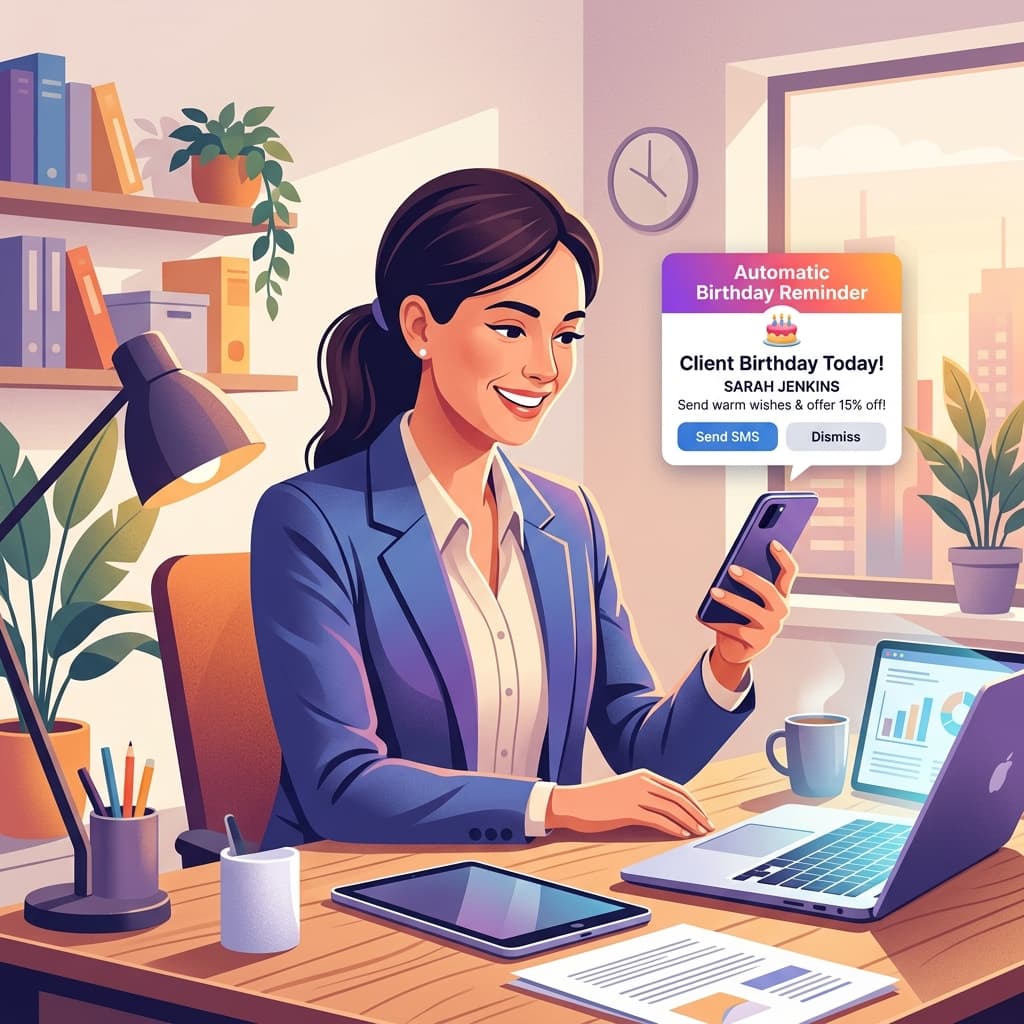
With Niverly, this trigger is automatic as the birthday approaches. You set up the template once and the system handles the email on the right date.
2. Set up automatic messages at three different moments
Professionals who only use one message on the birthday itself miss the re-engagement window. Niverly lets you set up messages at three different moments:
- Before the birthday: Let them know you remembered and have something special
- On the day: Send personalized congratulations with a soft CTA
- After the birthday: Reinforce the contact with a follow-up message
This sequence creates a small but effective reactivation journey with no extra effort in your daily routine.
3. Run a raffle among your client base
A raffle engages your base with less friction than a direct promotion. It works especially well for reactivating clients who disappeared because the business went quiet for a while.
In Niverly, you can set up a raffle filtering only clients from a specific group — for example, those who haven't shown up in over 90 days. Choose a relevant prize (discount, free session, product), run the raffle with a proof document, and notify winners by email. The action gains credibility because it is documented.
4. Segment your base by relationship groups
Not every inactive client deserves the same approach. Someone who stopped coming 2 months ago is different from someone who disappeared a year ago.
Niverly lets you organize clients into relationship groups — for example: Active, Inactive 90 days, Inactive 6 months, Former clients. With this segmentation, you can:
- Create automatic messages specific to each relationship group
- Limit raffles to profiles with the most return potential
- Filter who receives automatic birthday reminders
Segmentation turns a generic action into contextual communication — with a much higher chance of results.
5. Create follow-up tasks linked to clients
Reactivating a client often takes more than one attempt. Call, send a message, schedule an appointment. Without organization, these actions get lost in the daily chaos.
In Niverly, you can create tasks linked directly to each client, with list or kanban visualization. You record what needs to be done, mark it complete when you make progress, and maintain the history of each contact. Reactivation stops being a vague intention and becomes a trackable process.
Examples by Niche
Clinics and healthcare professionals
Patients who missed an appointment and didn't reschedule are the most common inactive profile. A personalized birthday message sent automatically can be the trigger that reminds that patient to book a return visit — without you having to act manually.
Salons, studios, and gyms
A raffle among clients who haven't returned in the last 60 days, with a free service as the prize, works as reactivation without looking like a desperate discount. The action has context and structure.
Personal trainers, coaches, and consultants
Clients who paused due to schedule or budget rarely permanently close the door. A sequence of automatic birthday messages, combined with a follow-up task, keeps the relationship alive even during the pause.
Comparison: Manual Reactivation vs Niverly
| Feature | Manual Reactivation | Niverly |
|---|---|---|
| Identify inactive clients | ⚠️ Manual spreadsheet check | ✅ Groups and filters in your base |
| Personalized birthday message | ⚠️ Depends on manual memory | ✅ Automatic before/on/after |
| Raffle within a specific segment | ❌ No structure | ✅ With filters and proof document |
| Follow-up tasks per client | ⚠️ Notepad or WhatsApp | ✅ List and kanban linked to client |
| Contact history | ❌ Usually lost | ✅ Centralized in client profile |
| Price for full features | Professional's time cost | From R$19.90/month |
Niverly's advantage: client reactivation stops being an occasional action and becomes a natural part of your relationship management flow.
Checklist: Reactivate Your Inactive Clients in 20 Minutes
- Organize your base and identify who hasn't appeared in over 90 days
- Create a relationship group for inactive clients in Niverly
- Set up a personalized automatic birthday message for that group
- Create a raffle with a filter for clients in the inactive group
- Create follow-up tasks for strategic contacts
- Monitor returns and move reactivated clients to the active group
Reactivating inactive clients doesn't require an elaborate campaign. With the right contact at the right time, part of your base comes back on its own.
- You recover existing revenue: reactivating costs 3 to 5 times less than acquiring new clients
- You automate contact: birthday and automatic messages work without extra operational effort
- You centralize everything in Niverly: organized base, reminders, raffles and tasks in the same relationship flow
Frequently Asked Questions
How do I identify inactive clients in my base?
Start with a simple criterion: who hasn't shown up or had contact in the last 60 or 90 days. If your base is organized by relationship groups, filtering becomes even easier. In Niverly, you can create specific groups for inactive clients and see who needs re-engagement without going through any spreadsheet.
What is the best moment to reach out to an inactive client?
A birthday is the most natural and least intrusive moment. A client who disappeared months ago will receive a personalized birthday message very differently from a cold promotion. Seasonal dates also work. The key point is having context for reaching out instead of sending a generic message out of nowhere.
Do birthday messages really reactivate inactive clients?
It depends on how personalized and contextual the message is. A generic message has little effect. But when it comes with the client's name, a human tone, and a soft invitation, it reminds them you exist — and that you care. Combined with a before, on the day, and after sequence, the impact is much greater than a single action.
Is it worth running a raffle just for inactive clients?
Yes, and it is one of the most effective approaches. A raffle filtered for clients who haven't appeared in a specific period creates a concrete reason to reach out without feeling like sales pressure. With a relevant prize and a proof document, the action has more credibility — and whoever won has a real reason to come back.
Does Niverly work for reactivating clients in any field?
Yes. Niverly was built for independent professionals and small businesses across different niches: healthcare, beauty, fitness, education, consulting. The reactivation logic — automatic reminders, personalized messages, filtered raffles and per-client tasks — works in any field, as long as you have a minimally organized client base.
Ready to organize your client base?
Create your personalized registration link in 3 minutes. Free to start.
Start Free