 Niverly Team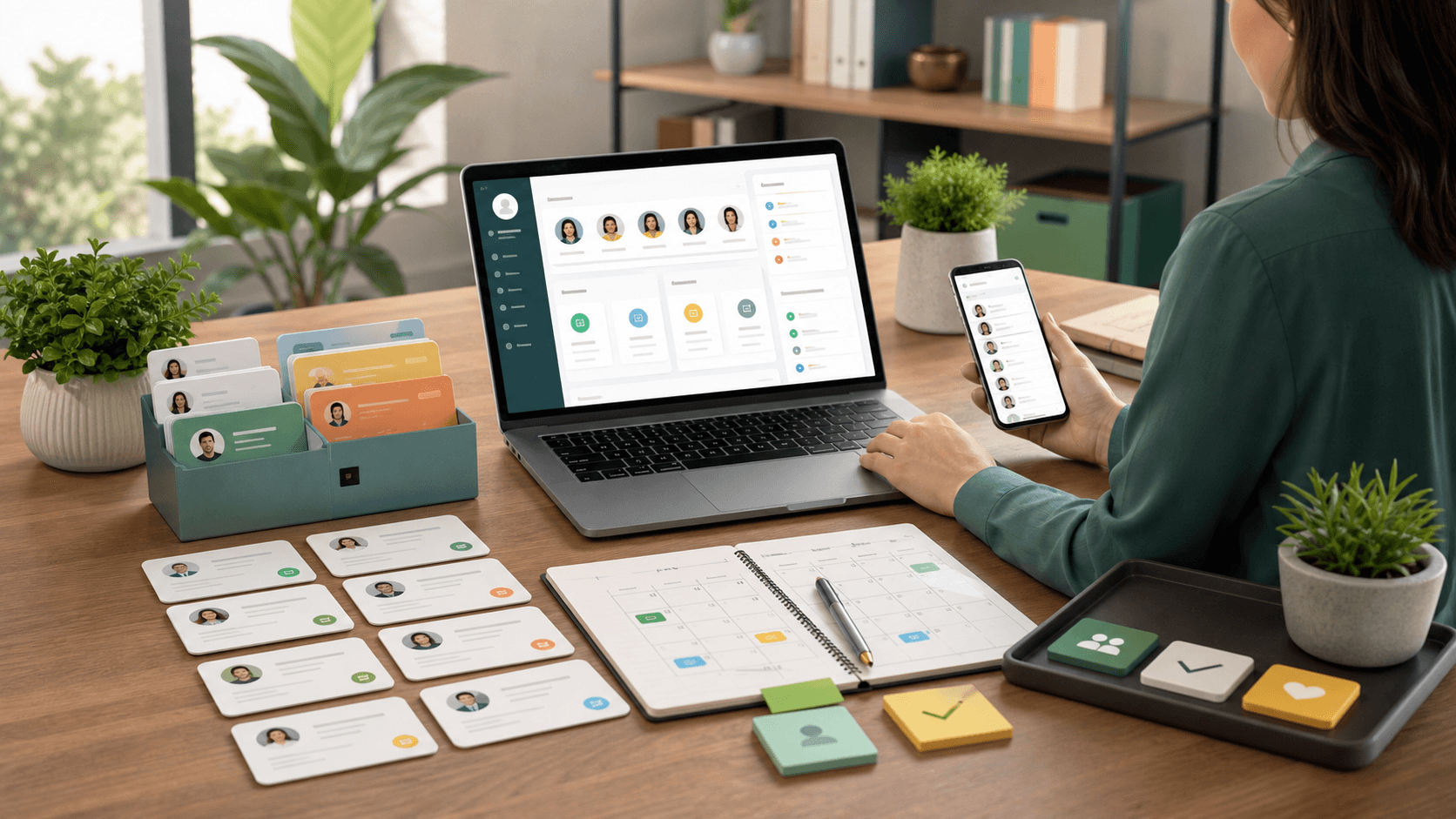
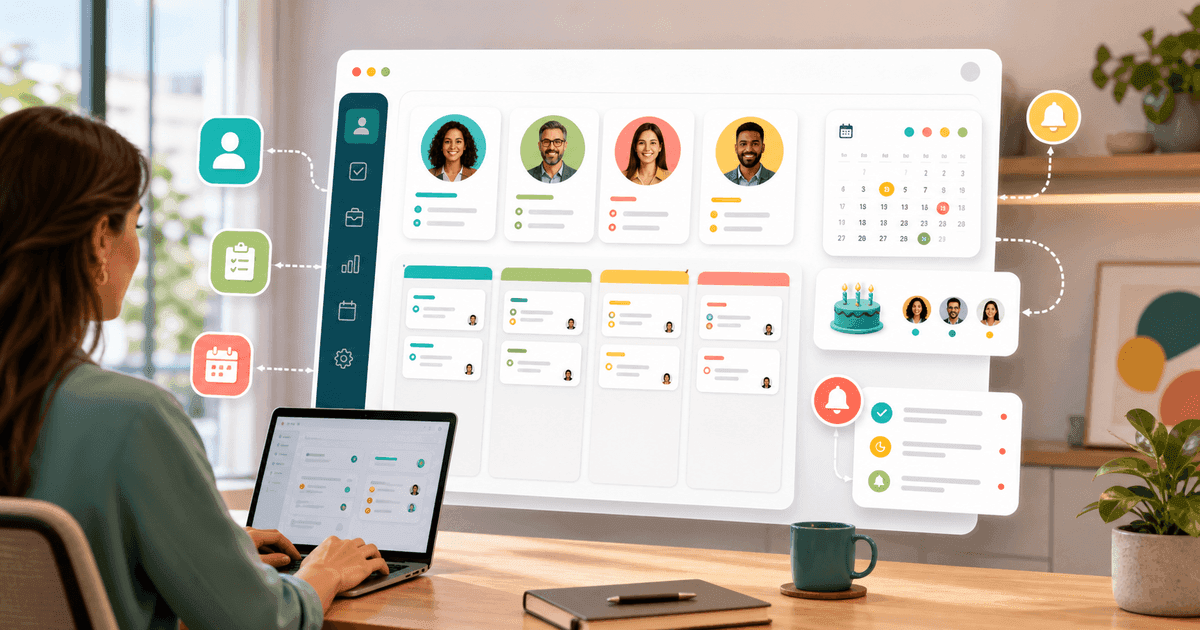
A CRM for small businesses should organize clients, contacts, tasks and important dates without requiring a complex implementation. If the tool becomes another burden instead of helping your routine, it misses the point.
For clinics, salons, studios, consultants, local stores and small teams, the best CRM turns client relationships into a repeatable workflow: clients submit their own data, the database stays organized, reminders arrive at the right time and every touchpoint becomes a retention opportunity.
What a CRM for small businesses means
CRM means customer relationship management. In practice, it is the system that helps your business know who your clients are, how to contact them and what next action needs to happen.
In a small operation, this usually includes:
- Client, patient or student registration
- Phone, email, birthday and basic preferences
- Relationship groups, such as active, inactive, VIP or lead
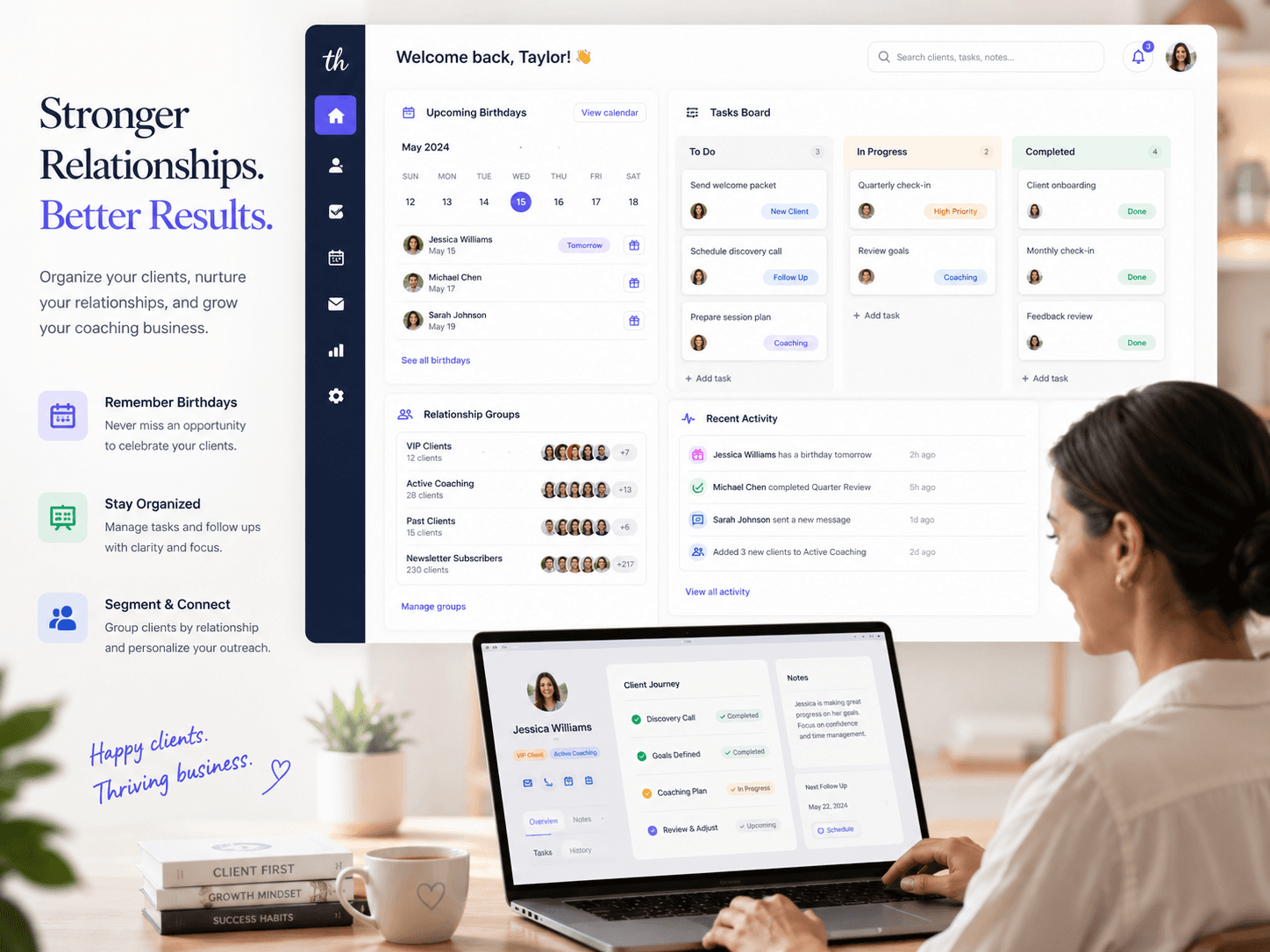
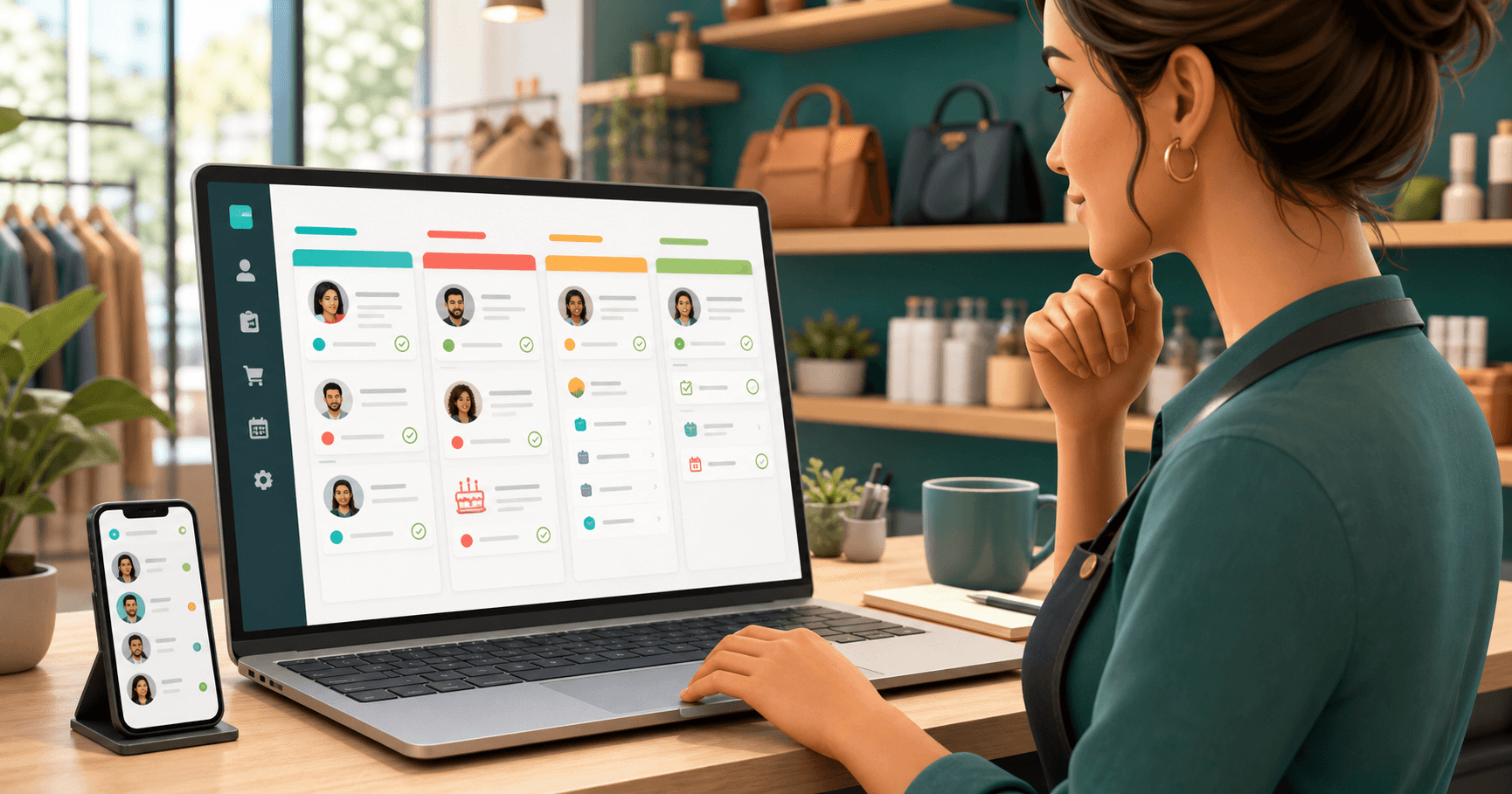
- Tasks linked to each client
- Automatic reminders by email and Telegram
- Birthday and reactivation messages
- Raffles and engagement actions inside your own contact base
The main point: a CRM for small businesses does not have to start with a complex sales pipeline. It can start with a clean client base and consistent relationship follow-up.
When spreadsheets start slowing you down
A spreadsheet works while you have few contacts and almost no follow-up routine. The problem appears when your base grows and you need to remember birthdays, follow-ups, pending messages and who should join a campaign.
Signs your spreadsheet has become a bottleneck:
- You search for client data in old WhatsApp conversations
- Clients send information in different places
- Important dates depend on memory
- Tasks are scattered across notes, calendars or paper
- Birthday messages are sent only when someone remembers
- Engagement actions, such as raffles, are handled manually
For small businesses, this kind of disorganization costs time and repeat revenue. The client does not see your spreadsheet. They see whether you remember, respond and follow up at the right time.
Essential features of a lightweight CRM
A registration link to reduce typing
A public link lets clients, patients or students submit their own data from their phones. This reduces typing errors, saves team time and creates an organized entry point for new contacts.
Example: a clinic can send the link on WhatsApp before the first appointment. A salon can place the link on Instagram. A personal trainer can send the registration link as soon as a student joins a plan.
A database segmented by groups
Not every client should receive the same communication. Groups help separate active clients, inactive clients, former patients, trial students, leads, VIP clients or people from a specific location.
This segmentation improves relationship marketing because each message feels closer to the person's real context.
Automatic reminders and messages
A simple CRM must turn data into action. If the system knows a client's birthday, it should remind you by email or Telegram and, when appropriate, send an automatic birthday email.
In Niverly, this workflow can happen before, on and after the birthday. That keeps your business present without manual checking every morning.
Tasks linked to the right client
A task without context gets lost. When a task is linked to the right client, it is clear what needs to happen and why.
This helps with routines such as:
- Calling a patient who needs to reschedule a return appointment
- Confirming a student's plan renewal
- Sending a proposal to a consulting client
- Preparing a birthday gift for this month's clients
- Following up after a service interaction
Raffles and campaigns inside your base
Small businesses also need engagement. A client raffle can help reactivate a base, reward repeat clients or bring movement to a slow month.
Ideally, the raffle should use your organized client base, with filters by group, location, gender or period, and create history or proof. That gives more control and avoids improvisation.
Comparison: Niverly vs Spreadsheet vs Traditional CRM
| Feature | Niverly | Spreadsheet | Traditional CRM |
|---|---|---|---|
| Public registration link | ✅ Yes | ❌ No | ⚠️ Depends on setup |
| Birthday organization | ✅ Yes | ⚠️ Manual | ⚠️ Generic |
| Email and Telegram reminders | ✅ Yes | ❌ Not automatic | ⚠️ Often needs integrations |
| Tasks linked to clients | ✅ Yes | ⚠️ Manual | ✅ Yes |
| Automatic birthday messages | ✅ Yes | ❌ No | ⚠️ May require extra automation |
| Raffles in the client base with proof | ✅ Yes | ❌ No | ❌ Usually no |
| Price for complete features | From R$19.90/month | Free, but manual | Varies and may get expensive |
Niverly's difference: it brings relationship management, reminders, tasks and engagement into a simple workflow for small businesses, without turning your routine into a heavy CRM project.
How to apply it by business type
Clinics and healthcare professionals
Use the CRM to separate active patients, former patients and leads. Register birthdays, contact information and notes that fit your workflow. Messages should be careful and professional, without aggressive sales language.
Salons, studios and beauty businesses
Organize clients by main service and return frequency. A birthday reminder can become a light invitation to return, while tasks help track aftercare, packages and preferences.
Personal trainers, teachers and coaches
Separate students by plan, stage and status. Use tasks to track renewals, goals and follow-ups. Important dates help keep the relationship close without relying on memory.
Local stores and service providers
Register repeat clients, birthdays and interests. Then use groups for simple campaigns, raffles and segmented messages. The goal is repeat business, not generic blasts.
Checklist: Set Up a CRM in 30 Minutes
- List the minimum data your business needs from each client
- Create simple groups: active, inactive, lead and VIP
- Register your 20 most important clients first
- Generate a public link so new clients can register themselves
- Activate birthday reminders by email or Telegram
- Create three templates: birthday, return and reactivation
- Organize tasks linked to clients who need follow-up
- Plan one engagement action, such as a raffle for active clients
A CRM for small businesses works when it reduces friction and increases consistency. A tool full of modules does not help if your team still relies on WhatsApp, spreadsheets and memory to manage relationships.
- More organization: clients, dates and tasks stay centralized
- More retention: reminders and messages keep contact happening at the right time
- Less manual work: Niverly helps turn registration, birthdays, tasks and engagement into a simple routine
If your business needs a lightweight CRM to organize relationships without complexity, start with the basics: a registration link, a clean database, automatic reminders and consistent actions with the people who already trust your work.
Frequently Asked Questions
What is a CRM for small businesses?
It is a tool to organize clients, contacts, tasks, important dates and relationship actions in one place. For small businesses, the ideal CRM should be simple, fast to use and focused on practical routine: registering clients, remembering birthdays, tracking follow-ups and keeping in touch without relying on spreadsheets.
Does a small business need a CRM, or is a spreadsheet enough?
A spreadsheet is enough at the beginning, but it becomes limited when you need reminders, segmentation, tasks and recurring messages. A CRM helps turn data into action. Instead of manually checking birthdays, you receive alerts, organize groups and maintain relationships with less rework.
What is the best CRM for a small business?
The best CRM is the one your team can use every day. For small businesses, that usually means easy registration, few required fields, automatic reminders, clear tasks and affordable pricing. If the goal is relationship and retention, Niverly covers the essentials without heavy configuration.
Can a CRM help retain clients?
Yes. Retention depends on consistency, not only promotions. A CRM helps you remember birthdays, follow up, register tasks and send messages at the right time. When clients notice care and organization, they are more likely to return, refer others and keep the relationship active.
How can I start without migrating the whole client base?
Start with your most important clients and the minimum data: name, phone, email and birthday. Then create simple groups and share your public link so new registrations come in automatically. This improves the database gradually without interrupting service or requiring a large migration.
Ready to organize your client base?
Create your personalized registration link in 3 minutes. Free to start.
Start Free