 Niverly Team
A client agenda for beauty salons should not only manage appointments. It should organize client registration, preferences, birthdays, follow-ups, tasks and relationship actions so clients come back at the right time.
When a salon depends only on WhatsApp, memory or spreadsheets, repeat clients disappear quietly. This guide shows how to build a simple relationship agenda focused on retention, repeat visits and less manual work.
What a client agenda for beauty salons means
A traditional schedule answers one question: who is coming today and at what time? A client agenda answers a more useful business question: who are your clients, when should they return and what next action needs to happen?
In practice, a good salon agenda should include:
- Name, phone, email and birthday
- Main service, such as haircut, coloring, nails, brows or aesthetics
- Average return frequency
- Relationship group, such as active, inactive, VIP or lead
- Tasks linked to each client
- Birthday reminders by email or Telegram
- Birthday messages and reactivation actions
The goal is not to make operations complex. It is to turn service into organized relationship management.
Why WhatsApp alone does not protect repeat visits
WhatsApp is great for conversations, but weak for process. Chats move down, clients change subjects, staff members change phones and important history becomes hard to find.
That creates common salon problems:
- A client gets coloring and no one remembers to suggest maintenance
- A birthday passes without a message or small gesture
- A former client goes months without contact
- Service preferences stay buried in chat history
- Follow-up tasks depend on reception memory
- Promotions go to everyone without segmentation
For beauty salons, repeat visits depend on timing. If you contact the client at the right moment, with context, the chance of return increases.
Minimum structure to organize salon clients
You do not need a corporate CRM. You need a simple routine that connects registration, important dates and next actions.
Capture data with a public link
The first step is to stop typing everything manually. With a public link, clients fill in their name, birthday, email, phone and basic information from their own phone.
This link can live in simple places:
- Instagram bio
- WhatsApp Business
- QR code at reception
- Post-service message
- Digital card from the professional
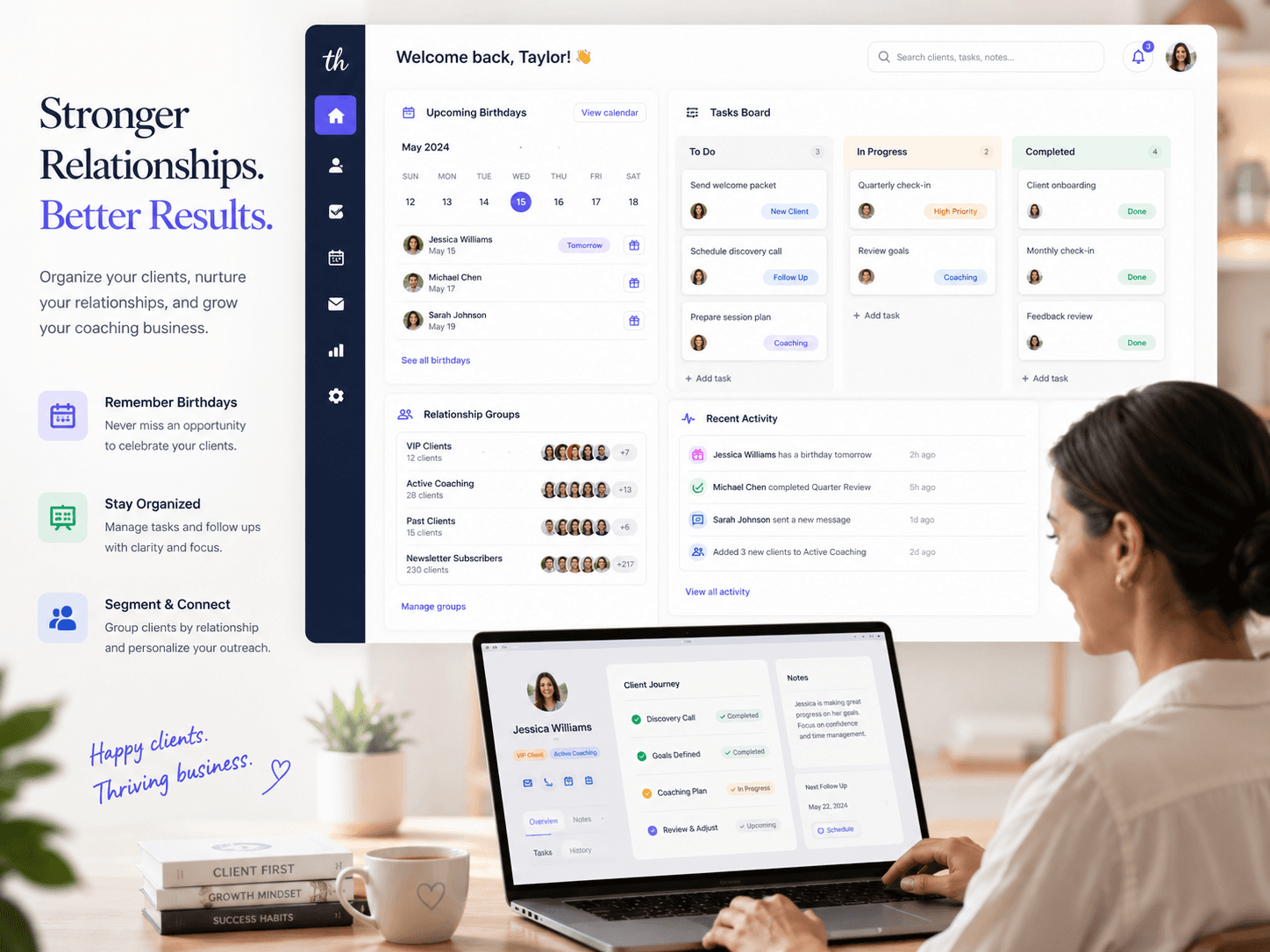
In Niverly, that registration goes straight into your client base. The salon starts organizing relationships without relying on notebooks, screenshots or old messages.
Segment clients into useful groups
Groups help you communicate better. Instead of treating every client the same, you can separate the base by behavior or service type.
Examples for salons, barbershops and beauty studios:
- Active clients
- Clients without a return in 60 days
- VIP or frequent clients
- Coloring
- Nails
- Brows
- Leads who have not booked yet
- Birthday clients of the month
This segmentation improves relationship marketing because each message becomes more relevant and less generic.
Create tasks linked to clients
A task in a note app becomes a forgotten item. A task linked to the client becomes a process.
Use tasks to track:
- Confirm coloring follow-up
- Send post-procedure message
- Remember nail maintenance
- Prepare birthday gesture
- Invite inactive client to a light campaign
- Follow up with a lead who asked for pricing and did not book
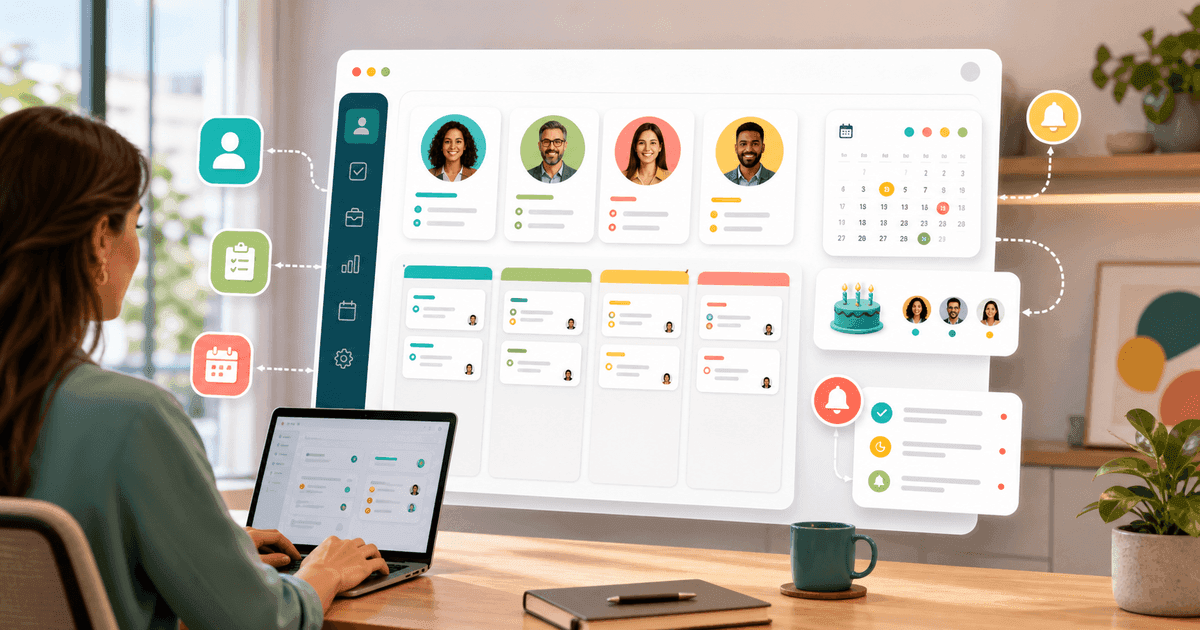
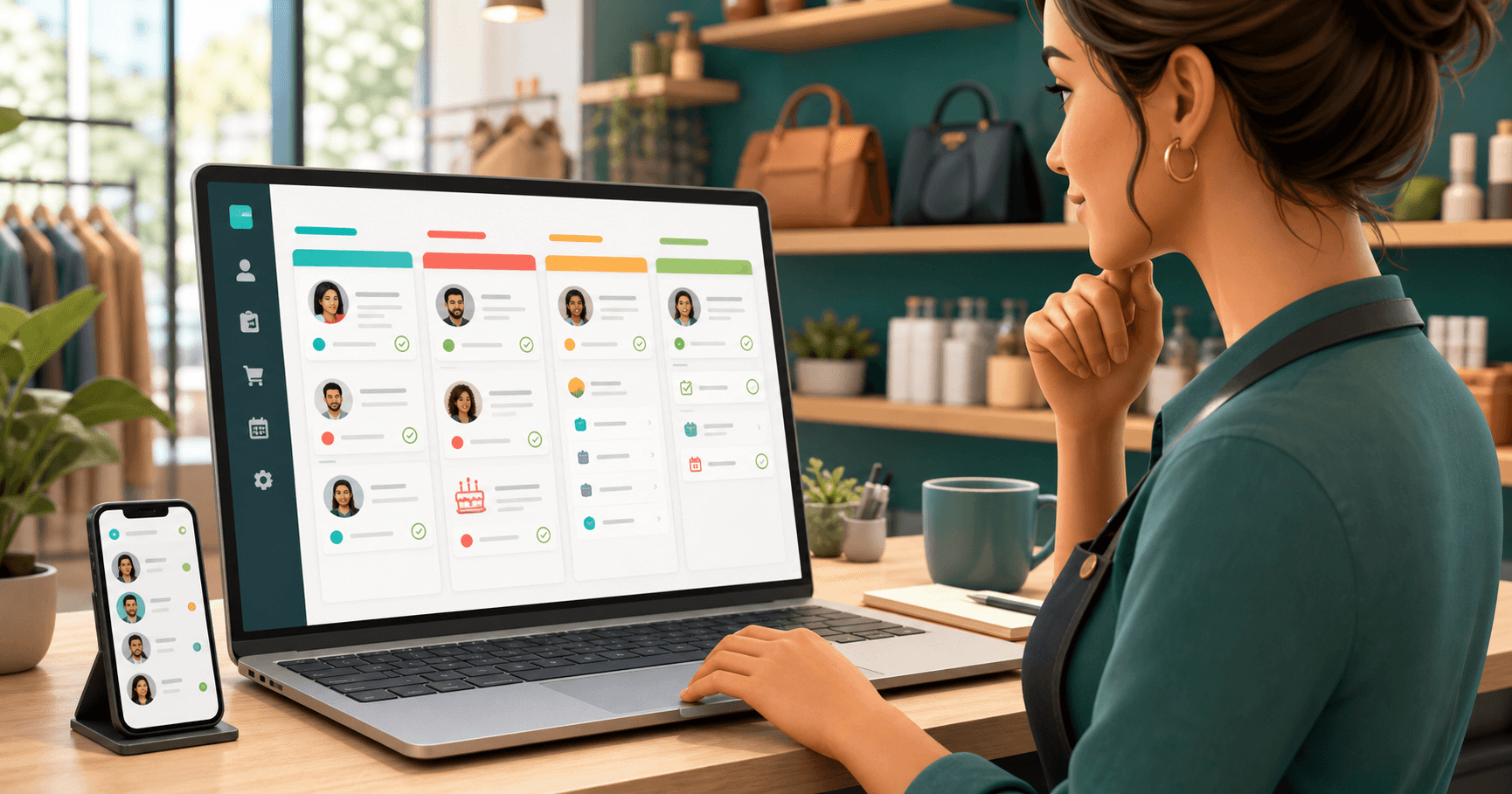
List view helps with daily review. Kanban helps you see flow: to do, in progress, waiting for reply and done.
How to use dates to build loyalty without pressure
Client retention in salons does not depend only on discounts. Often, what brings a client back is the feeling of care, organization and presence.
Birthdays
A birthday is a light relationship touchpoint. You can send a simple message, offer a small gesture or simply show attention.
Example message:
Hi, Ana! Wishing you a happy birthday and a new cycle full of beauty, health and good moments. Congratulations!
In Niverly, you can receive reminders by email or Telegram and also automate birthday emails on paid plans.
Follow-ups and maintenance
Not every service has a fixed return date, but many have a likely window. Coloring, nails, lashes, brows, skin care and aesthetic treatments often follow cycles.
Create tasks or groups to track those moments. This prevents the salon from speaking with the client only when the client reaches out first.
Inactive clients
An inactive client is not always a lost client. Often, they simply did not receive an invitation at the right time.
You can create a monthly task to review clients without recent visits and send a short message, such as:
Hi, Ana! I noticed it has been a while since your last visit. If you want, I can show you the available times for this week.
Comparison: Niverly vs Google Calendar vs Spreadsheet
| Feature | Niverly | Google Calendar | Spreadsheet |
|---|---|---|---|
| Public registration link | ✅ Yes | ❌ No | ❌ No |
| Client base organized by groups | ✅ Yes | ❌ No | ⚠️ Manual |
| Birthday reminders by email and Telegram | ✅ Yes | ⚠️ Limited | ❌ Not automatic |
| Tasks linked to clients | ✅ Yes | ⚠️ Manual | ⚠️ Manual |
| List and kanban views | ✅ Yes | ❌ No | ❌ No |
| Client-base raffle with proof | ✅ Yes | ❌ No | ❌ No |
| Price for complete features | From R$19.90/month | Free, but limited | Free, but manual |
Niverly's advantage: it does not replace your appointment calendar. It complements daily operations with a simple CRM, registration, reminders, tasks and relationship actions that help clients come back.
Practical examples for salons, beauty studios and barbershops
Hair salon
Organize clients by main service: haircut, blowout, coloring, highlights, treatment or bridal. Then create follow-up tasks for maintenance and birthday reminders to keep presence throughout the year.
Nail studio
Use groups for frequent clients, active packages and clients without recent visits. Tasks help remember maintenance, appointment confirmation and post-service messages.
Aesthetics and brows
Register preferences and maintenance cycles. A relationship agenda helps you contact each client at the right interval without sounding like a mass message.
Barbershop
Separate frequent clients, first visits and inactive clients. Reminders and tasks help maintain frequency, strengthen connection and create simple campaigns for slower hours.
Checklist: Organize Your Agenda in 30 Minutes
- Define the minimum client data: name, phone, email and birthday
- Create simple groups: active, inactive, VIP, lead and birthday clients of the month
- Register your 20 most frequent clients first
- Generate a public link so new clients can register themselves
- Turn on birthday reminders by email or Telegram
- Create follow-up tasks for services with recurring maintenance
- Review clients without a return in 60 days
- Plan a light action, such as a birthday gesture or raffle among active clients
A client agenda for beauty salons works when it removes information from scattered conversations and turns data into the next action. The point is not adding another tool. It is creating a simple routine to remember, follow up and communicate better.
- More repeat visits: follow-ups and maintenance no longer depend on memory
- Stronger relationships: birthdays, groups and messages create contextual contact
- Less manual work: Niverly helps capture registrations by link, organize tasks and keep your client base active in a lightweight CRM
If your salon depends on WhatsApp, paper and spreadsheets today, start with the basics: organize the base, create groups, turn on reminders and track each next action linked to the right client.
Frequently Asked Questions
What is a client agenda for beauty salons?
It is a way to organize client data and relationships, not only appointment times. It includes registration, phone, birthday, main service, basic history, groups and next actions. For small salons, this helps remember follow-ups, send timely messages and keep repeat clients without relying only on WhatsApp.
Can I use Google Calendar to organize salon clients?
You can use it for appointments, but it does not solve relationship management. Google Calendar schedules time slots, while a client agenda needs registration, birthdays, groups, tasks and follow-up actions. If the goal is retention and client reactivation, a simple CRM like Niverly gives more context.
How can I remind clients to return without being pushy?
Use context and timing. Instead of sending a generic promotion, create tasks by service and send short messages when they make sense: coloring maintenance, nail return, birthday or months without a visit. The approach feels more natural when the message is tied to the client's history.
Does Niverly work for beauty salons even if it is not an appointment calendar?
Yes. Niverly works as a lightweight CRM to organize client bases, public registration links, groups, birthday reminders, automatic messages, tasks and raffles. It complements your appointment calendar with relationship and retention workflows that usually stay scattered across WhatsApp, spreadsheets and memory.
How do I start without migrating every client at once?
Start with your most frequent clients and the essential data: name, phone, email and birthday. Then create simple groups, turn on reminders and share your public link so new clients register themselves. This lets your database improve gradually without interrupting the salon's daily routine.
Ready to organize your client base?
Create your personalized registration link in 3 minutes. Free to start.
Start Free